Quick start guide
The Quick start guides provide simple step-by-step instructions on how to do an initial system setup for the EVAL-AD463x-FMCZ / EVAL-AD4030-24FMCZ boards on various FPGA development boards. In these guides, we will discuss how to program the bitstream, run a no-OS program or boot a Linux distribution.
Supported carriers
The EVAL-AD463x-FMCZ / EVAL-AD4030-24FMCZ is, by definition, an “FPGA mezzanine card” (FMC); that means it needs a carrier to plug into.
The carriers we support are:
FPGA board |
EVAL-AD4630-24 |
EVAL-AD4630-16 |
EVAL-AD4030-24 |
|---|---|---|---|
FMC LPC |
FMC LPC |
FMC LPC |
Supported environments
The supported OS are:
FPGA board |
HDL |
Linux software |
No-OS software |
|---|---|---|---|
Yes |
Yes |
Yes |
Hardware setup
On the ZedBoard, the EVAL-AD463x-FMCZ / EVAL-AD4030-24FMCZ boards connect to the FMC LPC connector. The carrier setup requires power (12 V), USB OTG, and input signal connections.
ZedBoard + EVAL-AD463x-FMCZ
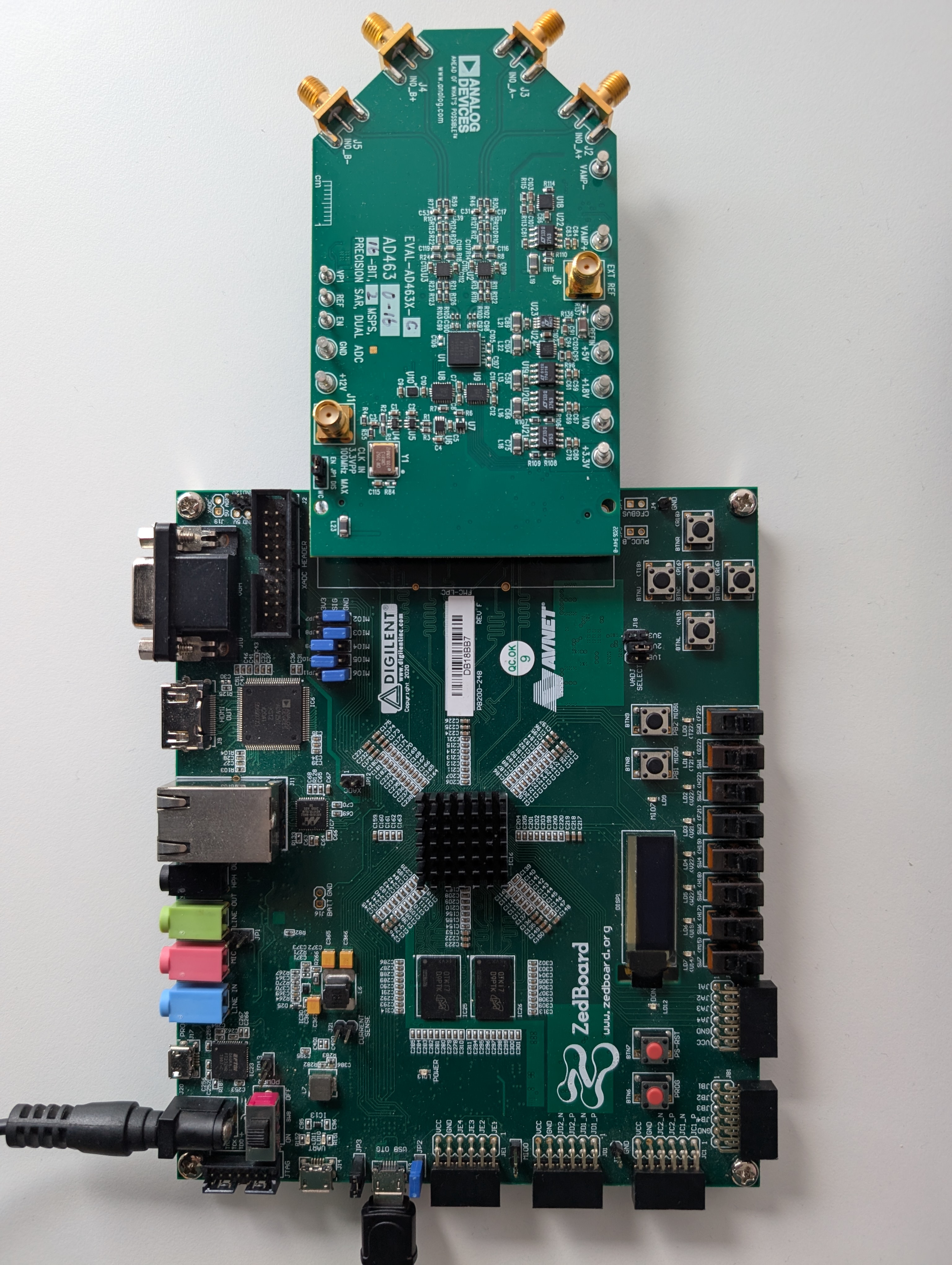
The AD463x/AD403x family uses the Digilent ZedBoard as the default system controller. The ZedBoard web page contains more technical documentation on the board. In addition to the ZedBoard, other 3rd party boards that have an FMC form factor may also be used with the AD463x/AD403x family of boards.
Go to the setup guide.