Quickstart
The Quick start guides provide simple step by step instructions on how to do an initial system setup for the EVAL-AD5766/67-SD2Z boards on various FPGA development boards. In these guides, we will discuss how to program the bitstream, run a no-OS program or boot a Linux distribution.
Supported carriers
The EVAL-AD5766/67-SD2Z, is, by definition a “FPGA mezzanine card” (FMC); that means it needs a carrier to plug into.
The carriers we support are:
FPGA board |
|
|---|---|
FMC |
Supported environments
The supported OS are:
FPGA board |
HDL |
Linux software |
No-OS software |
|---|---|---|---|
Yes |
No |
Yes |
Hardware setup
On most carriers, the EVAL-AD5766/67-SD2Z boards connects to the FMC connector (unless otherwise noted). The carrier setup requires power, UART (115200), Ethernet (if Linux available), HDMI (if available) and/or JTAG (if no-OS available) connections. A few typical setups are shown below.
ZedBoard + EVAL-AD5766/67-SD2Z
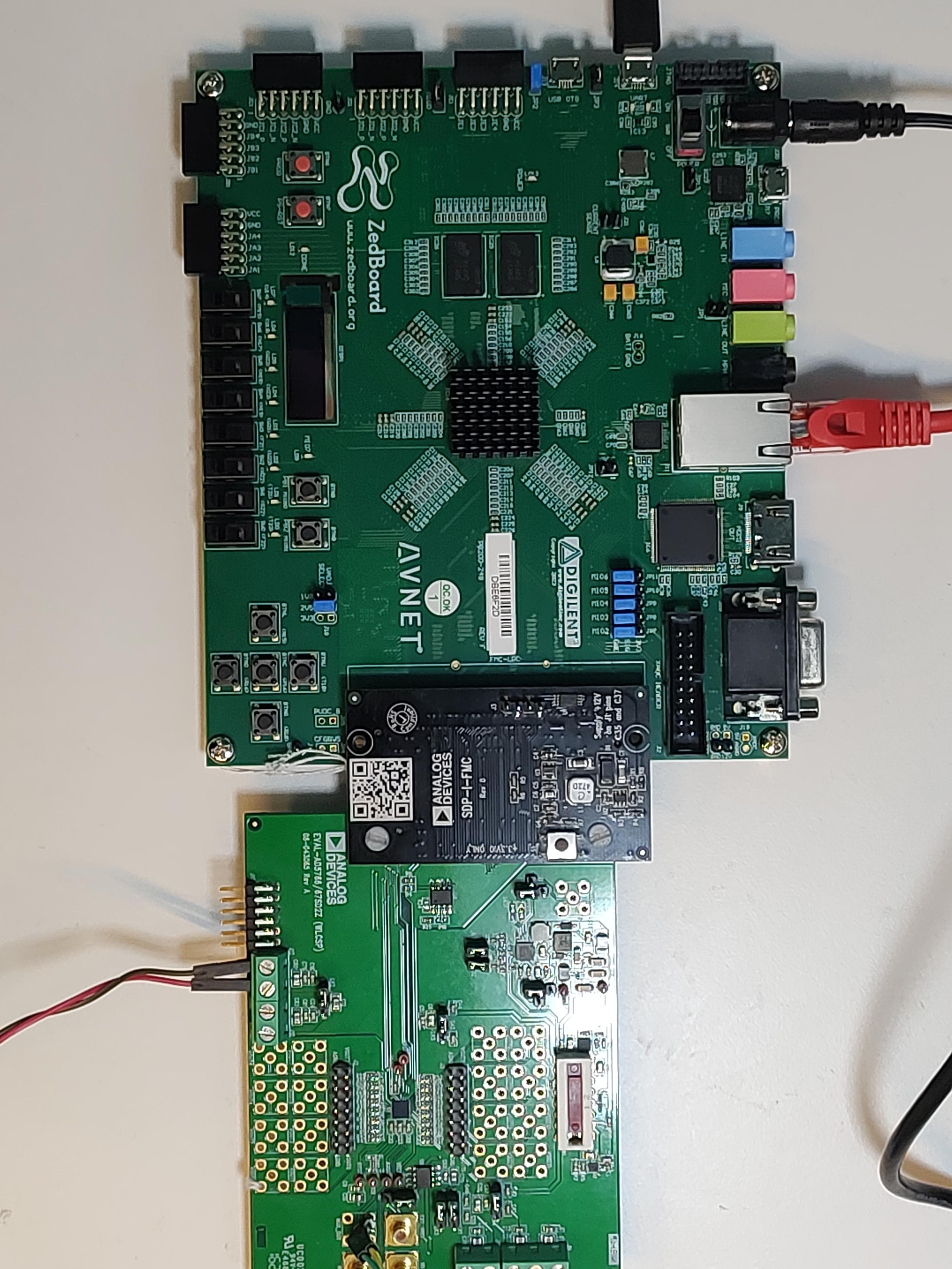
Go to the setup guide.