Quick start
The quick start guide provides step-by-step instructions for setting up the EVAL-AD9740, EVAL-AD9742, EVAL-AD9744 or EVAL-AD9748 evaluation board on the supported FPGA development board. This guide covers SD card preparation, hardware setup, and Linux IIO client usage.
Supported carriers
The EVAL-AD9740, EVAL-AD9742, EVAL-AD9744 or EVAL-AD9748 connects to the FPGA carrier via an FMC LPC connector. VADJ must be set to 3.3 V.
FPGA board |
||||
|---|---|---|---|---|
FMC LPC |
FMC LPC |
FMC LPC |
FMC LPC |
|
FMC LPC |
FMC LPC |
FMC LPC |
FMC LPC |
Supported environments
Hardware setup
The EVAL-AD9740, EVAL-AD9742, EVAL-AD9744 or EVAL-AD9748 connects to the ZedBoard via the FMC LPC connector (P1 on the evaluation board, FMC on the ZedBoard). Before inserting the evaluation board, set VADJ to 3.3 V and configure the ZedBoard for SD card boot.
The EVAL-AD9740, EVAL-AD9742, EVAL-AD9744 or EVAL-AD9748 can also be controlled with the EVAL-SDP-H1 controller board and the ACE software, without any FPGA or Linux system.
ZedBoard + EVAL-AD974X
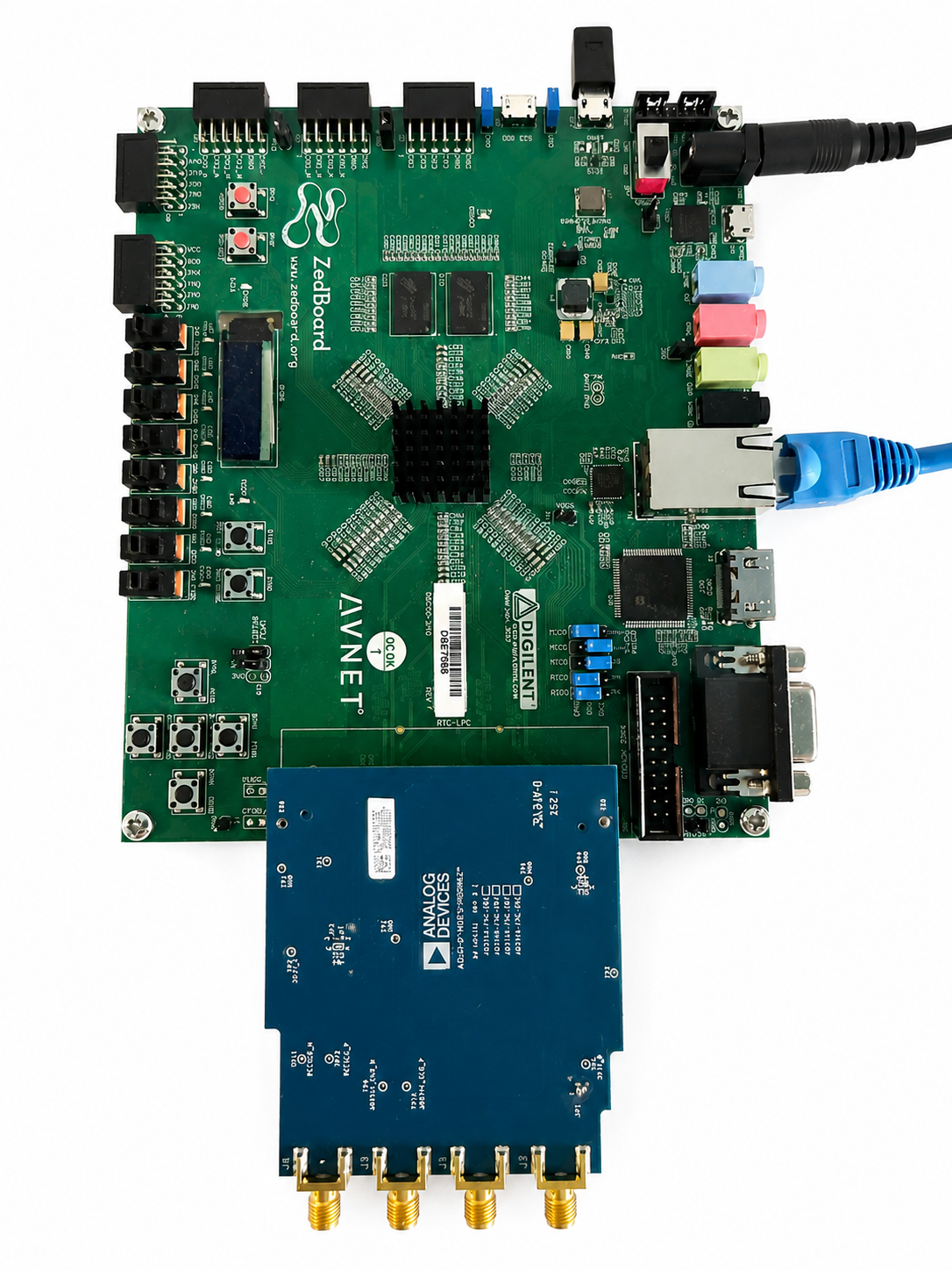
Go to the quick start guide.
SDP-H1 + EVAL-AD974X + ACE
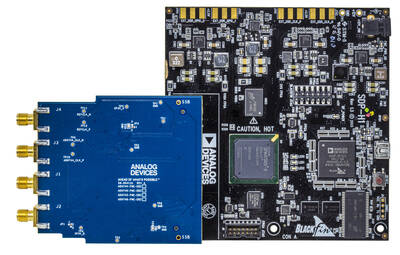
Go to the quick start guide.