Linux on ZedBoard Quick Start Guide
This guide provides instructions on how to set up the AD-FMCMOTCON2-EBZ on the ZedBoard (Rev C or later).
Requirements
A host PC (Windows or Linux)
An SD card writer connected to the host PC (USB SD readers/writers are OK)
USB keyboard and mouse for the ZedBoard
HDMI display (monitor or TV)
Creating the SD Card
Connecting the hardware
Hardware connection instructions can be found in the Hardware Setup section.
Booting the SD Card
Interact with the ZedBoard using the USB mouse and keyboard
You should see the IIO Scope tool on the display:
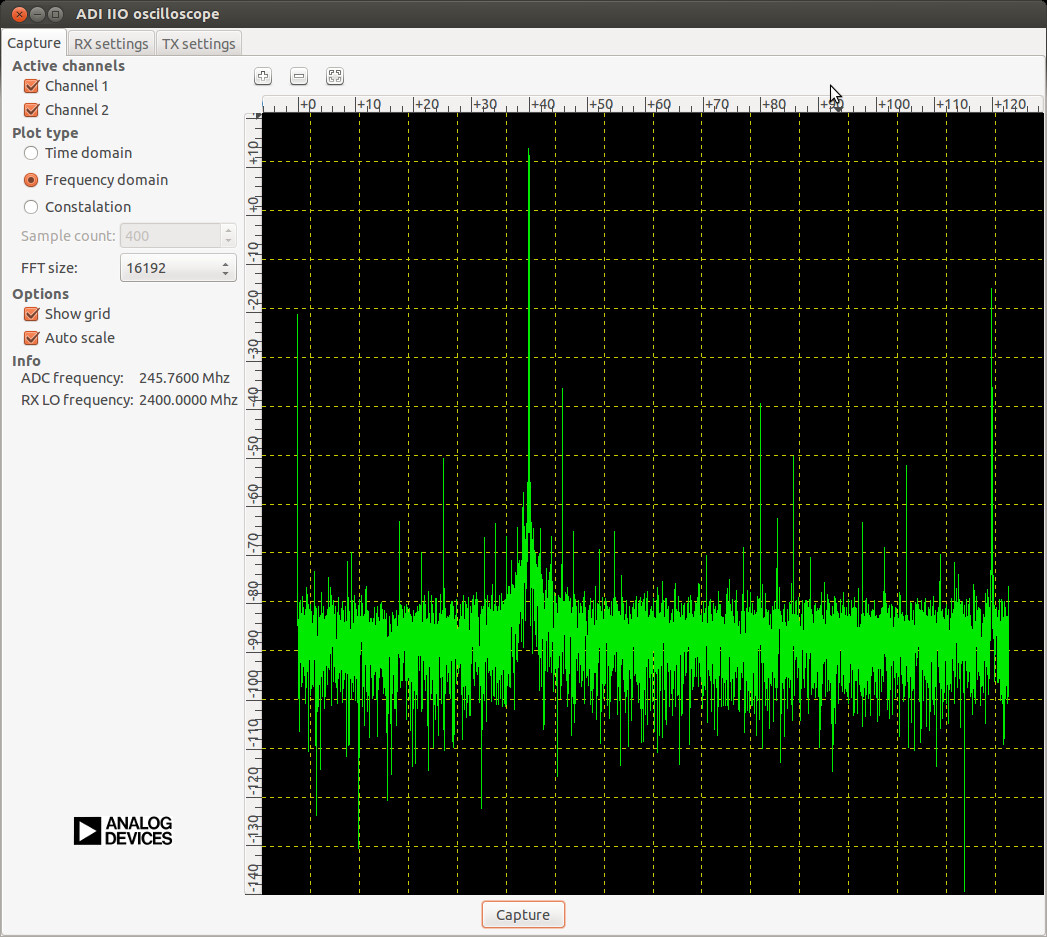
Learn more about IIO Oscilloscope.
You can interact with the GUI either over the network or with the HDMI monitor and USB keyboard/mouse.
Using IIO Oscilloscope
See the IIO Oscilloscope section in the user guide for details on monitoring and controlling the AD-FMCMOTCON2-EBZ.
Important
This Linux installation uses a persistent file system. Do not corrupt the
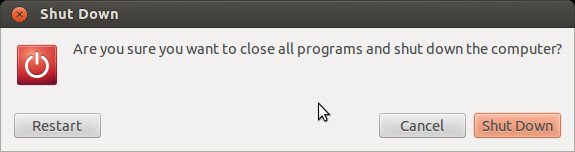
file system by turning off power abruptly — always shut down properly.
You can shut down from the terminal with: sudo shutdown -h now