How to Use ADE120x Software Drivers
The software drivers for the ADE120x products were written using the MBED platform. MBED is an open source, online development environment that supports a large array of controller boards with ARM core processors. The SDP-K1 is a controller board developed by ADI and is designed to be used to develop drivers and example programs for ADI evaluation boards.
The MBED code was written to run on the EVAL-SDP-CK1Z evaluation board connected to the EVAL-ADE1202EBZ evaluation board.
Note
The EVAL-SDP-CK1Z (SDP-K1) needs to be purchased separately.
For further details refer to this link.
Getting Started
To use the EVAL-SDP-K1 with the MBED online compiler a user account must be set up first. To set up an account navigate to MBED.
Follow this link for instructions on setting up the SDP-K1 within the MBED environment.
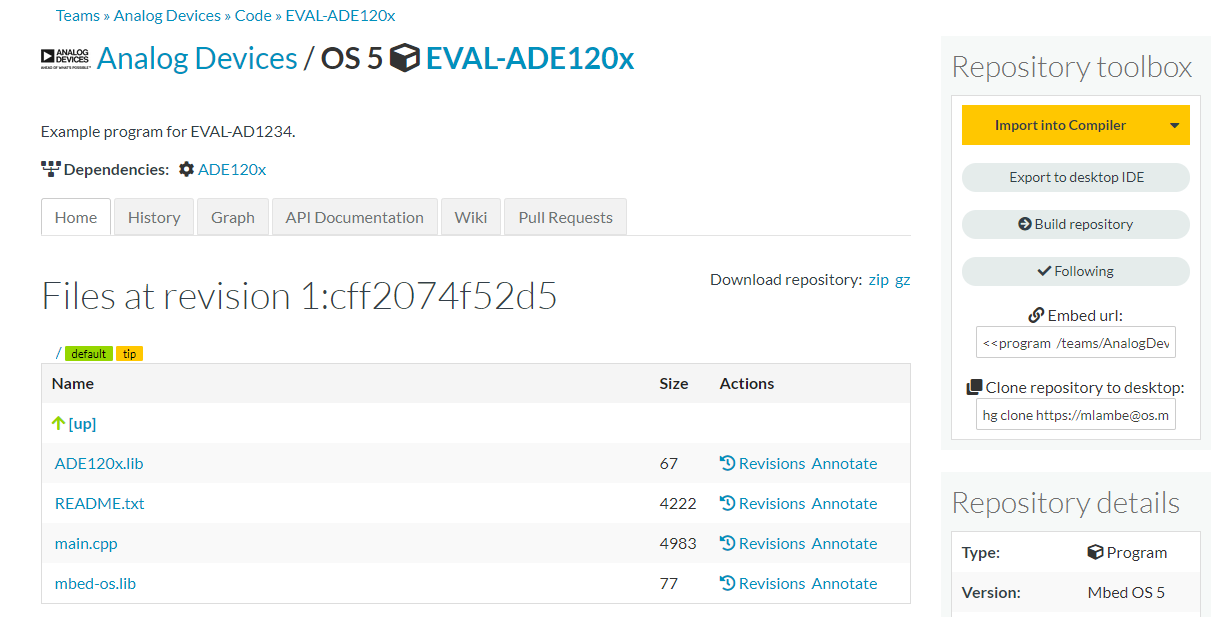
The ADE1202 example application can be found here.
To get started click on the Import Into Compiler button.
Once imported into the compiler the screen should look like the following:
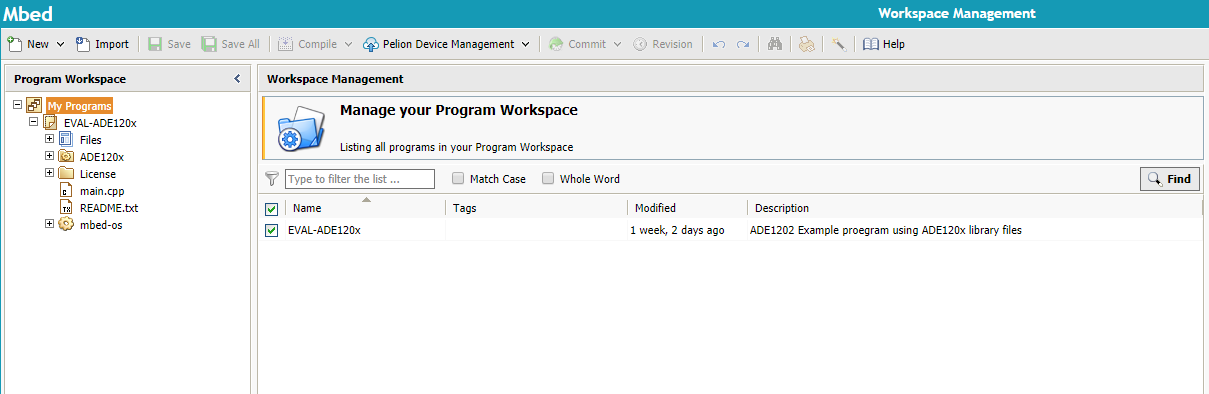
On the left hand side is the Program Workspace and will display any programs you have imported into the workspace.
Double click on the main.cpp file to open the main program code.