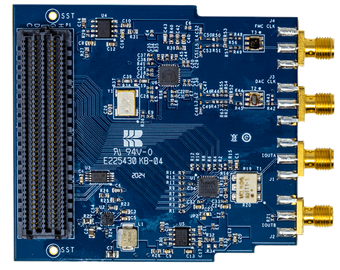
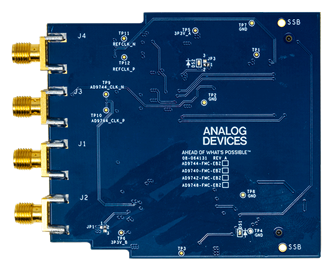
User guide
This page covers hardware configuration of the EVAL-AD9740 / EVAL-AD9742 / EVAL-AD9744 / EVAL-AD9748 evaluation boards and the software environments available for evaluation.
Hardware configuration
VADJ and SD boot settings (ZedBoard)
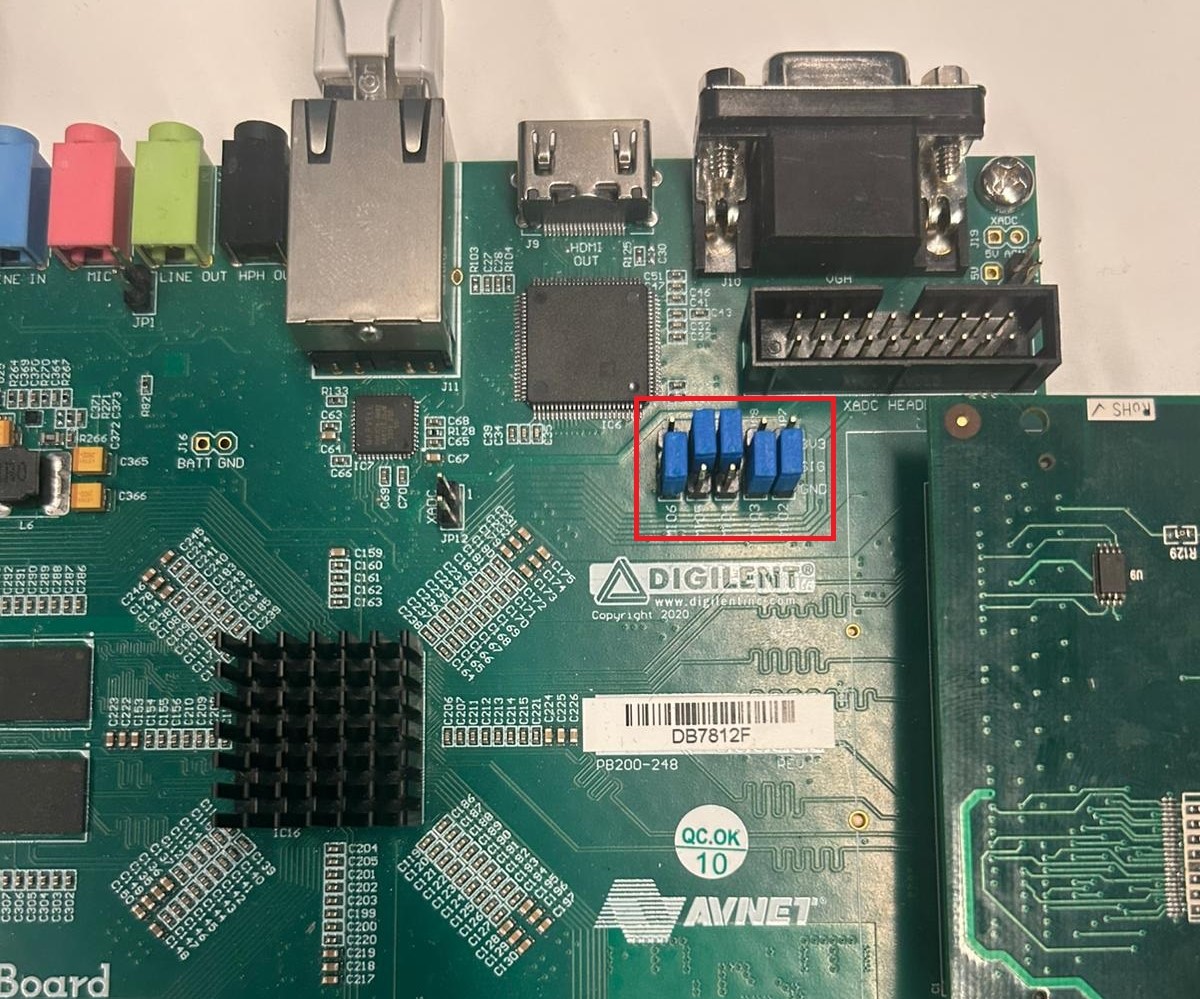
Before inserting the evaluation board, configure the ZedBoard for SD card boot and set the VADJ supply to 3.3 V.
Important
The EVAL-AD9740 / EVAL-AD9742 / EVAL-AD9744 / EVAL-AD9748 uses 3.3 V logic levels on the FMC connector. VADJ must be set to 3.3 V before powering on. Applying a different voltage may damage the evaluation board.
Set the boot mode jumpers on the ZedBoard to SD card boot (MIO[2:6] = 1) and configure the VADJ selection jumper for 3.3 V output.
Power supply
The EVAL-AD9740 / EVAL-AD9742 / EVAL-AD9744 / EVAL-AD9748 includes a complete on-board power solution. Two DC/DC converters (LTC3601, ADM7154) generate 3.3 V from the 12 V supplied through the FMC connector.
Schematic, PCB layout, and bill of materials
Description |
Download |
|---|---|
EVAL-AD974X Schematic |
|
EVAL-AD974X PCB Layout |
|
EVAL-AD974X Bill of Materials |
Software guide
Linux-based IIO (using Kuiper Linux on the ZedBoard) software environment is available:
Linux IIO environment
The ZedBoard runs ADI Kuiper Linux with the adi-axi-dac kernel driver
and the axi-ad9740 Linux IIO driver.
Available client applications on the host:
IIO Oscilloscope - graphical IIO data visualization and DAC control
Scopy - oscilloscope and waveform generator
PyADI-IIO - Python scripting interface
AD974X hardware differences
The EVAL-AD9748 board is the 8-bit output variant. Rest of the hardware is identical to the AD9744 board.
The EVAL-AD9740 board is the 10-bit output variant. Rest of the hardware is identical to the AD9744 board.
The EVAL-AD9742 board is the 12-bit output variant. Rest of the hardware is identical to the AD9744 board.