Flashing Image Instructions
This guide provides instructions for flashing a microSD card image using balenaEtcher on Windows systems.
Install balenaEtcher
Download and install balenaEtcher from the official website: https://www.balena.io/etcher/
The SD Card
The NXP Platform requires a microSD card. You can connect it using:
An SD card adapter (if your PC has an SD card slot)
A USB hub with appropriate card reader capability
Flash Image onto SD Card
Follow these steps to flash the image:
Step 1: Launch balenaEtcher
Open the balenaEtcher application.
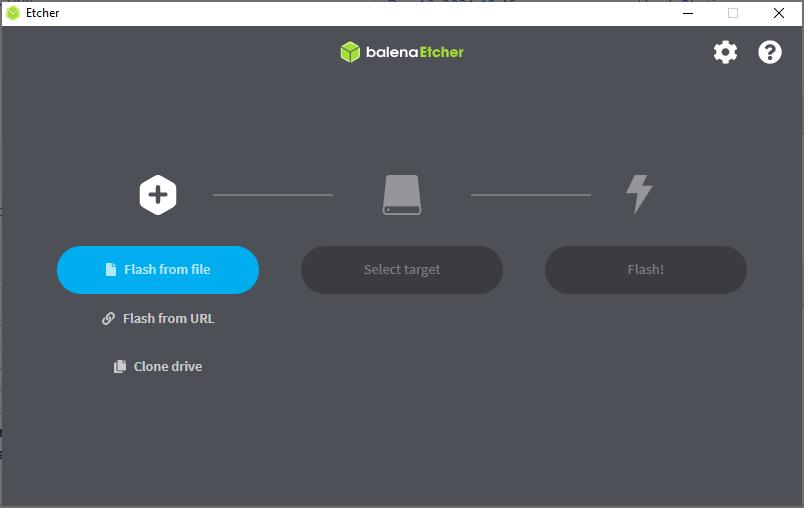
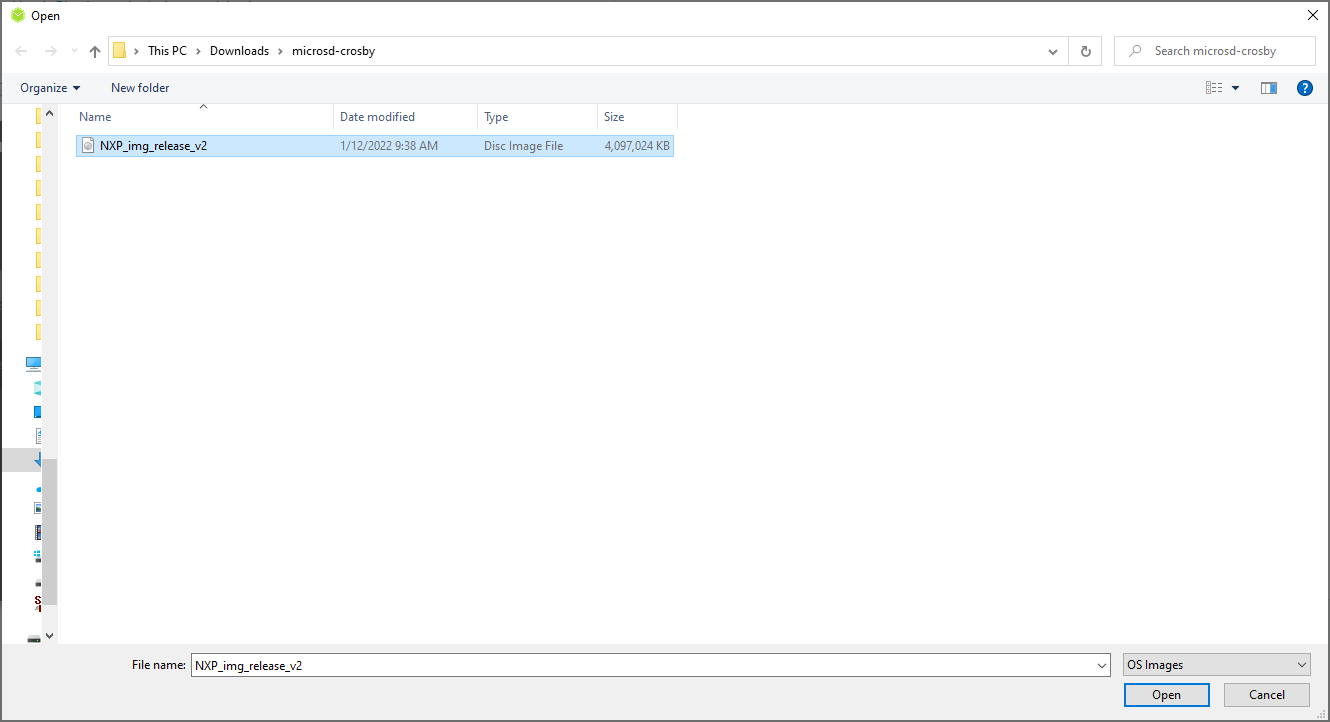
Step 2: Select Flash from File
Click “Flash from file” and select the provided .img file.
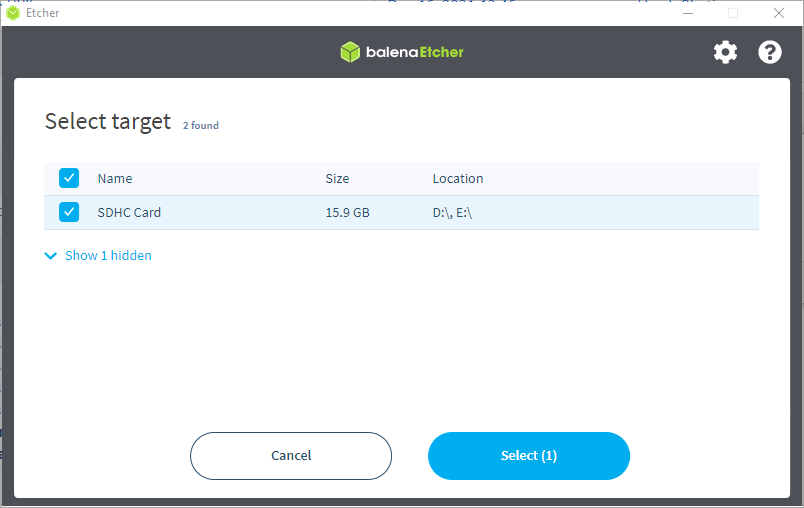
Step 3: Select Target
Select the target microSD card.
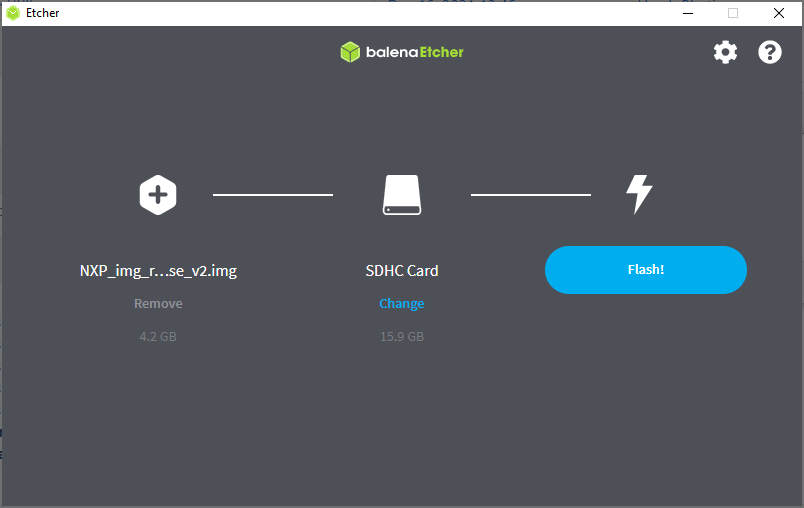
Step 4: Flash
Click “Flash!” to initiate the process.
Step 5: Verify
Wait for the flash and verification to complete successfully.

Note
After flashing, safely eject the SD card and insert it into the EVAL-ADSD3100-NXZ module.