EVAL-AD7124-8-PMDZ User Guide
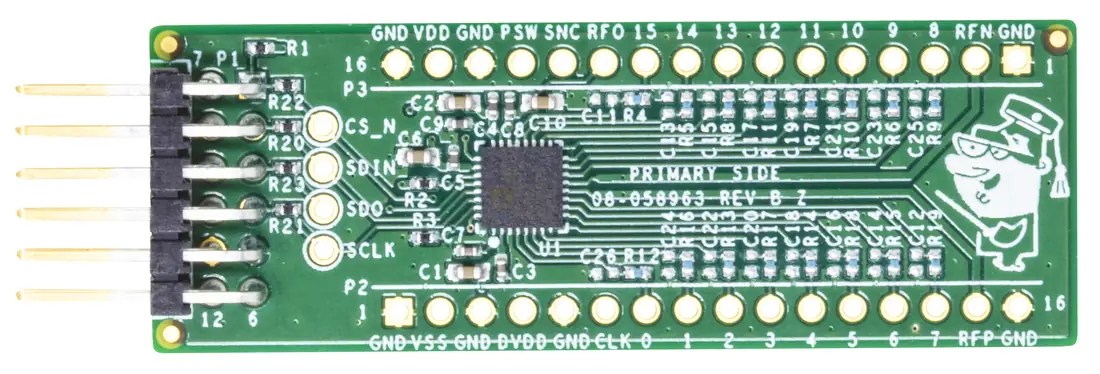
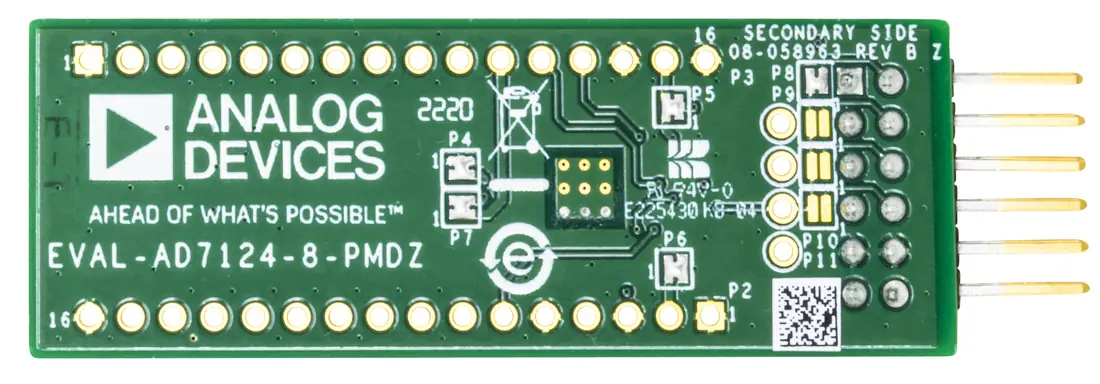
The EVAL-AD7124-8-PMDZ evaluation board is a minimalist 8-channel, low noise, low power, 24-bit, sigma-delta ADC with PGA and reference, SPI Pmod board for the AD7124-8. This module is designed as a low-cost alternative to the fully-featured EVAL-AD7124-8 evaluation board and has no extra signal conditioning for the ADC.
All pins of the AD7124-8 are exposed, which makes the EVAL-AD7124-8-PMDZ very flexible and easy to use.
Features
Minimalist Pmod board for the AD7124-8
SPI Pmod interface for easy connectivity
All AD7124-8 pins exposed via through-hole connectors
Configurable solder jumpers for flexible operation
Compatible with the EVAL-ADICUP3029 via Pmod connector
Required Software
CrossCore Embedded Studio (2.9.1 or higher)
ADuCM302x DFP (3.2.0 or higher)
ADICUP3029 BSP (1.1.0 or higher)
Serial terminal program
Quick Start Guide
Equipment required
EVAL-AD7124-8-PMDZ evaluation board
EVAL-ADICUP3029 controller board
Micro USB to USB cable
PC or laptop with a USB port
Getting started
Connect the EVAL-AD7124-8-PMDZ to the Pmod connector on the EVAL-ADICUP3029.
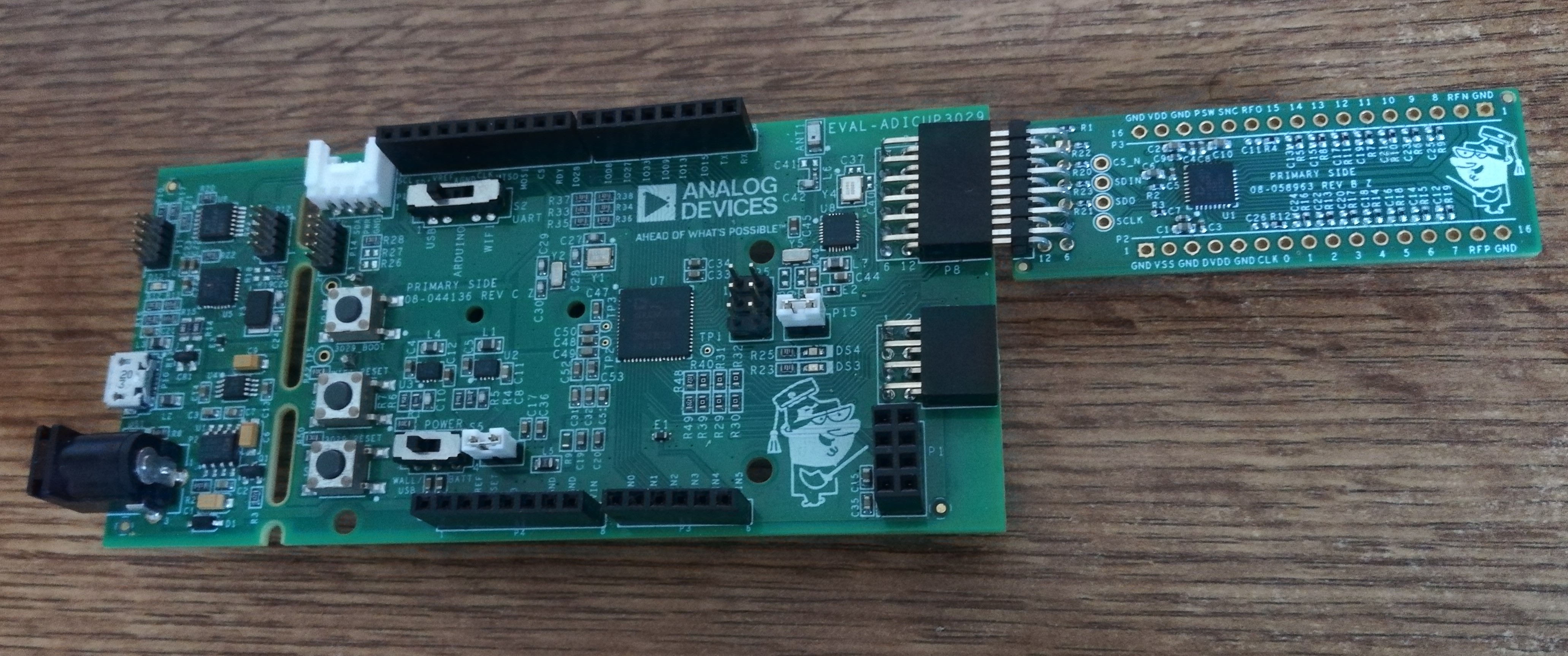
Figure 3 EVAL-AD7124-8-PMDZ and EVAL-ADICUP3029 before connection
Connect a micro-USB cable to the P10 connector of the EVAL-ADICUP3029 and connect it to a computer.
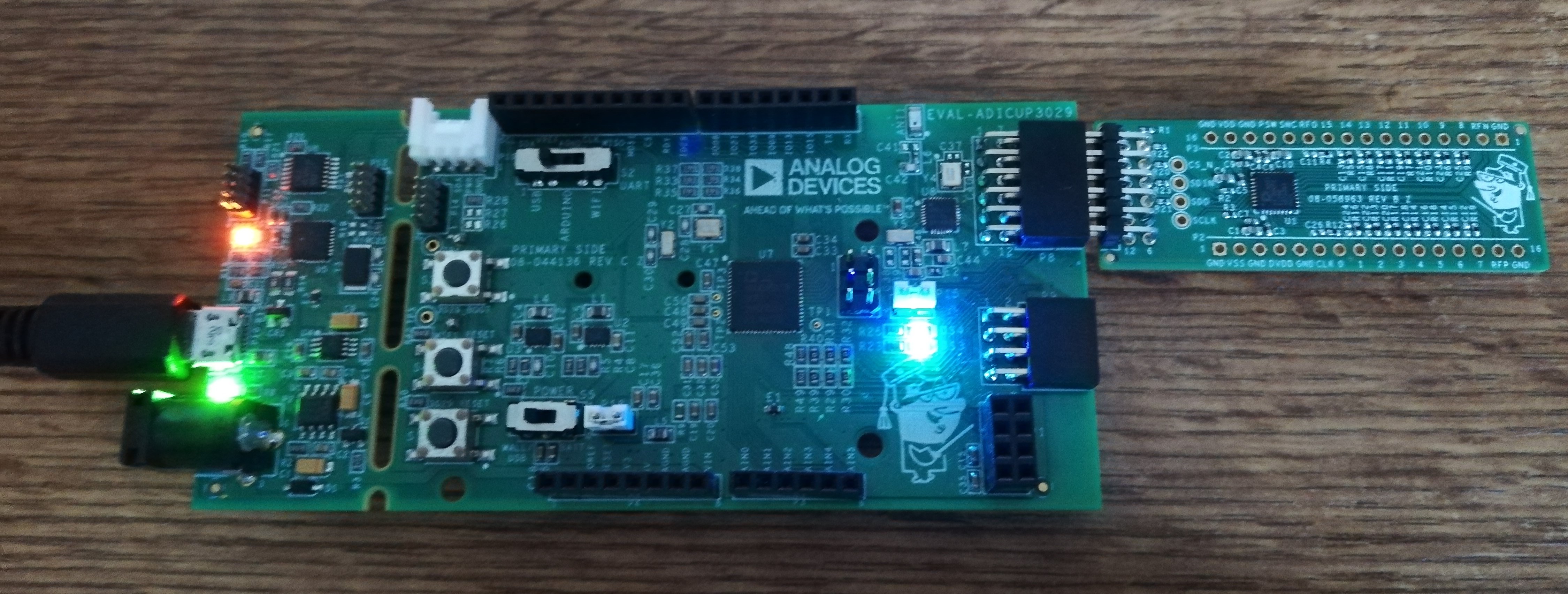
Program the EVAL-ADICUP3029 using one of the methods described in the ADICUP3029 quickstart guide.
Open a serial terminal program (e.g., PuTTY) configured for 115200 baud, 8N1.
Reset the controller board. The AD7124-8 demo menu should appear in the terminal.
Software Resources
Design and Integration Files
Schematics, layout files, and bill of materials are available on the EVAL-AD7124-8-PMDZ Design Support.