EVAL-ADXL362-ARDZ Shield
The EVAL-ADXL362-ARDZ shield illustrates the functionality of the ADXL362 - an ultralow power, 3-axis MEMS accelerometer.
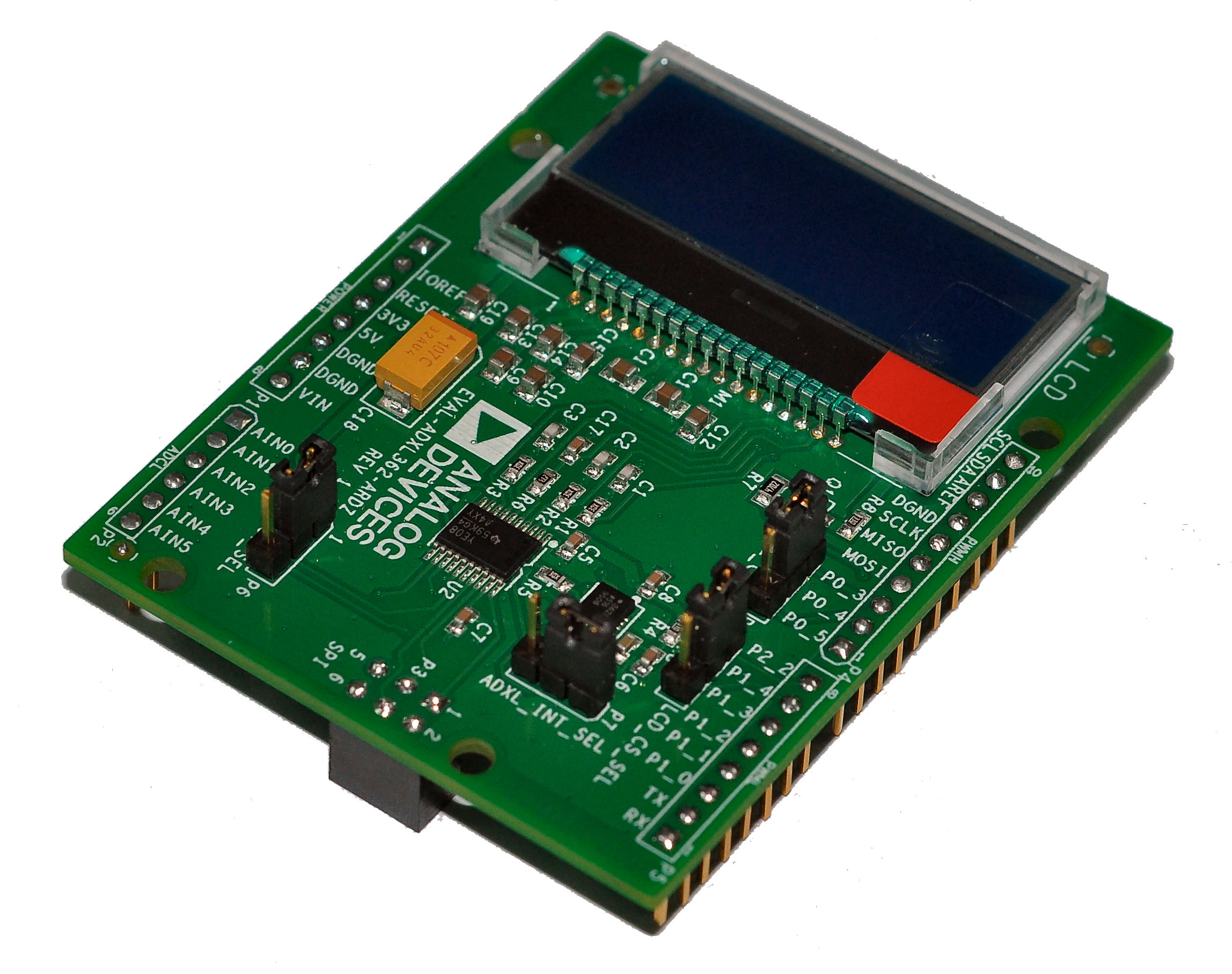
The ADXL362 is capable of measuring dynamic acceleration (resulting from motion or shock) as well as static acceleration (gravity). It provides 12-bit output resolution and has three operating ranges, ±2 g, ±4 g, and ±8 g. Additional useful features include an on-chip, 12-bit temperature sensor accurate to ±0.5°, motion triggered wake-up functionality, and and several activity detection modes which makes is ideal for portable low-power instruments.
The EVAL-ADXL362-ARDZ Shield is designed in Arduino Uno R3 format which makes it suitable to be used with both Arduino Due (e.g. EVAL-ADICUP360 based board) and Arduino Uno R3 base boards.
Tip
The EVAL-ADXL362-ARDZ board has a large capacitor (C18) on the board which holds charge for the LCD screen. When power cycling the system, you must wait approximately 5 seconds to allow enough time for the capacitors on the EVAL-ADXL362-ARDZ board to fully discharge. This is a power requirement for the ADXL362, which notes in the datasheet that the power rail must come all the way back down to 0V before powering back up.
Connectors and Jumper configuration
The EVAL-ADXL362-ARDZ Shield has four jumpers to increase flexibility when stacking systems together. Each jumper and it’s purpose is described below.
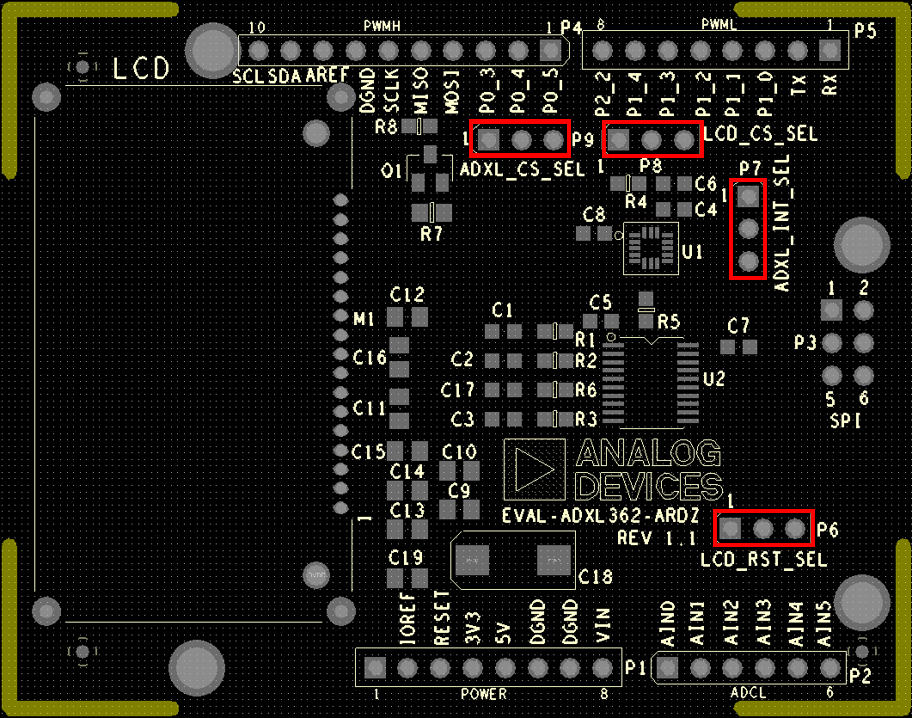
ADXL_CS_SEL
Configuration |
Function |
|---|---|
|
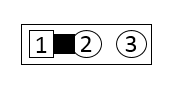
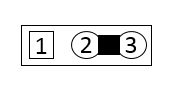
Routes ADXL362 CS pin to P0.3/IRQ0/CS1 |
|
Routes ADXL362 CS pin to P0.4/RTS/IRQ1 |
LCD_CS_SEL
Configuration |
Function |
|---|---|
|
Connects LCD CS pin to P2.2/BM |
|
Connects LCD CS pin to P1.4/PWM2/MISO0. |
ADXL_INT_SEL
Configuration |
Function |
|---|---|
|
Connects ADXL362 Interrupt pin 1 (INT1) to P1.0/IRQ3 |
|
Connects ADXL362 Interrupt pin 2 (INT2) to P1.0/IRQ3. |
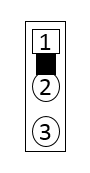
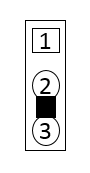
LDC_RST_SEL
Configuration |
Function |
|---|---|
|
Connects LCD Reset to IOREF |
|
Connects LCD Reset to pin P1.1/IRQ4 |
Schematics, PCB Layout, Bill of Materials
Download
EVAL-ADXL362-ARDZ Design & Integration Files
Schematics
PCB Layout and Mounting Diagram
Bill of Materials
Allegro Project
Software examples
Registration
Tip
Receive software update notifications, documentation updates, view the latest videos, and more when you register your hardware. Register to receive all these great benefits and more!