EVAL-AD7124-4ASDZ / EVAL-AD7124-8ASDZ User Guide
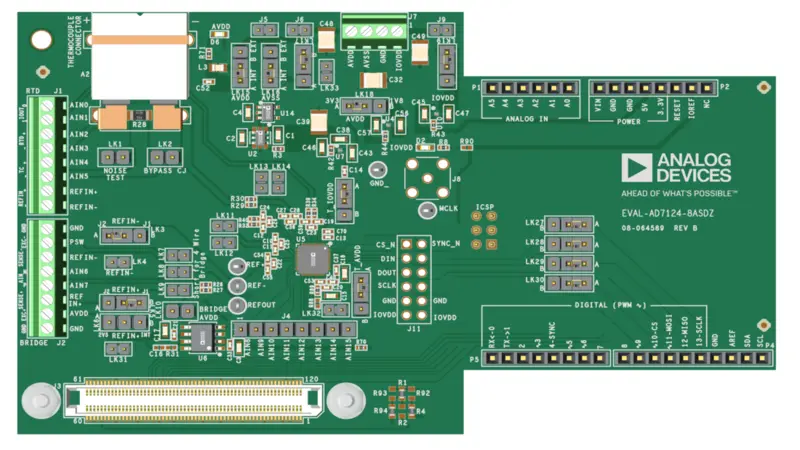
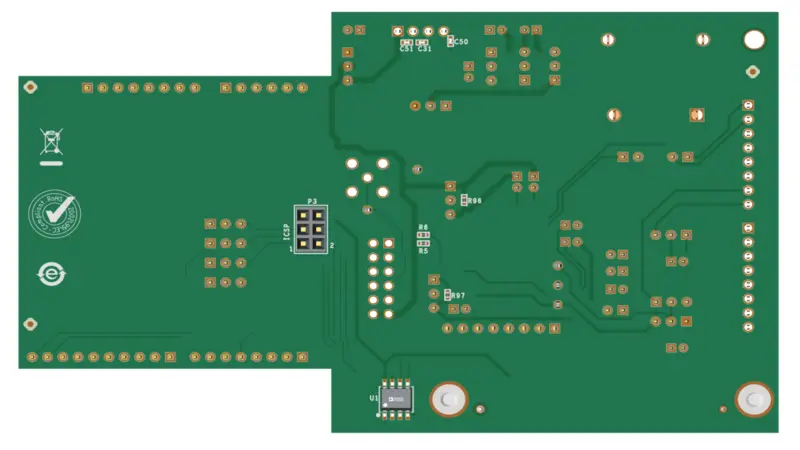
The EVAL-AD7124-4ASDZ and EVAL-AD7124-8ASDZ are full-featured evaluation boards for the AD7124-4 and AD7124-8, low power, low noise, completely integrated analog front ends for high precision measurement applications. Both boards share the same PCB design.
The AD7124-4 provides 4 differential or 7 single-ended/pseudo-differential inputs.
The AD7124-8 provides 8 differential or 15 single-ended/pseudo-differential inputs (additional inputs on connector J4).
The evaluation boards connect to the SDP-B controller board via the 120-pin SDP connector. Power is provided through USB from the PC, with on-board regulators generating all required supply rails.
Features
On-board 2.5 V ADR4525 precision voltage reference
PC control with SDP-B
PC software for control and data analysis (time domain and frequency domain)
Compatible with AD7124 Eval+ Software, IIO Scope, Python, and MATLAB
Arduino, PMOD, and SDP-120 pin connectors for flexible interfacing
Standalone SPI breakout mode via link settings
Required Software
AD7124 Eval+ Software (included on CD or
downloadable)
Quick Start Guide
Equipment required
EVAL-AD7124-4ASDZ or EVAL-AD7124-8ASDZ evaluation board
SDP-B controller board
USB cable
DC signal source
PC running Windows with a USB 2.0 port
Getting started
Warning
The evaluation software and drivers must be installed before connecting the evaluation board and controller board to the USB port of the PC, to ensure the system is correctly recognized.
With the SDP-B disconnected from the PC, install the AD7124 Eval+ Software. Restart the PC after installation.
Connect the SDP-B to the evaluation board via the 120-pin SDP connector (J3).
Screw the two boards together using the plastic screw and washer set included in the evaluation board kit.
Connect the SDP-B to the PC using a USB cable.
From the Start menu, navigate to Programs > Analog Devices > AD7124 Eval+ to launch the software.
Select EVAL-AD7124-4ASDZ or EVAL-AD7124-8ASDZ from the interface selection dialog.
See the SDP-B quickstart guide for detailed software installation and operation instructions.
Software Resources
AD7124 (Linux driver)
Design and Integration Files
Schematics, layout files, and bill of materials are available on the EVAL-AD7124-4ASDZ product page.