Data Collect
The Data Collect CLI collects raw data from the depth module in .bin format. This data can be processed through the Depth Compute CLI to convert to Depth, IR/AB (Active brightness), and XYZ frames.
Use data_collect --help to show functionality.
Eval Kit 6.0.0 or later
One important change is the removal of ini files. Instead, default values are used by the system. To change the values, use the following process:
Save the parameters:
data_collect --ip 10.43.0.1 --scf my_params
Edit the
my_params.jsonby finding the mode you want to change.Load the saved parameters:
data_collect --ip 10.43.0.1 --lcf my_params
Note
You can also use my_params.json in the GUI via Tools -> Load Configuration.
Example Configuration
Here is an example of a mode configuration in my_params.json:
"0": {
    "depth-compute": {
        "abThreshMin": 3,
        "bitsInAB": 16,
        "bitsInConf": 0,
        "bitsInPhaseOrDepth": 12,
        "confThresh": 25,
        "depthComputeIspEnable": 1,
        "inputFormat": "mipiRaw12_8",
        "interleavingEnable": 0,
        "jblfABThreshold": 10,
        "jblfApplyFlag": 1,
        "jblfExponentialTerm": 5,
        "jblfGaussianSigma": 10,
        "jblfMaxEdge": 12,
        "jblfWindowSize": 7,
        "partialDepthEnable": 1,
        "phaseInvalid": 0,
        "radialThreshMax": 4200,
        "radialThreshMin": 30
    },
    "configuration-parameters": {
        "fps": 10,
        "headerSize": 128,
        "xyzEnable": 1
    }
}
Eval Kit 5.0.0
Important
Camera IP is 10.43.0.1 if you are using SDK v5.0.0 or later.
Important
In eval kit v5.0.0 the --ft option is removed. The output of data collect
is a .bin file which contains Active brightness, depth, confidence and point
cloud. These frames can be visualized using ADIToFGUI.
Flag Descriptions
--f: output data folder--n: number of frames captured--m: mode (check Mode Table for correct mode numbers)--wt: warmup time (seconds)--ccb: stores ccb (Calibration parameters) file stored on NVM of imager module. Required for Depth Compute--ip: Camera IP--fw: ADSD3500 firmware file--split: Save each frame into a separate file (DEBUG only)--netlinktest: Used to test network performance (DEBUG only)--h: Call help string for all options
Example
Since the ADTF3175D eval kit works via ethernet over USB, the user must specify the static IP of the camera module.
Open Command Prompt from start menu and move to bin folder in GUI install location.
Check the serial number of your kit to run the correct command.
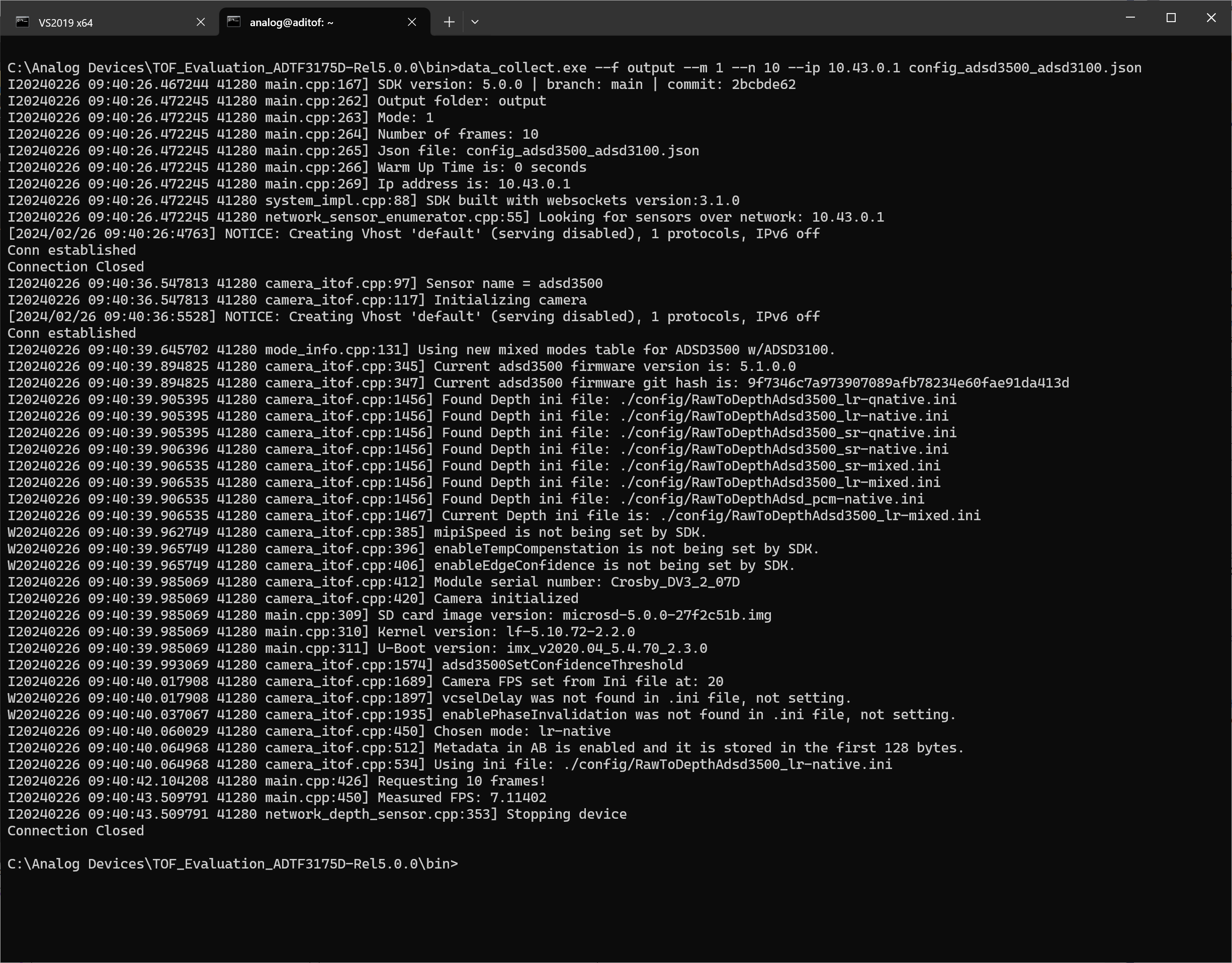
For serial numbers similar to 026am53200mb0ncca4 (lr-native, 1 frame capture):
data_collect.exe --f "data_output" --m 1 --n 1 --ip 10.43.0.1 config_adsd3500_adsd3100.json
Eval Kit 4.3.0 or earlier
Flag Descriptions
--f: output data folder--n: number of frames captured--m: mode (check Mode Table for correct mode numbers)--wt: warmup time (seconds)--ccb: stores ccb (Calibration parameters) file stored on NVM of imager module. Required for Depth Compute--ip: Camera IP--fw: ADSD3500 firmware file--ft: FrameType of saved image (raw/depth/ir/conf) [default: depth]--h: Call help string for all options
Examples
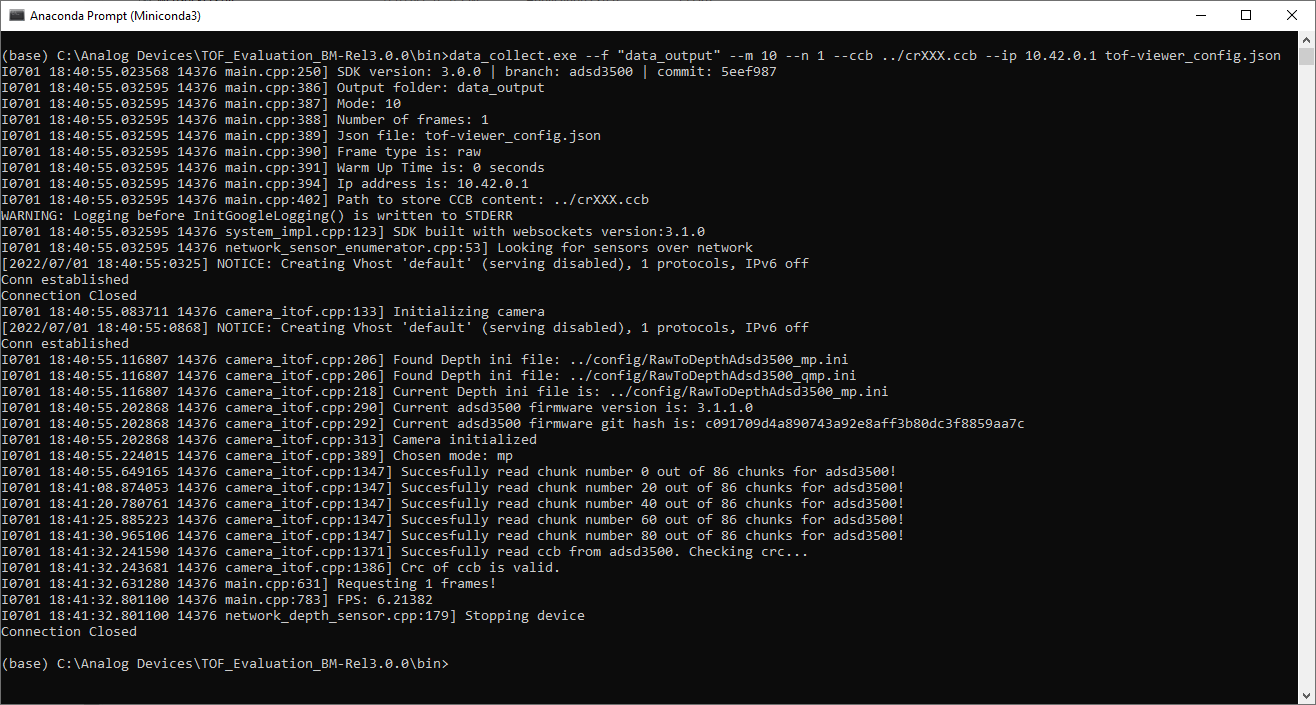
For serial numbers starting with ‘DV11’ or ‘CR’ (lr-native mp, 1 frame capture):
data_collect.exe --f "data_output" --m 10 --n 1 --ccb ../crXXX.ccb --ip 10.42.0.1 tof-viewer_config.json
For serial numbers similar to ‘026am53200mb0ncca4’ (lr-native, 1 frame capture, raw output):
data_collect.exe --f "data_output" --m 1 --n 1 --ccb ../crXXX.ccb --ip 10.42.0.1 --ft raw config_adsd3500_adsd3100.json
Important
For version 4.3.0, data collect’s default output is depth image. To get raw
frame use --ft command line argument with ‘RAW’ option. Refer
data_collect --h for mode command line options.
The --ccb flag is only required for the first capture. Once the ccb of
your module is stored, it can be reused while running tofi_depth_compute.exe.