Depth Compute CLI
The Depth Compute CLI processes data from the Data Collect CLI to generate three types of output frames.
Important
This tool has been removed from the host starting with Eval Kit version 5.0.0.
Output Folders
RadialDepth
Depth images where the depth at each pixel is the distance to the corresponding point in the scene measured ‘radially’ from the center of the lens.
AB (Active Brightness)
Active Brightness images showing laser return intensity from scene points (IR frame).
XYZ
Point cloud data with real-world Cartesian coordinates (X, Y, Z) for each pixel. The Z image alone functions as a distance measurement from the camera plane.
Usage
EVAL-ADSD3100-NXZ and EVAL-ADTF3175-NXZ
tofi_compute_depth.exe --I=../data_output --CCB=../crXXX.ccb --MODE=10 --O=../proc_data --INI=../config/RawToDepth.ini
EVAL-ADTF3175D-NXZ (MP mode)
tofi_compute_depth.exe --I=data_output --CCB=../XXX.ccb --MODE=1 --O=proc_data_mp --INI=../config/RawToDepthAdsd3500_lr-native.ini --ISP_Enable=1
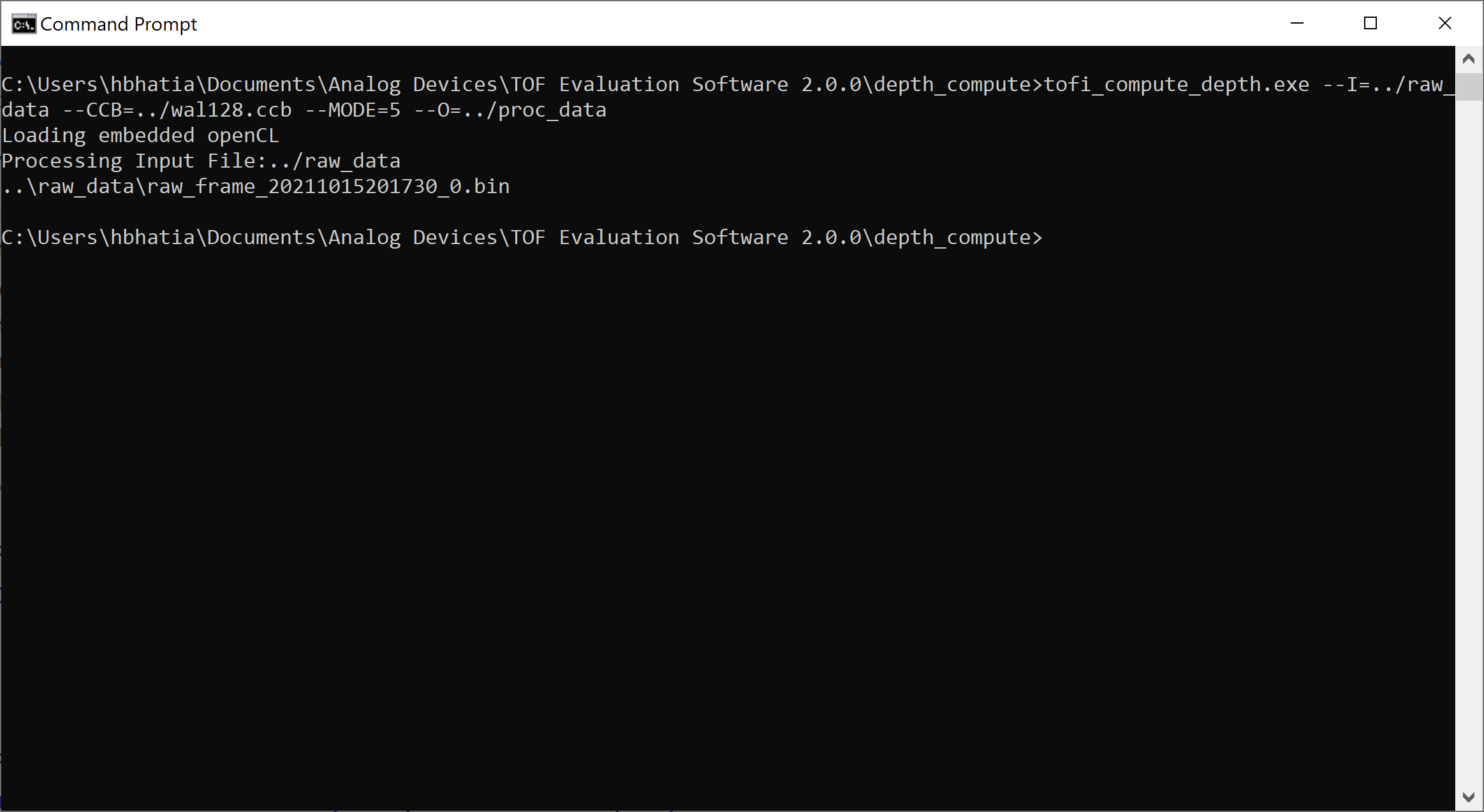
Visualization
Use the provided Python scripts to visualize the output:
Visualize Depth
python tools\depth_compute\visualize_depth.py proc_data_mp\RadialDepth\data_output_0.bin 1024 1024
Visualize Active Brightness
python tools\depth_compute\visualize_ab.py proc_data_mp\AB\data_output_0.bin 1024 1024
Visualize Point Cloud
python tools\depth_compute\visualize_pointcloud.py 1024 1024 proc_data_mp\XYZ\data_output_0.bin