Software Installation
This installation guide covers the software packages for EVAL-ADSD3100-NXZ and EVAL-ADTF3175-NXZ evaluation kits.
Overview
The evaluation software includes three primary components:
ADIToFGUI - Graphical interface for camera visualization
Data Collect - Command-line interface for data acquisition
Depth Compute - Command-line interface for depth calculations
Download
EVAL-ADSD3100-NXZ or EVAL-ADTF3175-NXZ users: Download v2.1.1 installer
EVAL-ADTF3175D-NXZ users: Download latest 5.x.x version
System Requirements
Seventh Gen Intel Core i5 Processor @ 2.4GHz (dual-core minimum)
8 GB RAM
Graphics driver supporting OpenCL 2.0+
Installation Steps
The installer guides users through the following steps:
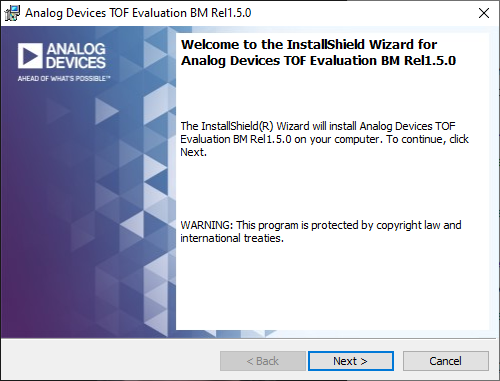
Step 1: Introduction
Launch the installer and click Next to begin.
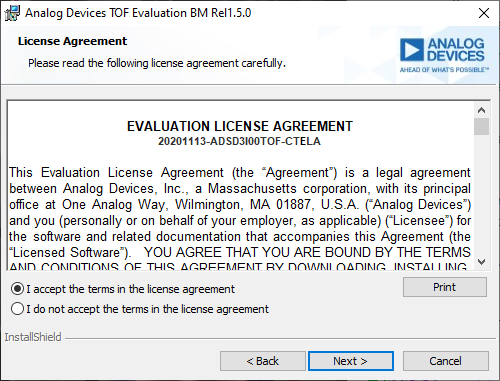
Step 2: License Agreement
Read and accept the license agreement to continue.
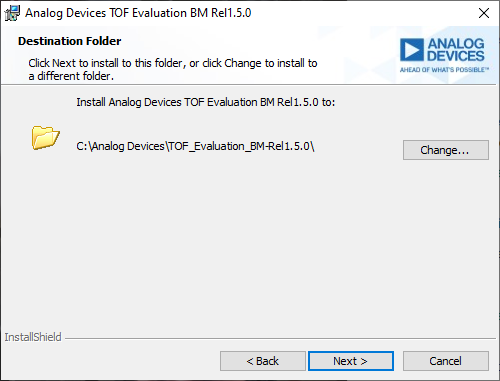
Step 3: Installation Location
Select the installation location or accept the default.
Step 4: Installation Progress
The installer will automatically detect and install prerequisites:
OpenCL 2.0 Runtime
Visual Studio 2015 redistributable
Step 5: Completion
After installation completes, the software is ready to use.
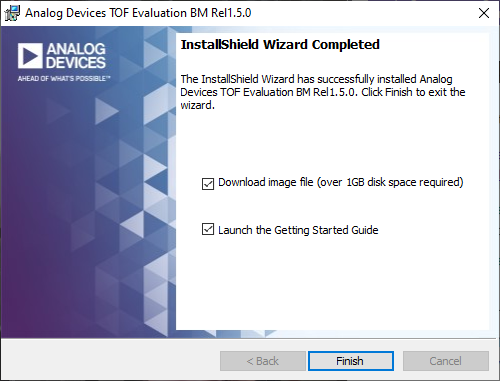
Image Folder Contents
The installation includes the following folders:
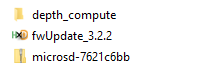
microsd-xxxxxxxx: NXP SOM SD card image with flashing instructions
fwUpdate_X.X.X: ADSD3500 firmware with update procedures
depth_compute: Depth compute binaries and documentation
Next Steps
After installation, you can:
Run ADIToFGUI for camera visualization
Use Data Collect CLI for data acquisition
Process data with Depth Compute CLI