Startup Guide
This guide will help you get started with the EVAL-ADTF3175-NXZ evaluation kit.
Kit Contents
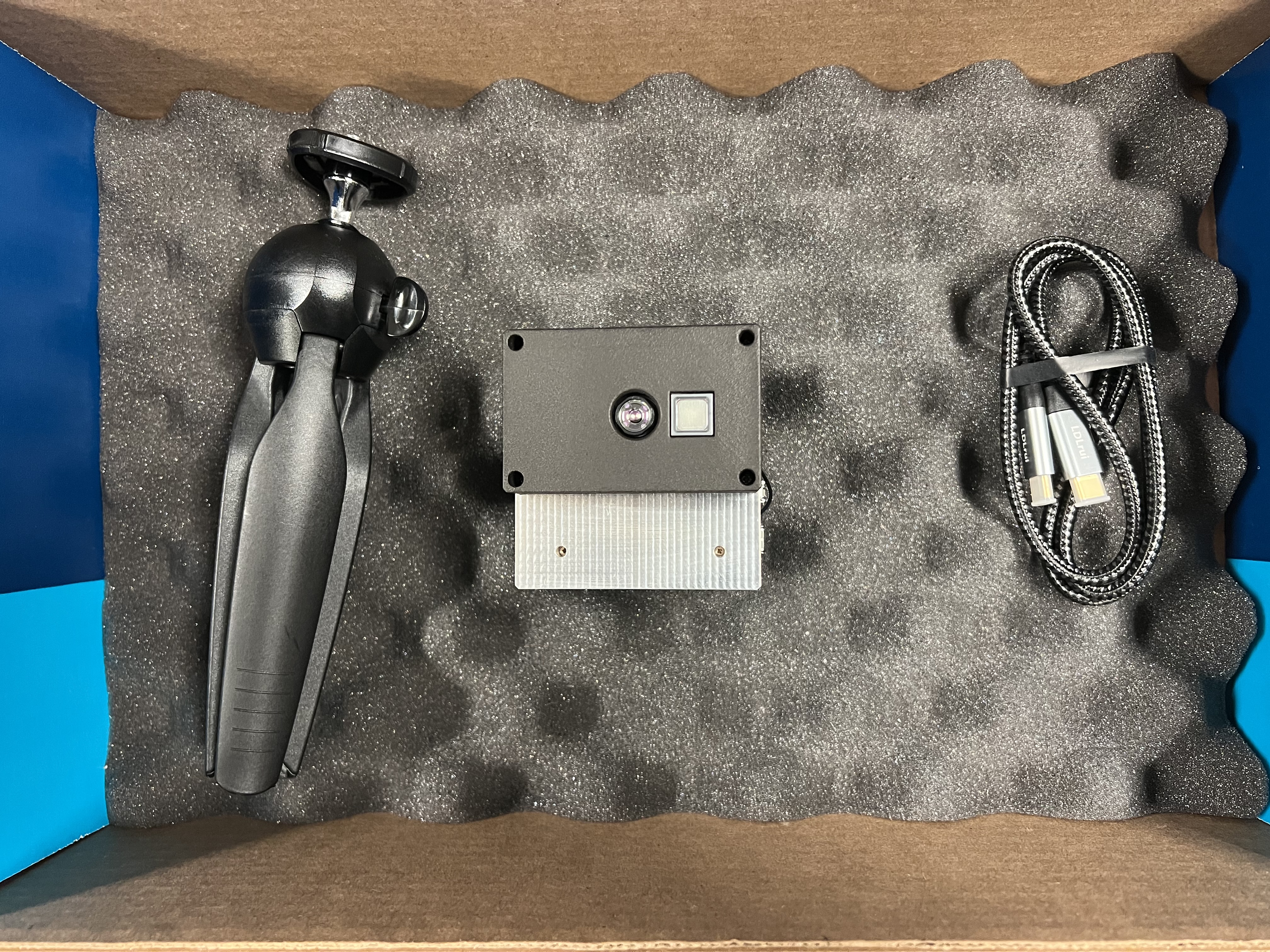
The package includes:
ADTF3175-NXZ Evaluation Module
ADTF3175 Imager Module
i.MX8 M Plus SOM (SolidRun)
Camera Interface Board
16GB flashed microSD card (pre-installed)
USB-C to USB-C cable (Supports PD 2.0, and USB 3.1)
Tripod
Software Download
Before starting, download and install the software package. See the Software Installation Guide for detailed instructions.
Startup Instructions
Follow these steps to get the camera up and running:
Unpack the camera equipment from the box
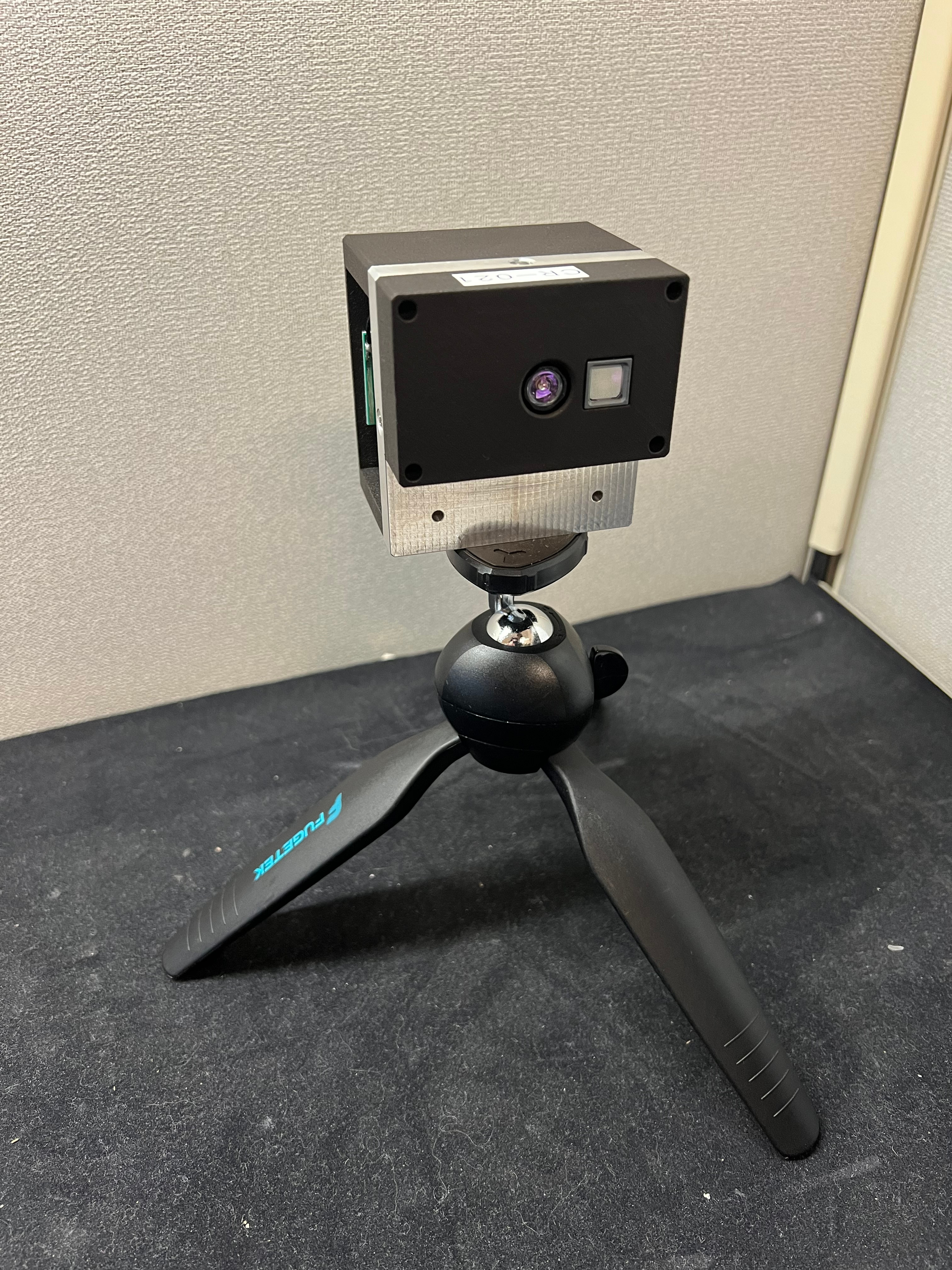
Mount camera on the tripod. Orientation shown in image below
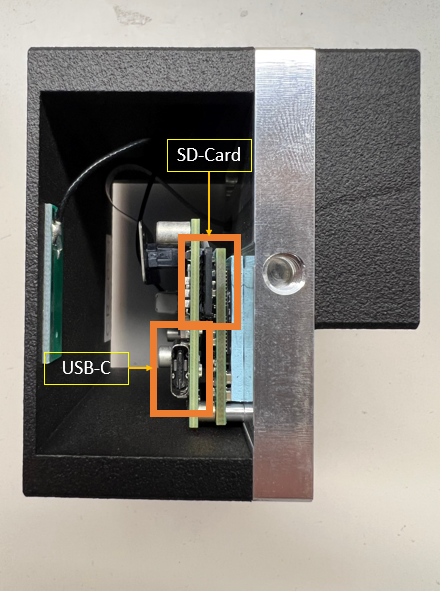
Connect USB-C cable to the module
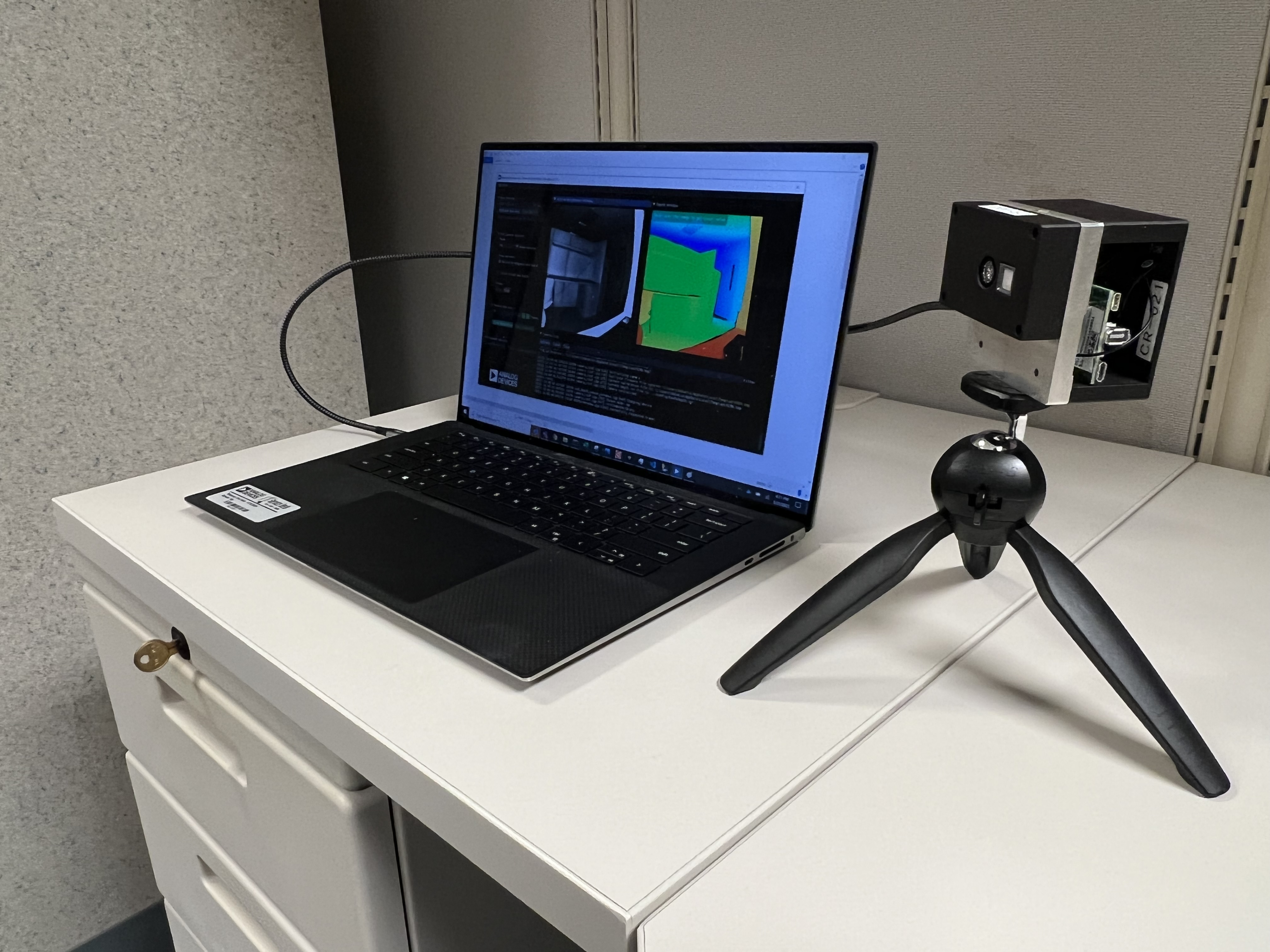
Connect the other end to your laptop via USB-C
Wait for the green light indicator under the USB-C connector on the module to light up
Run the ADIToFGUI application
Troubleshooting
For troubleshooting issues, see the Troubleshooting section in the main page.