ADICUP3029 PC/Laptop Drivers
When connecting up the ADICUP3029 to your computer or laptop, all the necessary drivers are automatically located and loaded up when using Windows operating systems.
There are two sets of drivers that get installed on your computer depending on which mode of operation the ADICUP3029 emulator comes up.
Important
It EXTREMELY important to ensure that all drivers are installed, before trying to use the ADICUP3029 with the CrossCore Embedded Tools. So when you see that the drivers are being installed in the task bar, open it up and wait till everything finished before progressing.
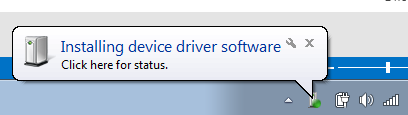
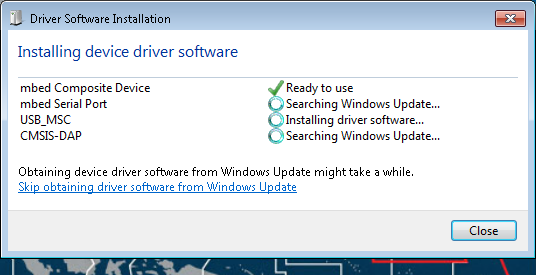
Mass Storage Drives
DAPLINK Drive
When the ADICUP3029 emulator is connected to the ADuCM3029 and ready for program/debug mode, the “DAPLINK” drive is displayed on your computer.
This mode allows users to drag and drop (or copy and paste) a .BIN or .HEX [Intel formatted] file directly into the DAPLINK drive, and that file will be flashed directly to the ADuCM3029. This means you don’t have to use the tools or the debugger to program your board, making this very useful in production releases or updating applications already in the field.
The PC will start searching for and install the following drivers:(if not already complete)
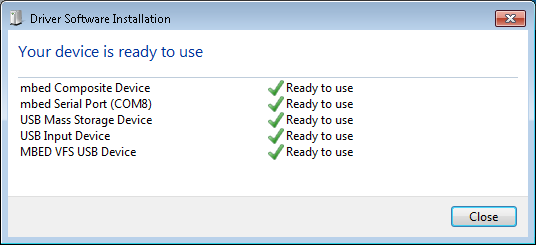
Then go to the My Computer view and search for the DAPLINK drive, if you see this then the drivers are complete and correct.
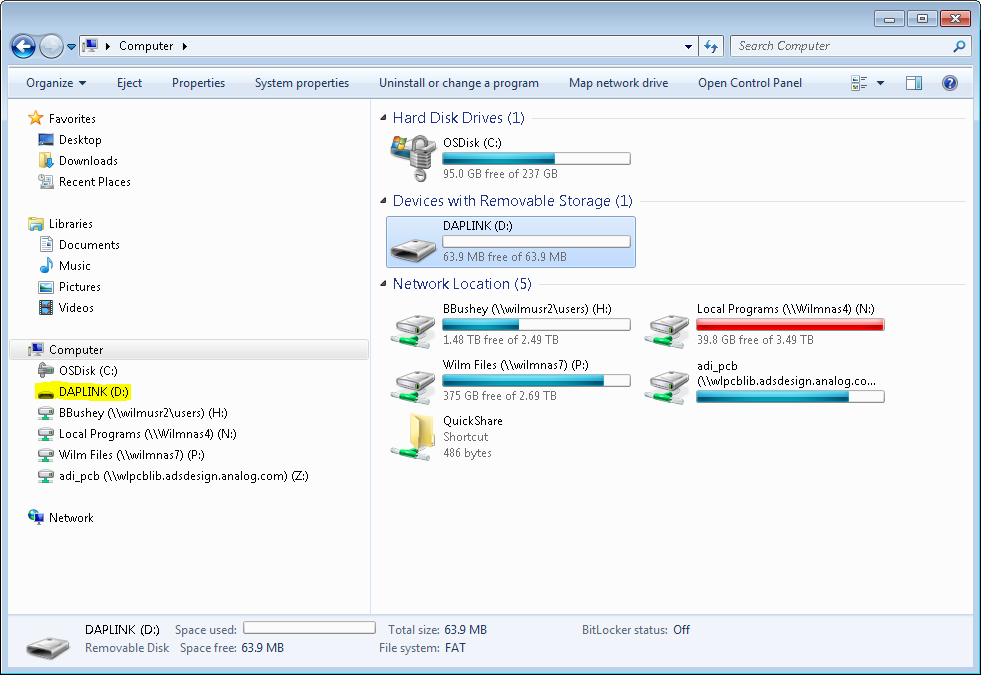
After that simply drag and drop (or copy and paste) your .BIN or .HEX [Intel formatted] file to the DAPLINK drive, and your ADICUP3029 board will be programmed.
Your Windows Explorer browser will close automatically
You will need to press the 3029_RESET button (S1) in order for the program to update
Alternatively you could unplug the micro USB cable from the USB port (P10) of the EVAL-ADICUP3029, and then reconnect it.
Maintenance Drive
When the ADICUP3029 emulator is connected to the MK20DX128VFM5 (by holding down the “3029_RESET” button while connecting the USB port (P10) to the PC/laptop) the “Maintenance” drive is displayed on your computer. This mode allows a user to overwrite the ADuCM0329 interface file within the emulator. This allows for patches and updates to the firmware on the emulator.
The PC will start searching for and install the following drivers:(if not already complete)
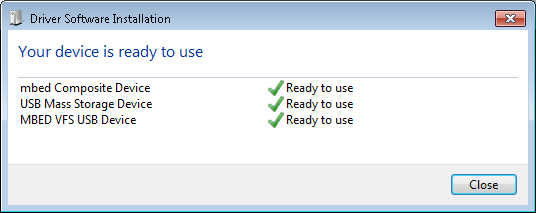
Then go to the My Computer view and search for the Maintenance drive, if you see this then the drivers are complete and correct.
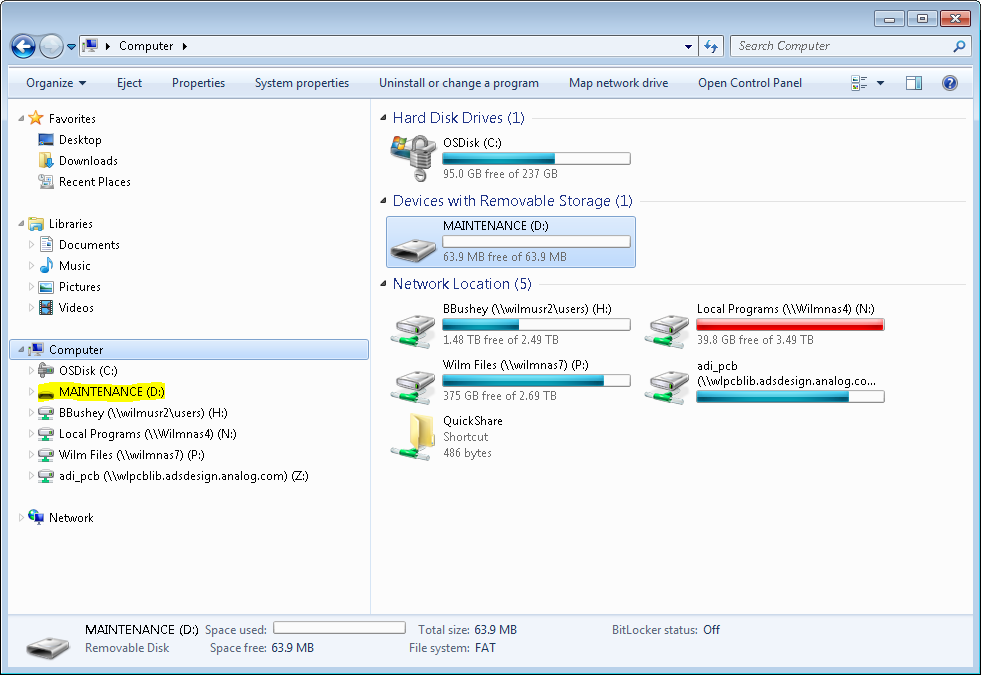
After that simply drag and drop (or copy and paste) the latest interface file to the Maintenance drive, and your ADICUP3029 board will be updated with the latest interface file.
Your Windows Explorer browser will close automatically
Unplug the micro USB cable from the USB port (P10) of the EVAL-ADICUP3029, and then reconnect the USB cable to the USB port (P10) to “reboot” the board.
ADICUP3029 Interface File Downloads
Download
The current ADICUP3029 interface file can be downloaded here:
Initial version for interfacing with ADuCM3029.
Updated drag and drop flash loader, large .BIN bug fix not loading properly, and added “ECC” code to program ADuCM3029 user space to match boot code.
End of Document