EVAL-ADSD3100-NXZ
High-Resolution 1Mpixel 3D Time of Flight Depth Camera Evaluation Kit.
Download
Overview
Analog Devices 3D time of flight (ToF) camera products capture depth information, enabling advanced machine vision applications and allowing people and devices to sense, capture and interact with their spatial environments.
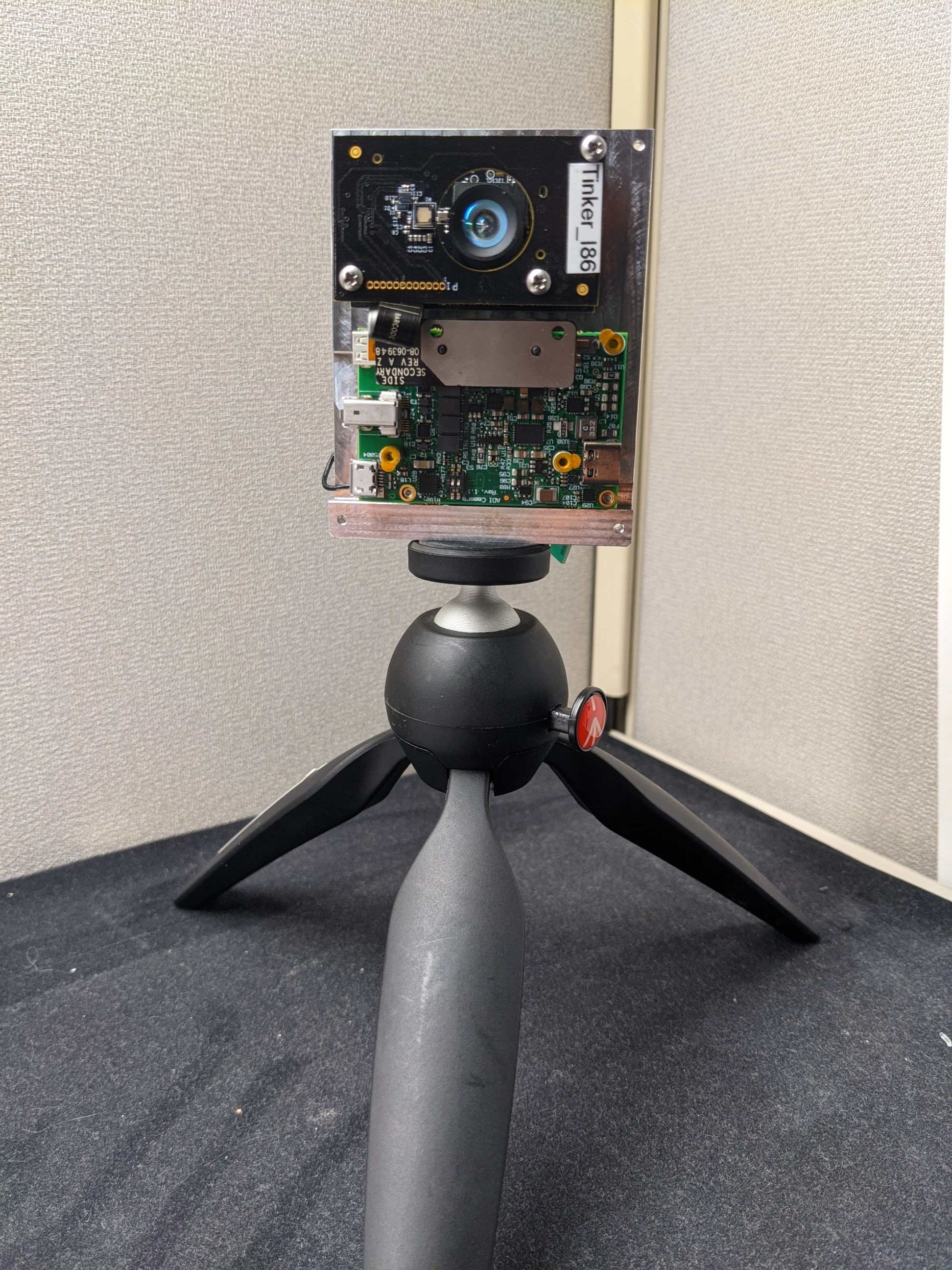
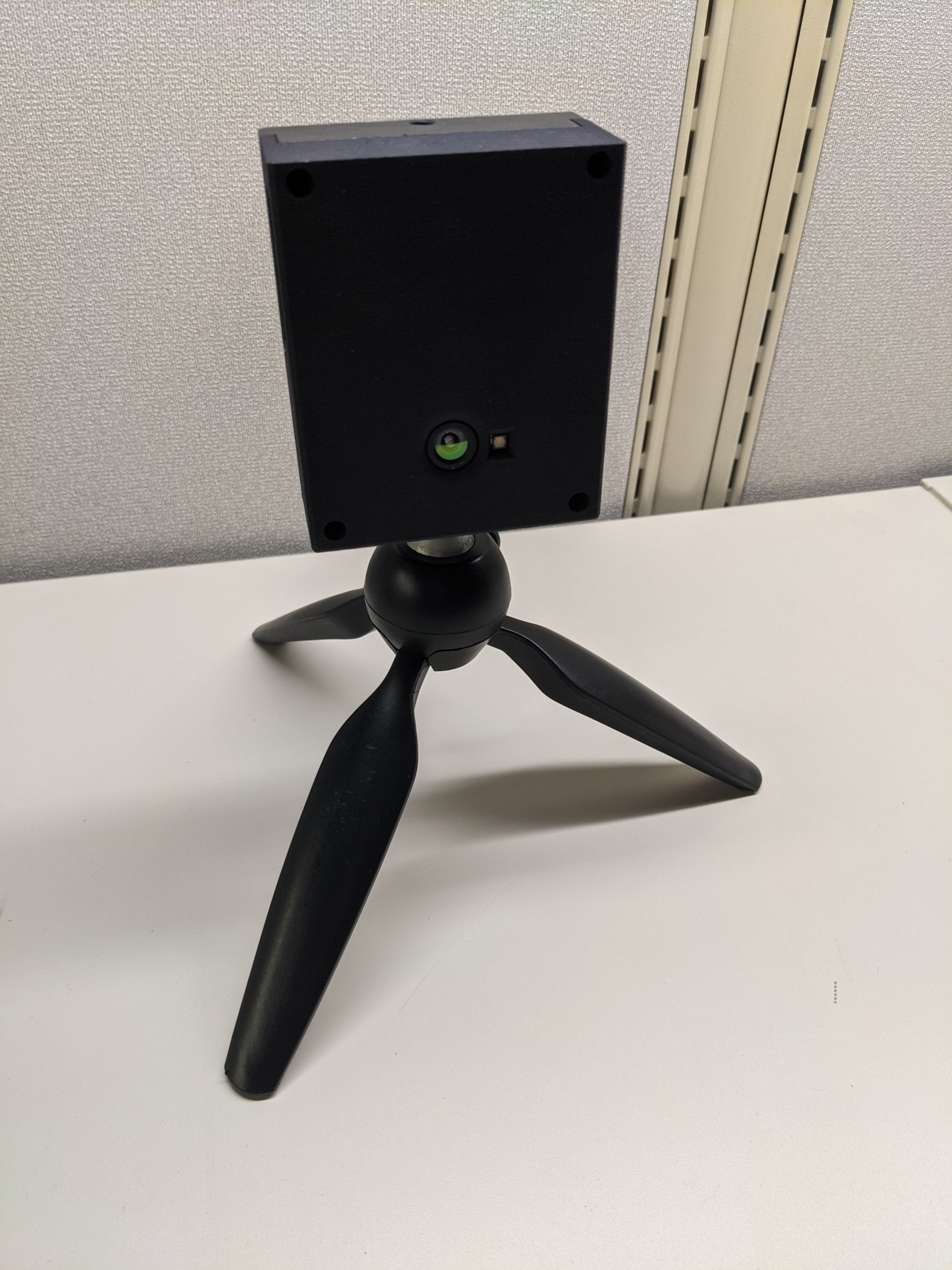
The EVAL-ADSD3100-NXZ time of flight (ToF) evaluation kit is a complete high-resolution (1Mpixel) 3D depth camera system assembled with the NXP i.MX 8M Plus processor. The camera supports USB connectivity to a PC for real-time visualization, capture and post processing of depth data. The kit includes host PC software (Windows/Linux) and an open source multi-platform SDK for custom application development.
For more information see: Time of Flight Camera - System Overview
Key Features
Parameter |
Specification |
|---|---|
Resolution |
1024x1024 TOF sensor |
Illumination |
FOI 60° x 60° - 940nm VCSEL |
Field of View |
FOV 51° x 51° |
Operating Range |
up to 5.2m @ 90% reflectance (native) |
Depth Noise |
1% |
Accuracy |
+/- 3mm depth error |
Modes of Operation
Mode Index |
Mode |
Resolution |
Range |
FPS |
|---|---|---|---|---|
5 |
Megapixel (mp) |
1024x1024 |
5.2m |
10 |
7 |
Quarter-Megapixel (qmp) |
512x512 |
5.2m |
15 |
Kit Contents
ADSD3100-NXZ Evaluation Module
ADSD3100 Imager Module
i.MX8 M Plus SOM (SolidRun)
Camera Interface Board
16GB flashed microSD card (Inserted in module SD card slot)
USB-C to USB-C cable (Supports PD 2.0, and USB 3.1)
Note
The stand is not included in the kit.
System Information
USB and Power
Minimum Requirements:
USB 3.0 (5Gbps)
USB Type-C cable
2.0A
Recommended Requirements:
USB 3.1 Gen2
USB Type-C cable
3.0A
Warning
Do not use USB Type-C to USB Type-A adapters.
Dimensions: 38mm x 72.5mm x 87mm
Laser Safety: Class 1
Index of Pages
Terms
FOI: Field of Illumination
FOV: Field of View
FPS: Frames per Second
SOM: System On Module
VCSEL: Vertical-Cavity Surface-Emitting Laser
Mode Table
Mode number and .ini file counterparts are different based on different batches of kits. Please check the serial number of your kit to determine the correct mode configuration.
Serial Numbers Starting with ‘am’
Requires ADSD3500 version 4.2.1.0 minimum.
Mode |
Mode Name |
INI File |
|---|---|---|
0 |
sr-native |
RawToDepthAdsd3500_sr-native.ini |
1 |
lr-native |
RawToDepthAdsd3500_lr-native.ini |
2 |
sr-qnative |
RawToDepthAdsd3500_sr-qnative.ini |
3 |
lr-qnative |
RawToDepthAdsd3500_lr-qnative.ini |
Serial Numbers Starting with ‘DV11’ or ‘CR’
Mode |
Mode Name |
INI File |
|---|---|---|
10 |
mp |
RawToDepthAdsd3500_mp.ini |
7 |
qmp |
RawToDepthAdsd3500_qmp.ini |
Troubleshooting
EVAL-ADSD3100-NXZ Common Issues
Green LED illuminates but camera remains undetected:
Reconnect the USB cable 3-5 times
Try different USB ports
GUI crashes after successfully requesting frames:
Restart the GUI without reconnecting the camera
Ensure mode switching is done after the module is stopped
Power Delivery negotiation failures:
Some Dell Precision laptops have known PD issues
Try using a powered USB hub
Slow frame rates (<3-5fps):
Adjust laptop power settings
Connect external power
Use USB 3.0 cables
Monitor MTU settings (10,000 bytes preferred)
Use iPerf3 for bandwidth testing (target: >1Gbps)
SD-Card could be corrupted:
See Flashing Image Instructions to reflash the SD card
Warning
All the products described on this page include ESD (electrostatic discharge) sensitive devices. Electrostatic charges as high as 4000V readily accumulate on the human body or test equipment and can discharge without detection. Although the boards feature ESD protection circuitry, permanent damage may occur on devices subjected to high-energy electrostatic discharges. Therefore, proper ESD precautions are recommended to avoid performance degradation or loss of functionality. This includes removing static charge on external equipment, cables, or antennas before connecting to the device.
Help and Support
Please go to Help and Support page.