Grating Lobes
Recall that for the mechanical broadside condition (i.e. steering angle = 0 deg), that the main lobe position simplifies to:

So if λ =29mm (which is the wavelength for 10.3 GHz), and d=14mm (which is indeed the element to element spacing on the Phaser array), then there is only one real solution to the equation above. And θMAIN = 0°. So no surprises there!
But if we change d to 42mm, then we will see 3 main lobes! And they will be located at:

The true main lobe is at 0°. And then the ±44° are the grating lobes. And we’ll actually see those grating lobes when we do the lab below.
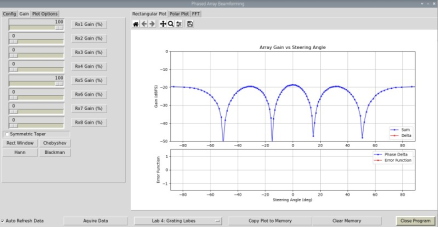
But we can also change d to 56mm. And in that case we will see “main” lobes at:

So let’s try it out in the lab, and see those grating lobes directly.
Lab Instructions
In this lab, we will vary the effective element to element spacing to observe the formation of grating lobes. Then compare to our calculated values.
1- Set the RF source (HB100) to be directly in front of the array (full broadside). 2- In the Phaser GUI, select “Lab 4: Grating Lobes”
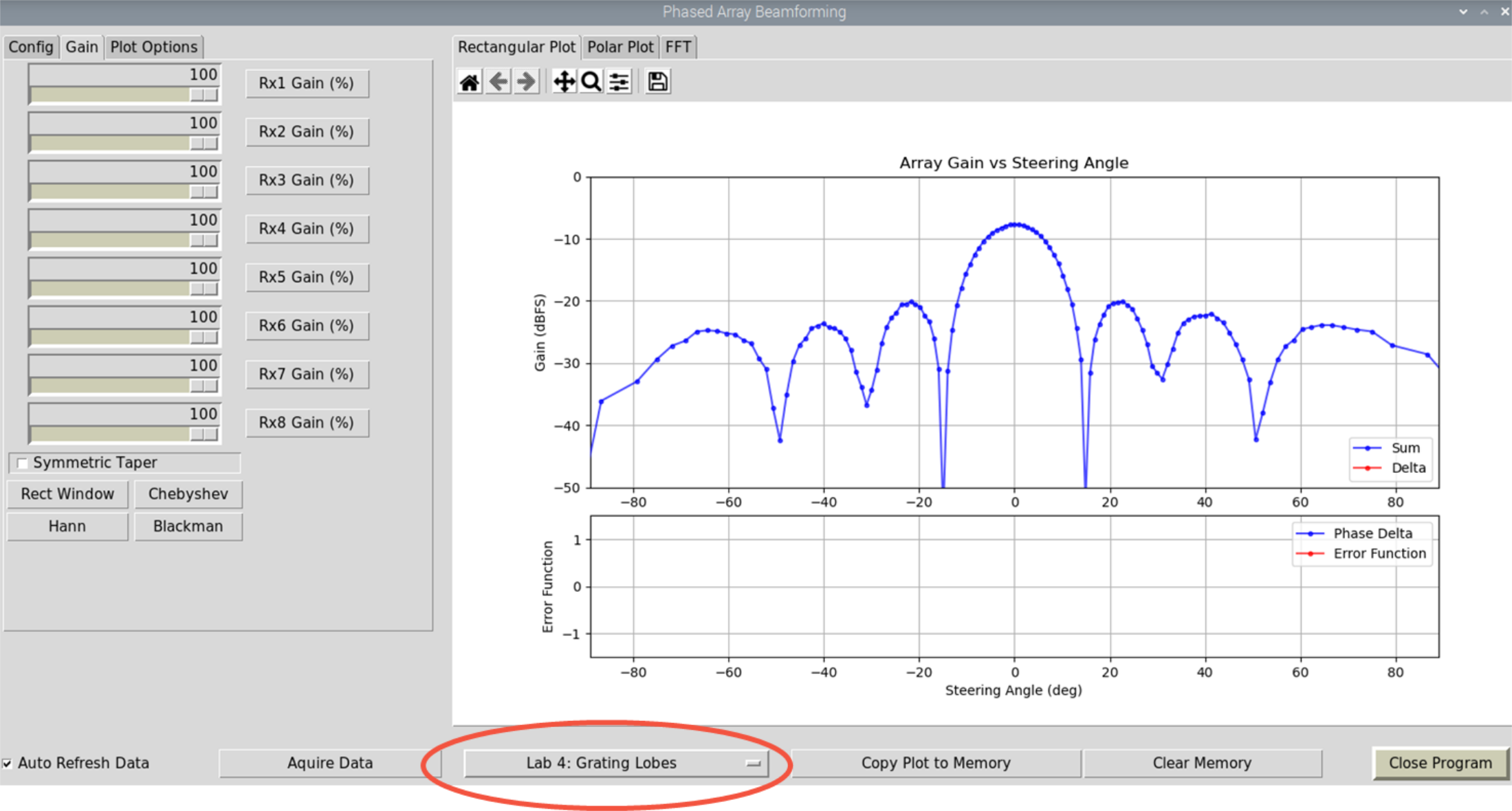
3- Set Rx2, Rx3, Rx5, Rx6, and Rx8 to 0. Now our d = 3 * 14 mm = 42 mm

4- Do you see two additional “main” lobes? Does their peak angle match our calculations? Why are they broader than the true main lobe?
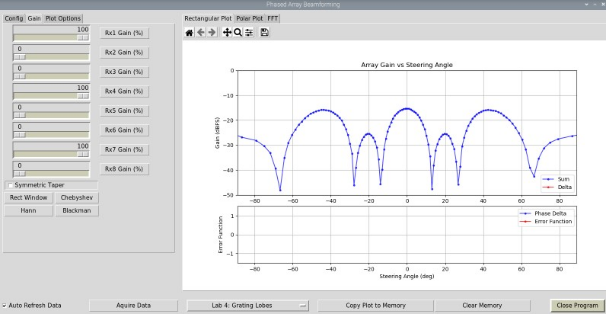
5- Let’s try it again, but now for d=56mm 6- Set Rx2, Rx3, Rx4, Rx6, Rx7, and Rx8 to 0. Now our d = 4 * 14 mm = 56 mm

7- Again, check where the grating lobes are, and compare to what we calculated previously.
You can find a video walkthrough of this lab here:
Note
For questions or help with the Phaser, please visit: EngineerZone