CN0540 and the STM Discovery Kit
Equipment
32F746GDISCOVERY micro-controller board
PC with a USB port and Windows 7 (32-bit) or higher
Serial Terminal Software (Putty/TeraTerm or similar)
USB Standard-A to Mini-B cable
ICP/IEPE piezo vibration sensor
Such as the CN0532 featuring the ADXL1002
Hardware Setup
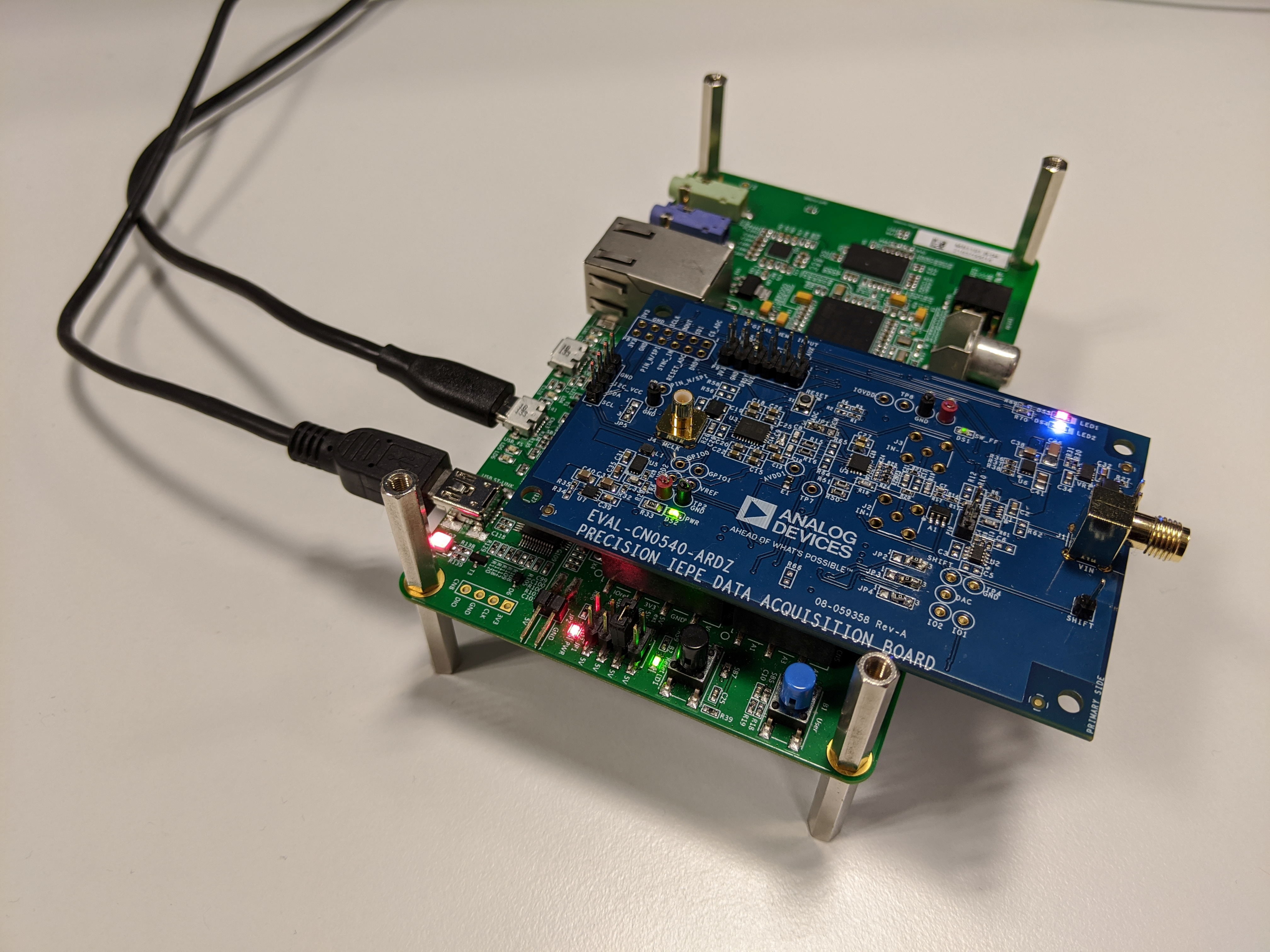
It’s important to note that the Arduino headers on the CN0540 are surface mounted and as such the user should take care not to bend or break the headers.
Shown below is the CN0540 board mounted on the 32F746GDISCOVERY board via the Arduino headers. The 32F746GDISCOVERY board only requires a Standard-A to Mini-B USB cable to connect to the PC. If properly connected the large red LED LD7 should light as well as the red LED LD2.
Software Setup
Porting the MBED Example program to DISCO-F746NG
Import the EVAL-CN0540-ARDZ example program into your online compiler by following the instructions in CN0540 and the SDP-K1.
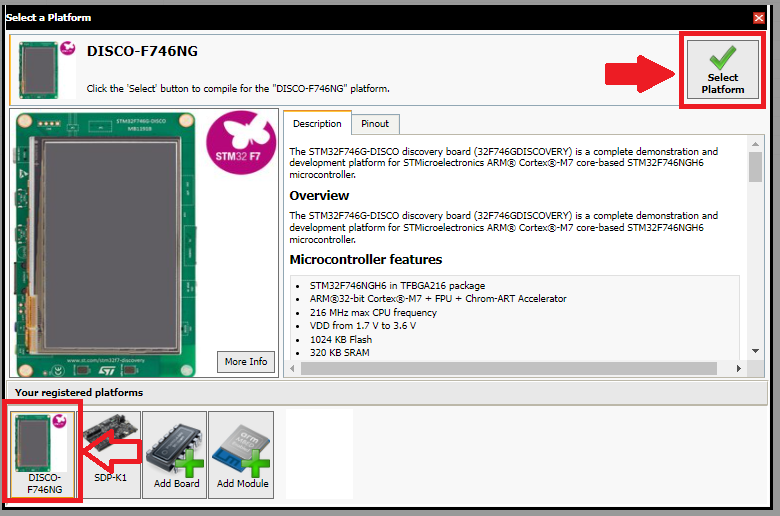
Click the “Platform Selection” section of your online IDE.
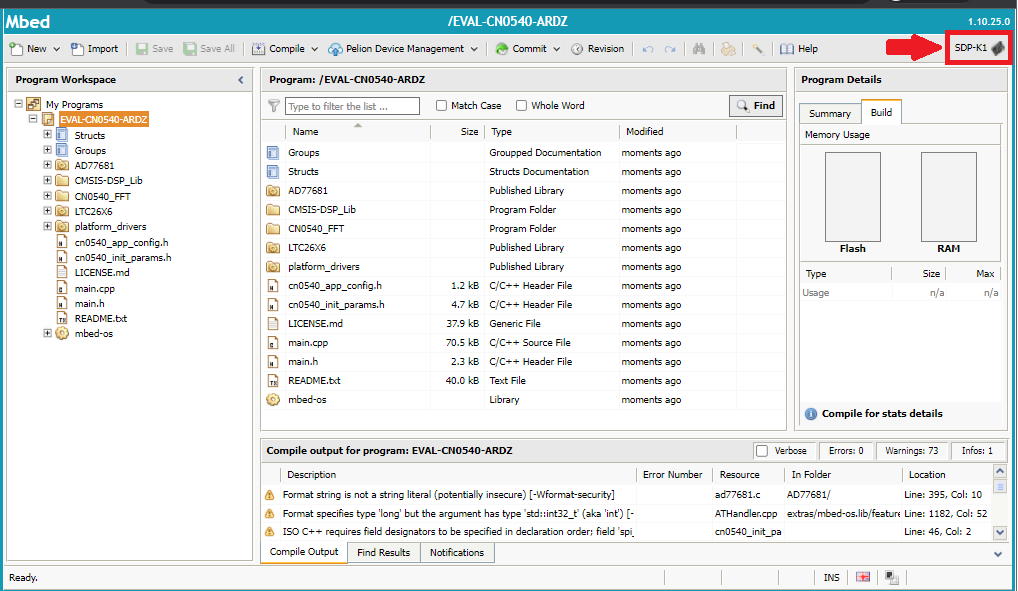
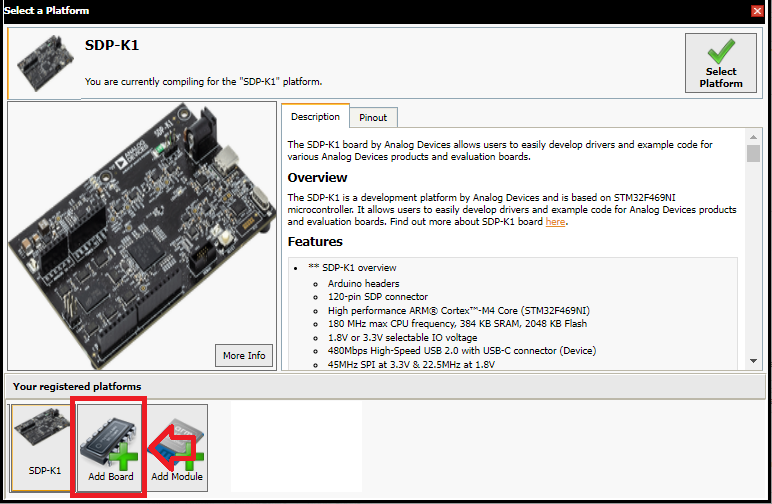
Select the “Add Board” option.
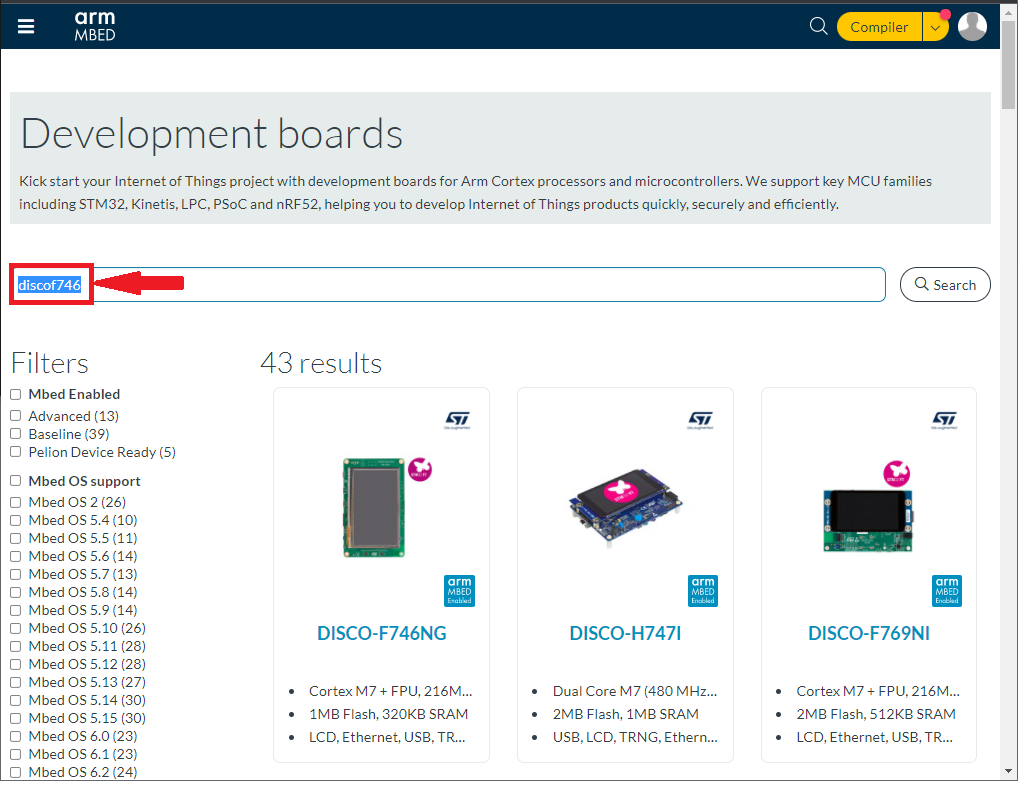
Search for the DISCO-F746NG board on the available platforms.
Add the DISCO-F746NG board to your online compiler.
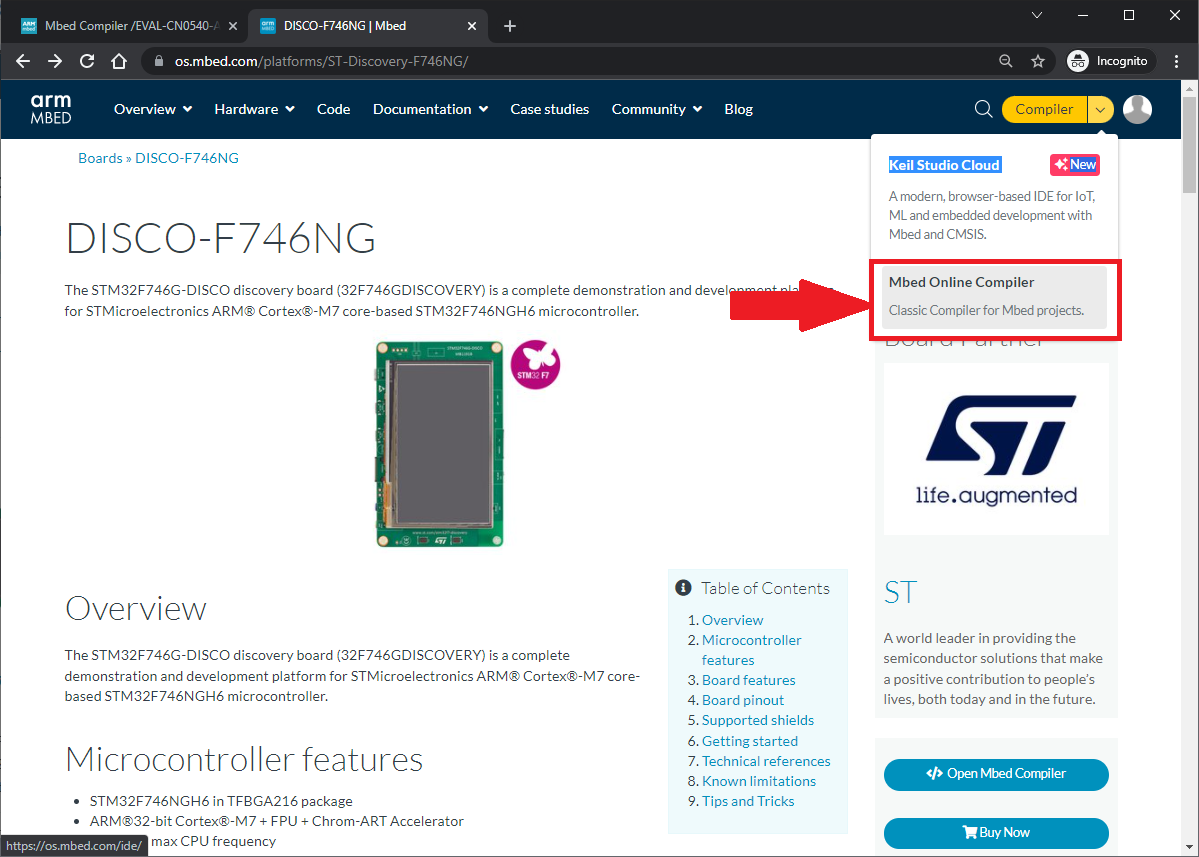
The DISCO-F746NG board will now be available in your platforms. Select it and recompile the code.
Load the extracted binary to the DISCO-F746NG board by dragging and dropping the binary file to the DISCO-F746NG directory.
Note
Refer to this video for an example on how to load a program: https://youtu.be/3xbzuPLcmCk?t=233
Installing the 32F746 Discovery Board driver
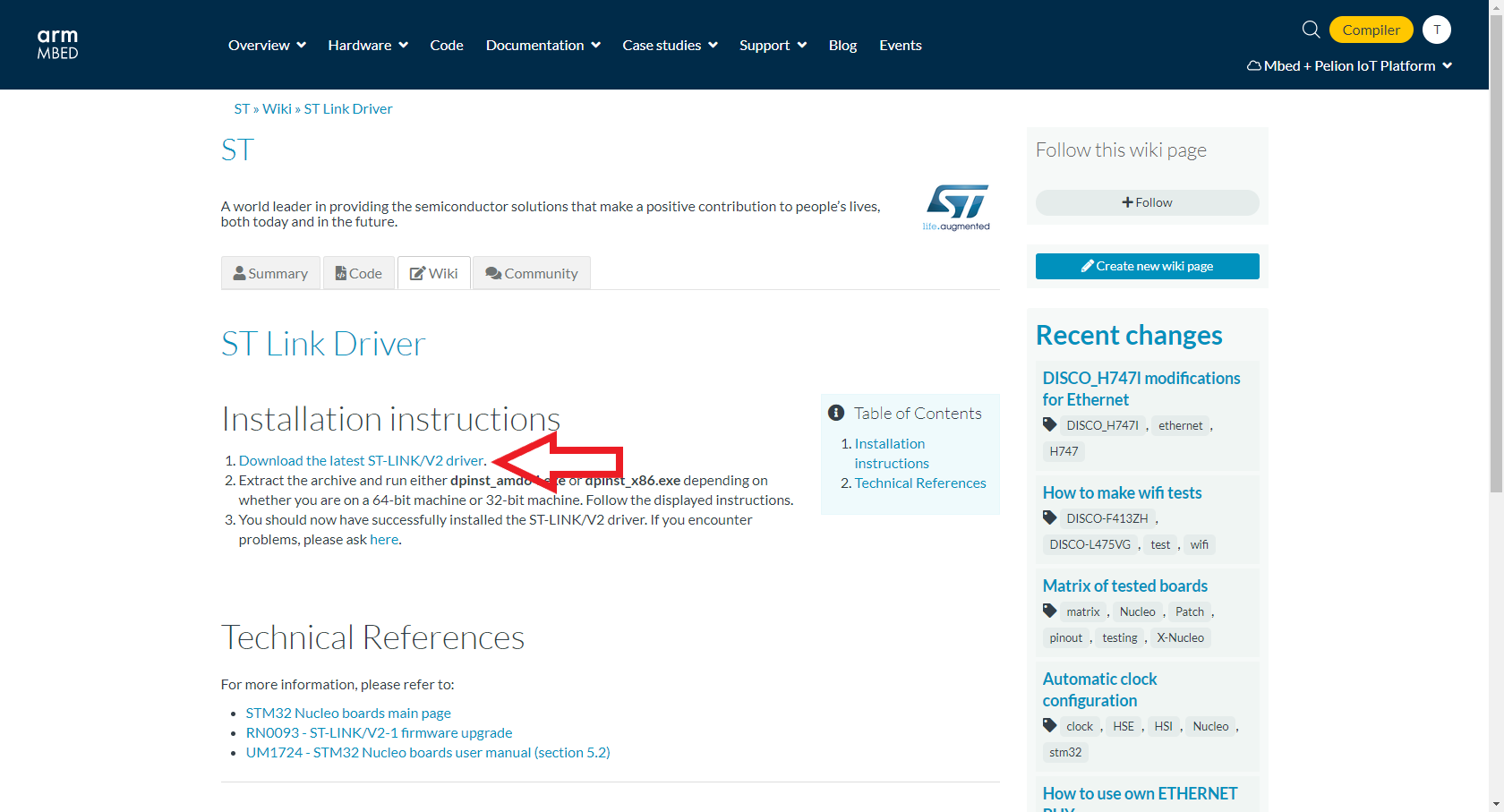
Download the ST-LINK/V2 driver and run the .exe file. Follow the instructions on the window that appears to install the driver.
Note
This requires a free account for my.st.com.
Plug the USB cables from the PC into the 32F746G Discovery board. If installation was successful a new device named DIS_F746NG should appear under ‘This PC’ in Windows File Explorer.

Copy and paste or drag and drop the compiled .bin file (from the MBED project compiled earlier) into the DIS_F746NG device/folder. This will load the firmware onto the board.
If the download fails, a FAIL.TXT file will appear on the DIS_F746NG device.
If the download is successful the .bin file will disappear from the DIS_F746NG device and there will be no FAIL.TXT file.
Unplug the 32F746G Discovery board from the PC and plug it back in to hard reset the board and finalize installation.
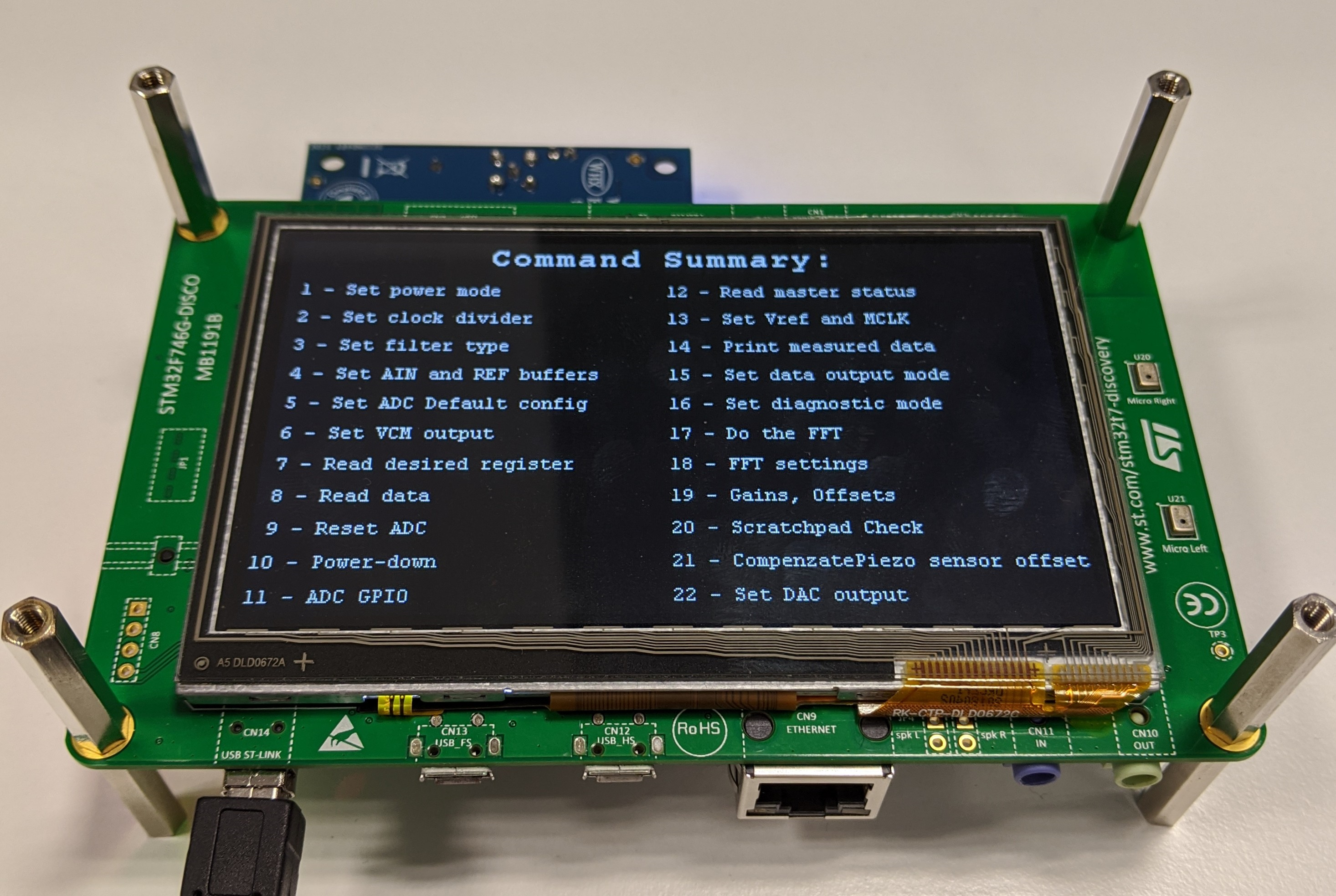
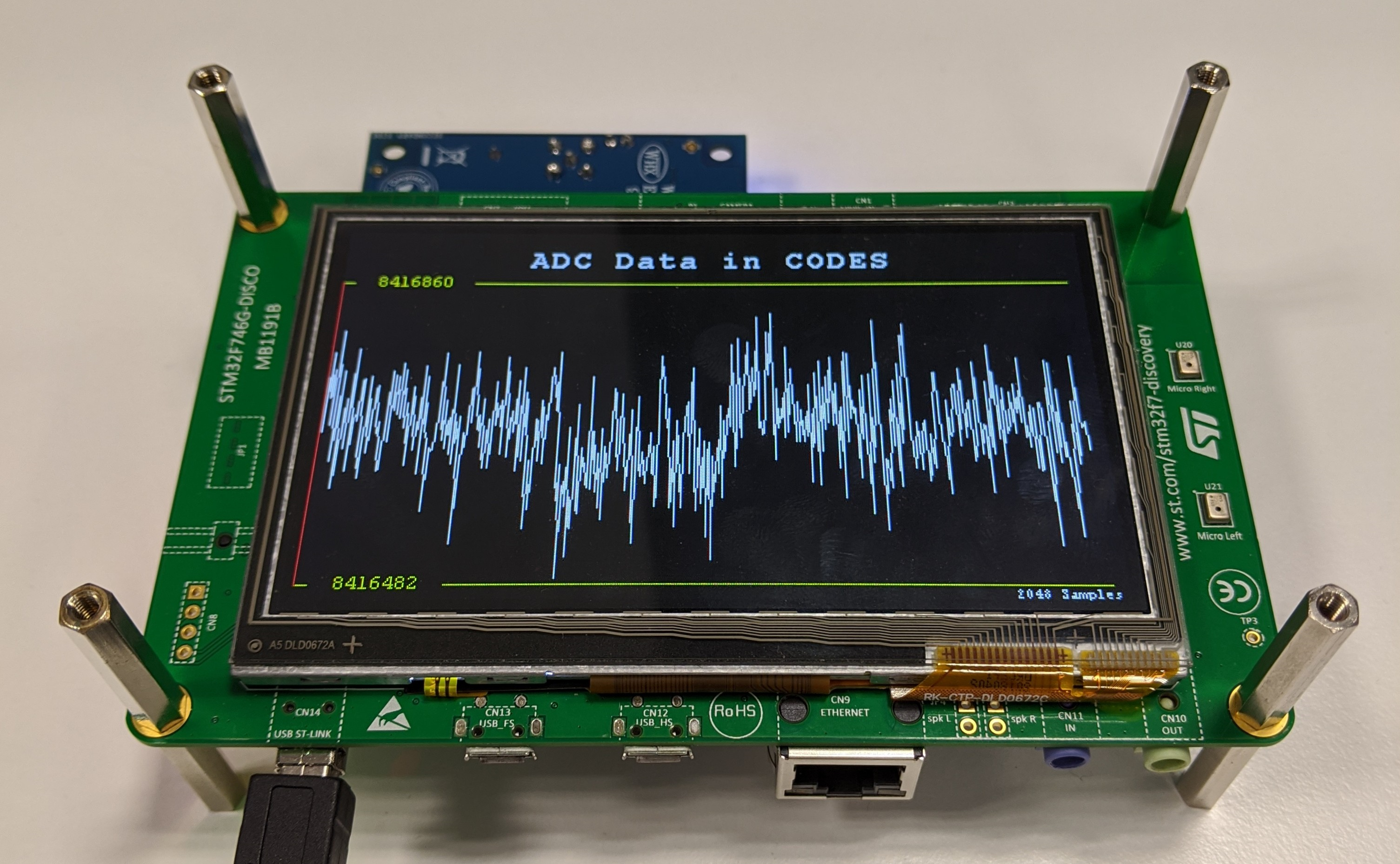
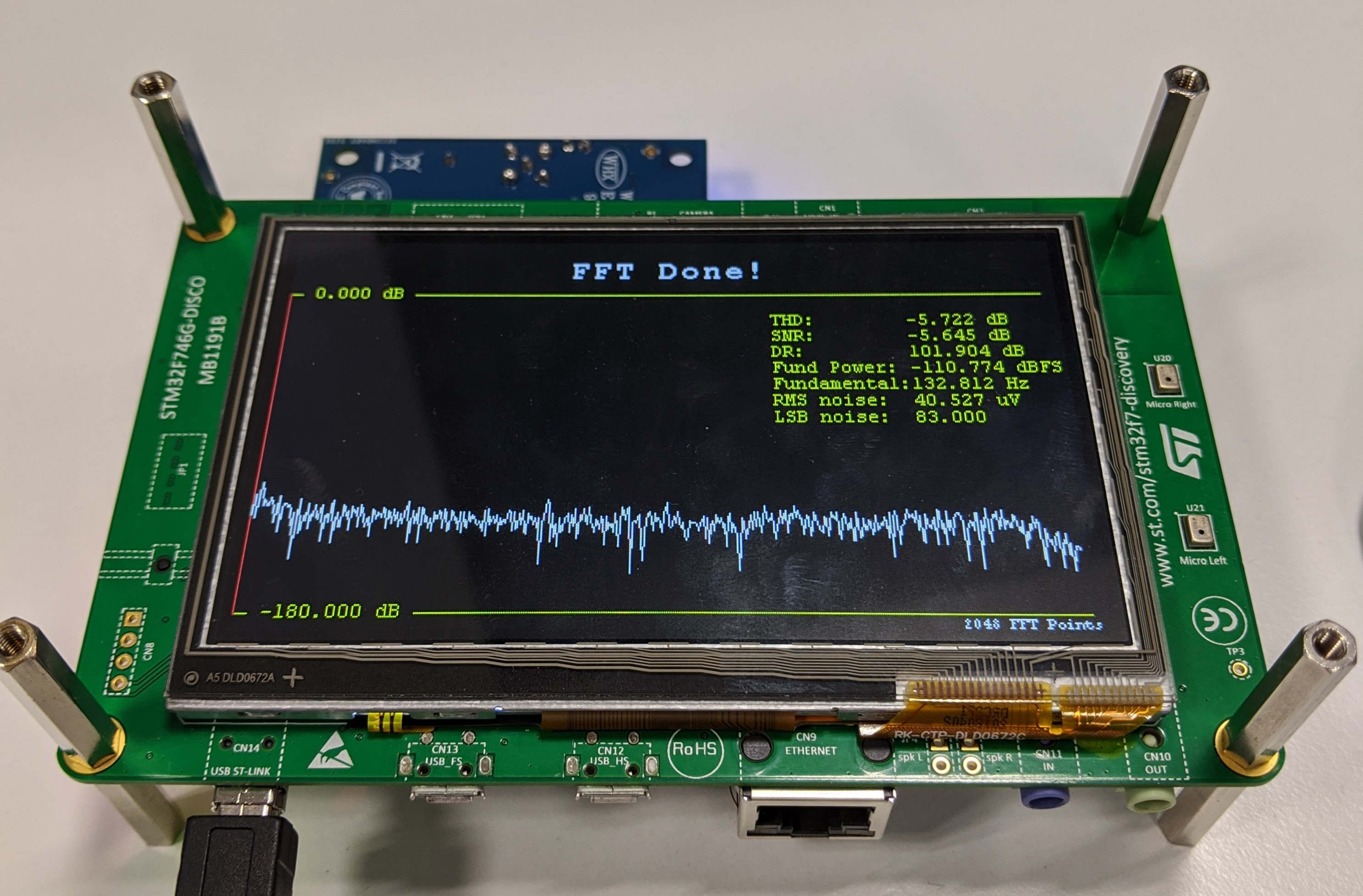
Designing a User Interface using the 32F746NG Discovery board
One of the major features of the 32F746G Discovery board is the on-board touchscreen, which can be used by the CN0540 board. Users can design their own User Interface (UI) by adding the DISCOF746NG Board Support Package (BSP). Using the DISCOF746NG BSP, a custom UI can be done as shown in the images below.