Quick start
The quick start guide provides step-by-step instructions on how to do an initial system setup for the EVAL-AD3530R or EVAL-AD3531R evaluation board on the supported FPGA carrier. This guide covers how to prepare the SD card, program the bitstream, and boot Kuiper Linux.
Supported carriers
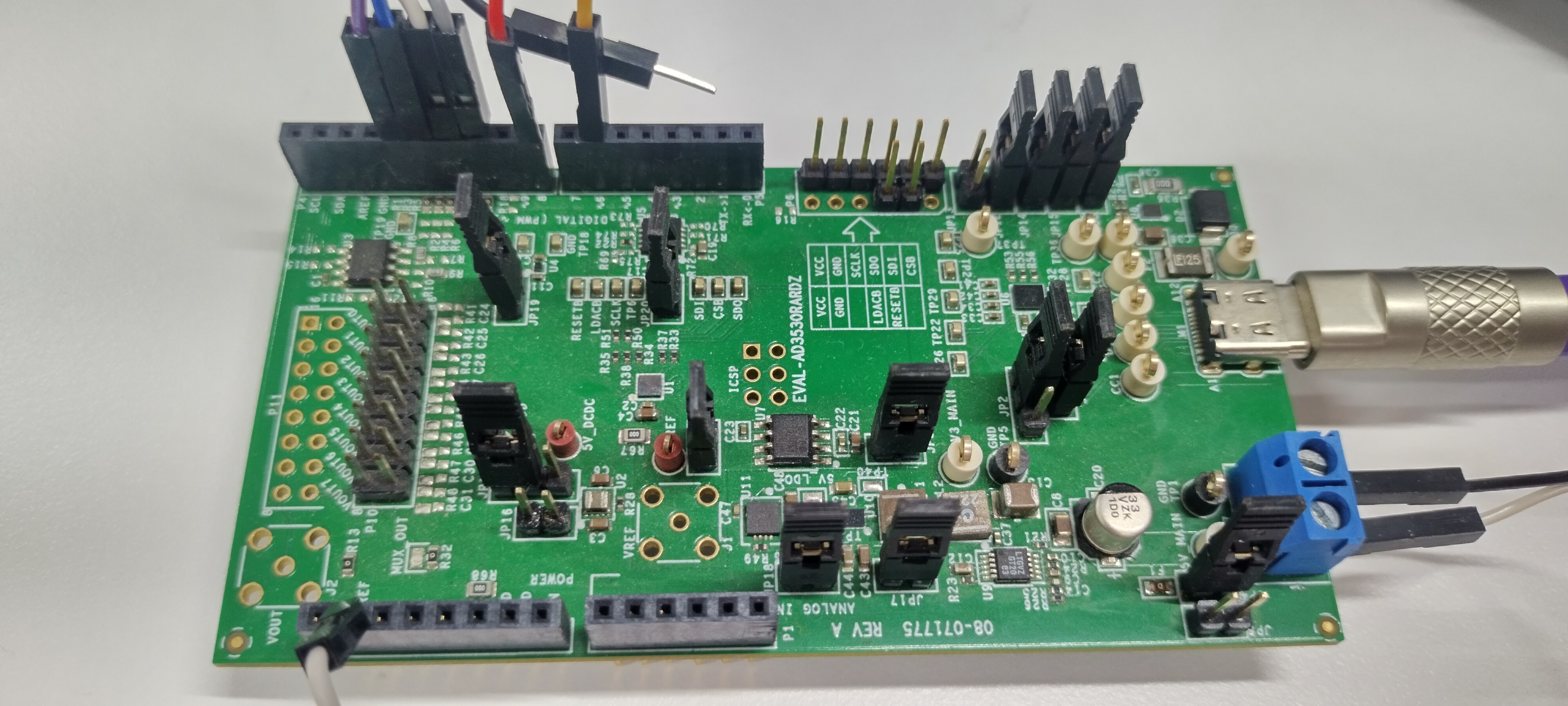
The EVAL-AD3530R and EVAL-AD3531R connect to the FPGA carrier via SPI and GPIO signals, routed through an adapter board.
FPGA board |
||
|---|---|---|
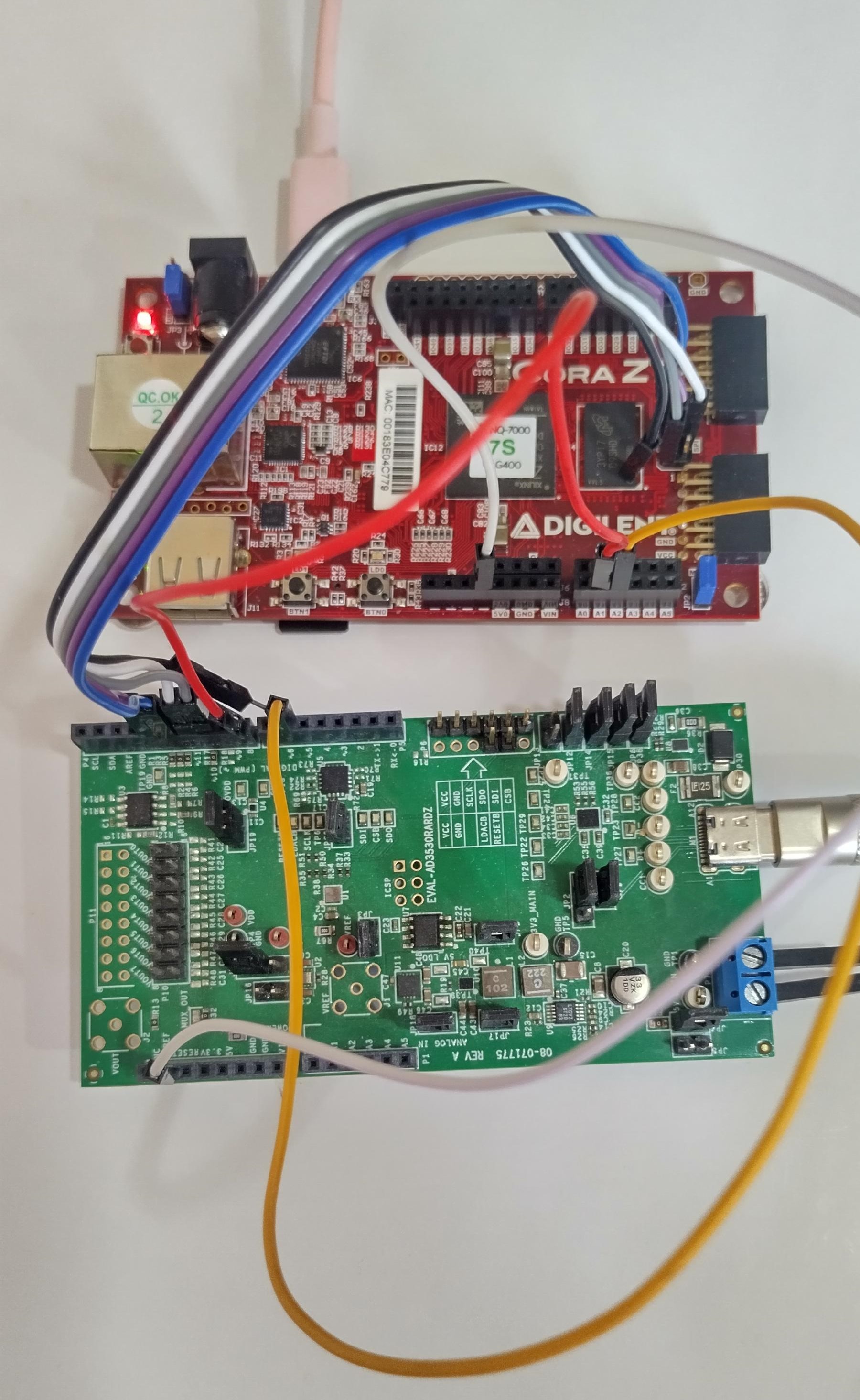
CoraZ7-07S |
SPI |
SPI |
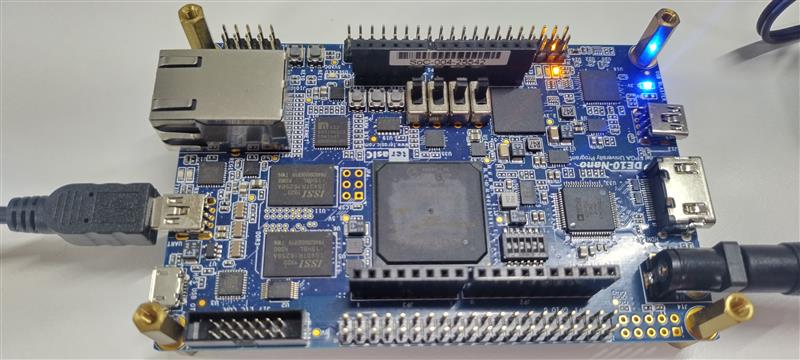
DE10-Nano |
SPI |
SPI |
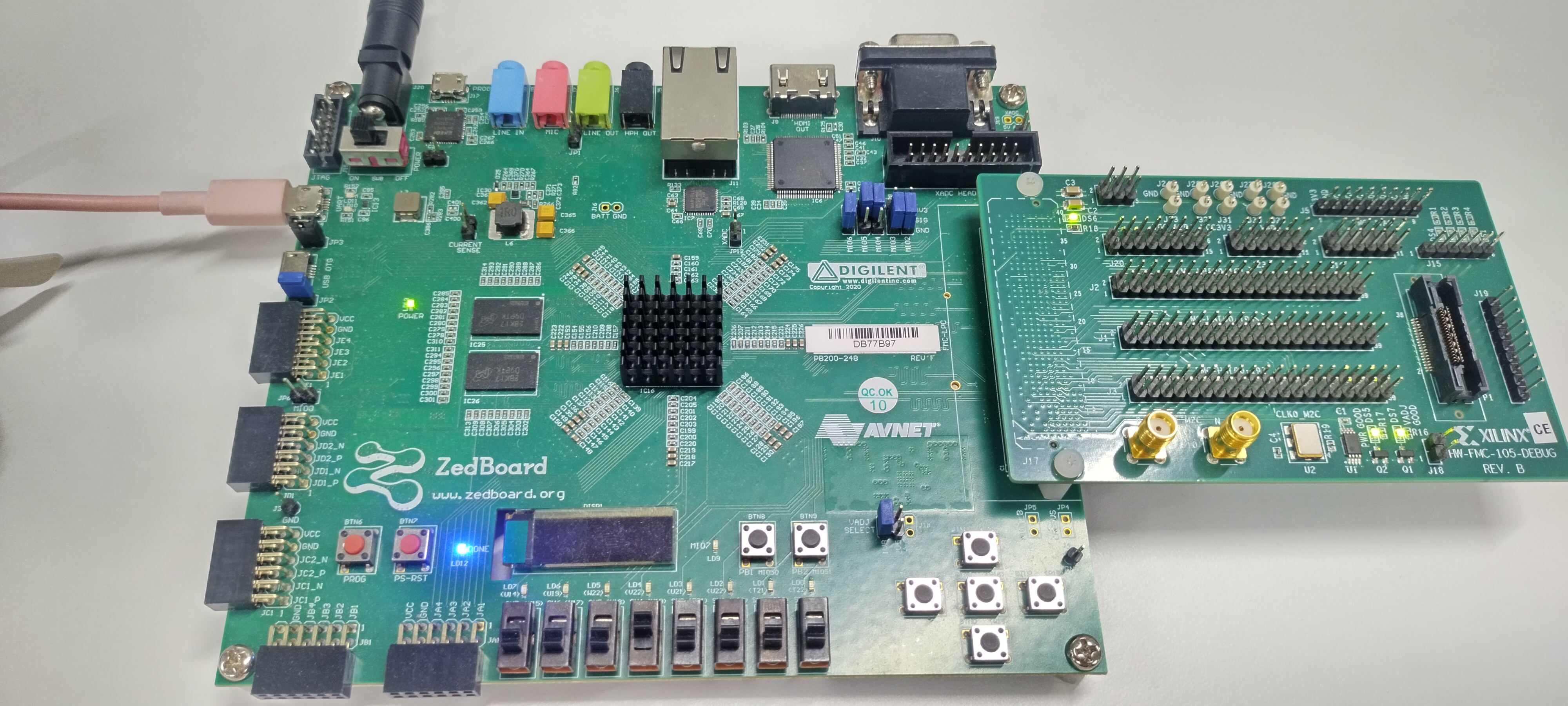
ZedBoard |
SPI (FMC LPC) |
SPI (FMC LPC) |
Supported environments
FPGA board |
HDL |
Linux software |
No-OS software |
|---|---|---|---|
CoraZ7-07S |
Yes |
Yes |
— |
DE10-Nano |
Yes |
Yes |
— |
ZedBoard |
Yes |
Yes |
— |
Hardware setup
CoraZ7s
DE10-Nano
ZedBoard