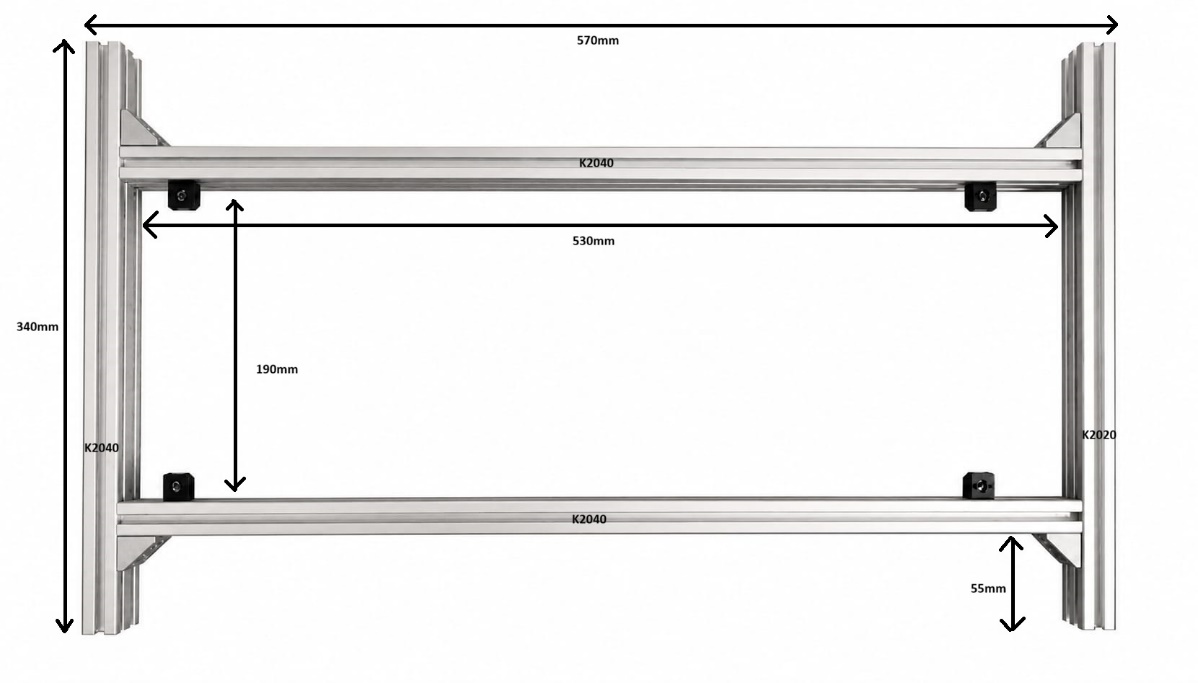
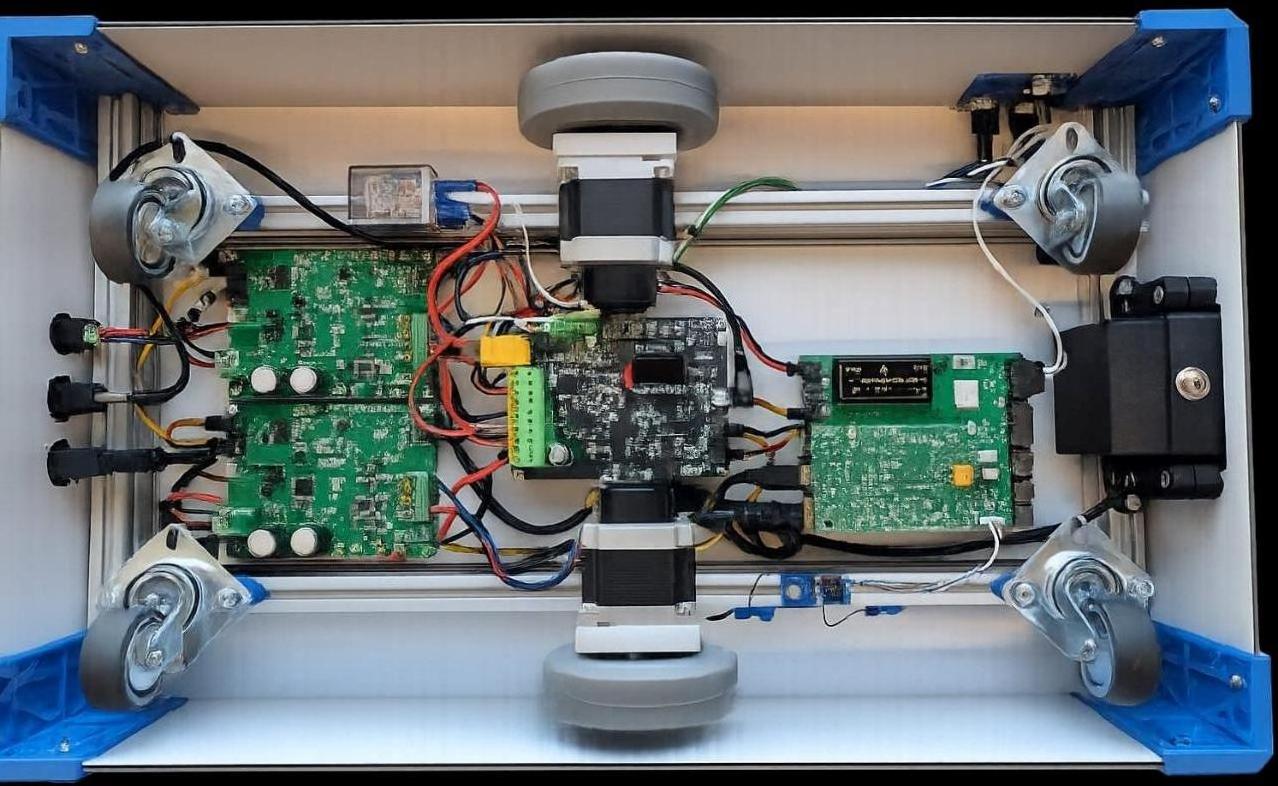
Assemble the frame using aluminum profiles and angle brackets. Ensure a rectangular
shape by measuring the diagonals. Use 2 angle brackets to connect two K2040 profiles.
Place 4 “M2” holders 30mm from the interior and 2 in the middle of the 530mm profiles.
Table 2 Parts Required
Ref
Qty
P/N
Description
M1
6
FA-093W201N05S01
Angle bracket
M2
6
A-094411M4
Panel holder
M3
1
K2020-I5 KRAFTBERG
340mm Aluminum 20X20 profile
M4
2
K2040-I5 KRAFTBERG
530mm Aluminum 20X40 profile
M5
1
K2040-I5 KRAFTBERG
340mm Aluminum 20X40 profile
M6
12
M5X8/D912-A4
Screw
M7
12
FA-096215
M5 Profile nut
Figure 1 Assembled base frame
Step 2: Caster Wheels
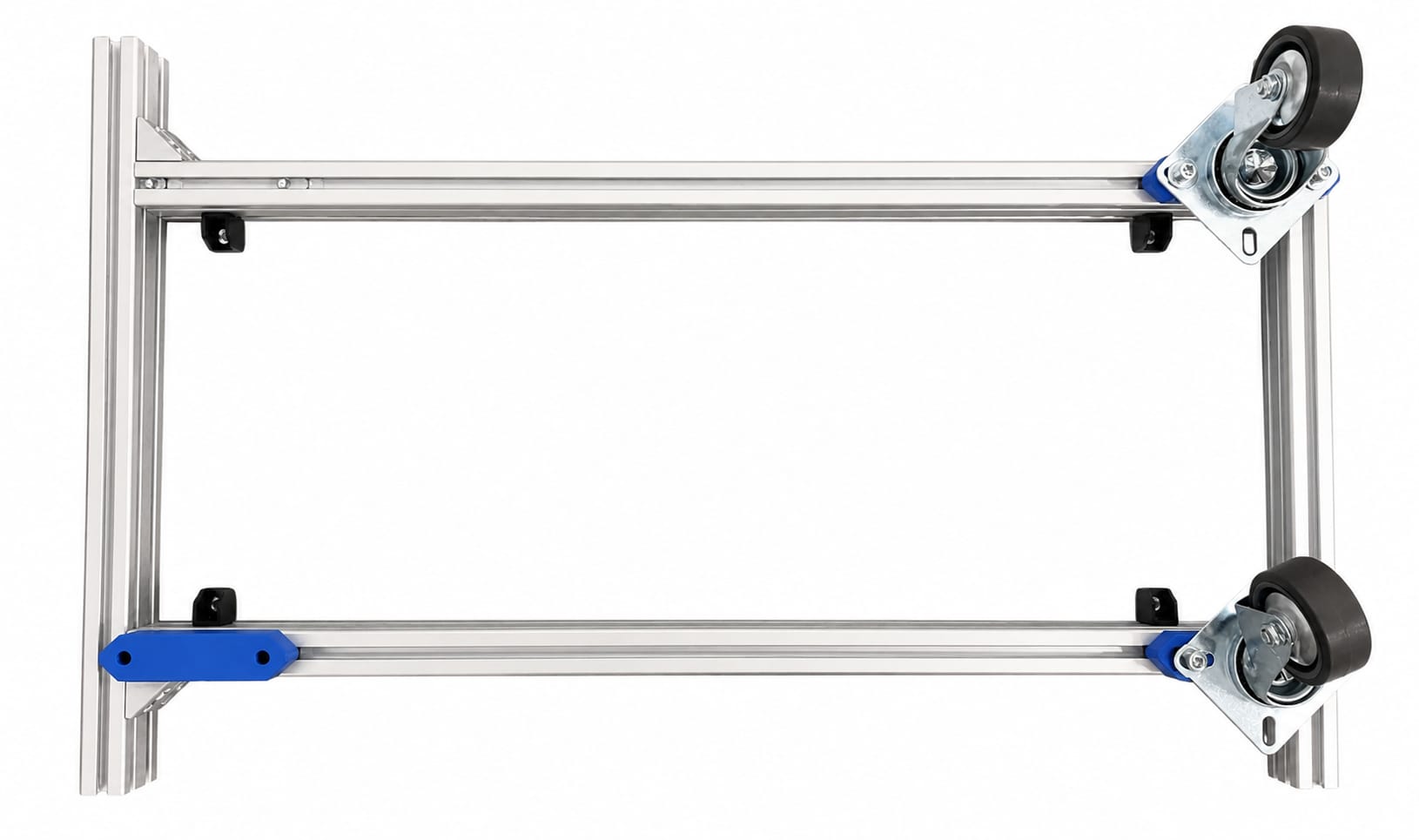
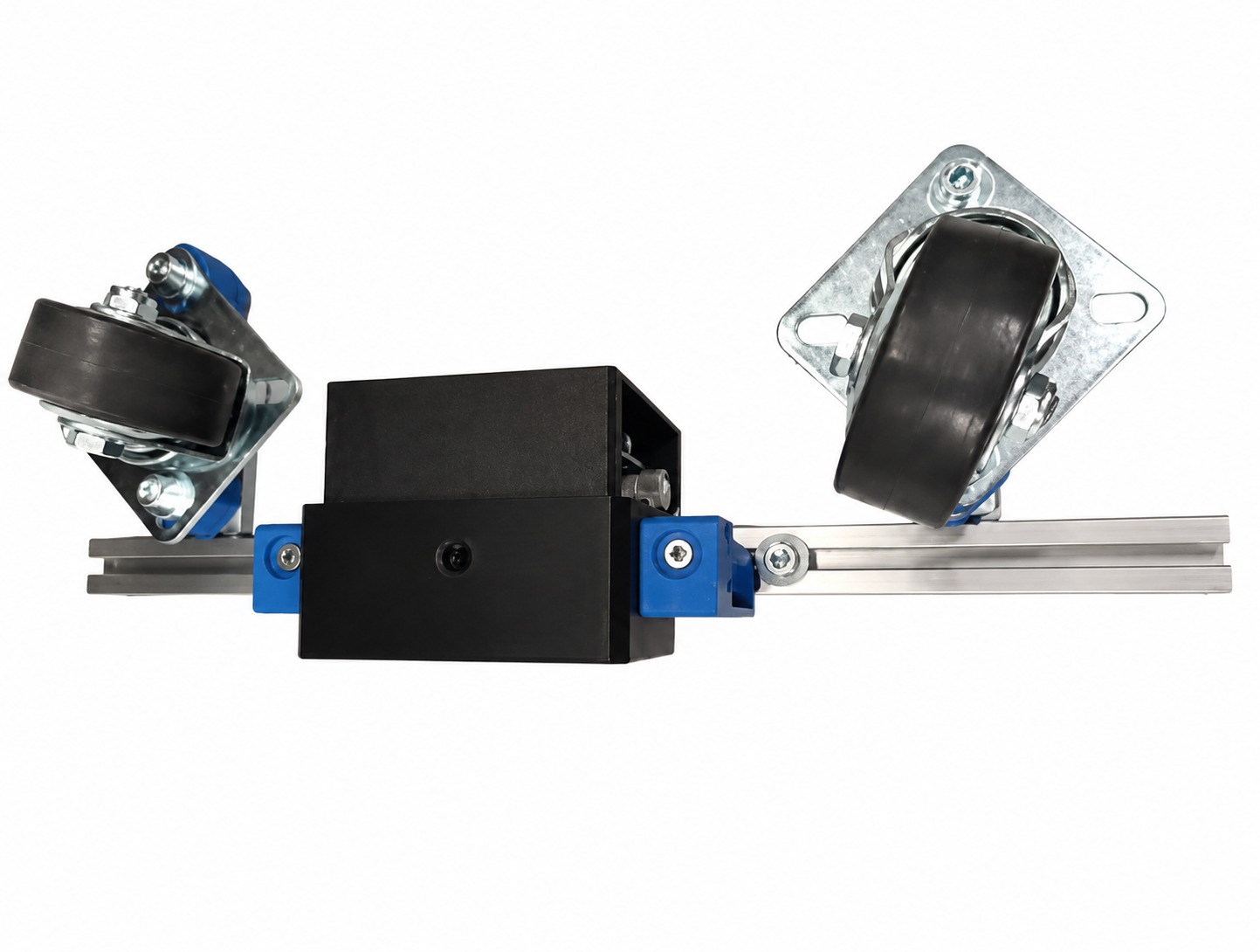
Attach the caster wheels using the 3D printed 16mm caster raisers (3D1).
Table 3 Parts Required
Ref
Qty
P/N
Description
M8
4
JDPE-0501-1001
Casters
3D1
4
N/A
16 mm caster raiser
M7
8
FA-096215
M5 profile nut
M9
8
B5X25/BN3
M5 25mm screw
M10
8
B5/BN715
5mm washer
Figure 2 Caster wheel installation
Step 3: Motor Mounts
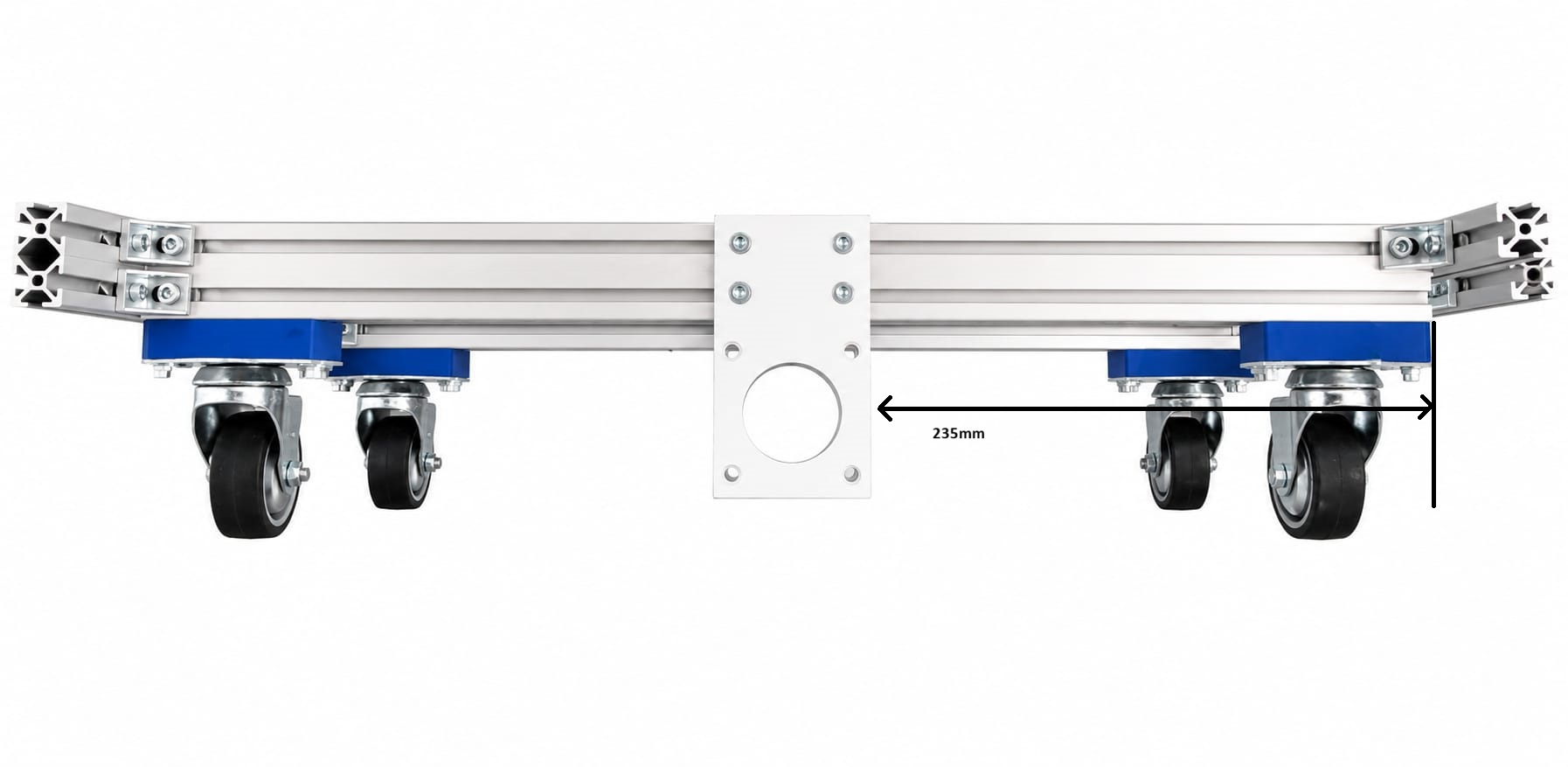
Install the motor mounts (3D2) in the center of the 530mm longitudinal profiles.
Table 4 Parts Required
Ref
Qty
P/N
Description
3D2
2
N/A
Motor mounts
M7
8
FA-096215
M5 profile nut
M11
8
B5X10/BN3
M5 10mm screw
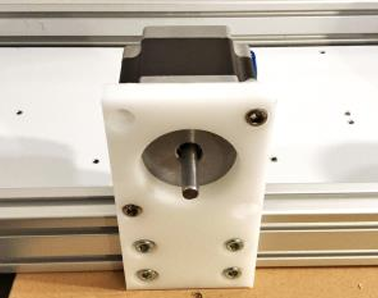
Figure 3 Motor mount placement
Step 4: Motors
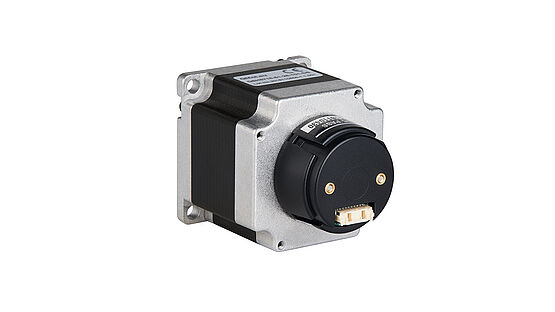
Install the NEMA 23 stepper motors onto the motor mounts.
Table 5 Parts Required
Ref
Qty
P/N
Description
M20
8
B5X16/BN3
M5 x 16 screw
M12
8
B5/BN161
M5 nut lock
ADI1
2
QSH5718-51-28-101-10K
NEMA 23 stepper motor
Figure 4 Motor installation
Step 5: Camera Mount
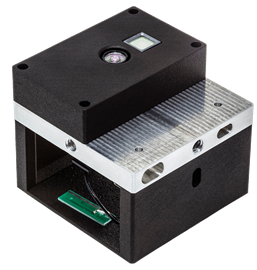
Install camera mounts 116.5mm from the side, 135.5mm from camera position.
Camera mounts and housing are 3D printed.
Table 6 Parts Required
Ref
Qty
P/N
Description
M13
2
B4X8/BN3
M4 x 8 HEX
M14
2
B4/BN1074
M4 Washer
3D3
2
N/A
Camera mount brackets
3D4
1
N/A
Camera housing
ADI2
1
EVAL-ADTF3175
ToF depth camera
Figure 5 Camera and mount assembly
Step 6: Wheel Assembly
Install the wheel assemblies on the motor shafts.
Table 7 Parts Required
Ref
Qty
P/N
Description
3D5
2
N/A
Wheel assembly
Electronics Assembly
Step 1: Board Spacers
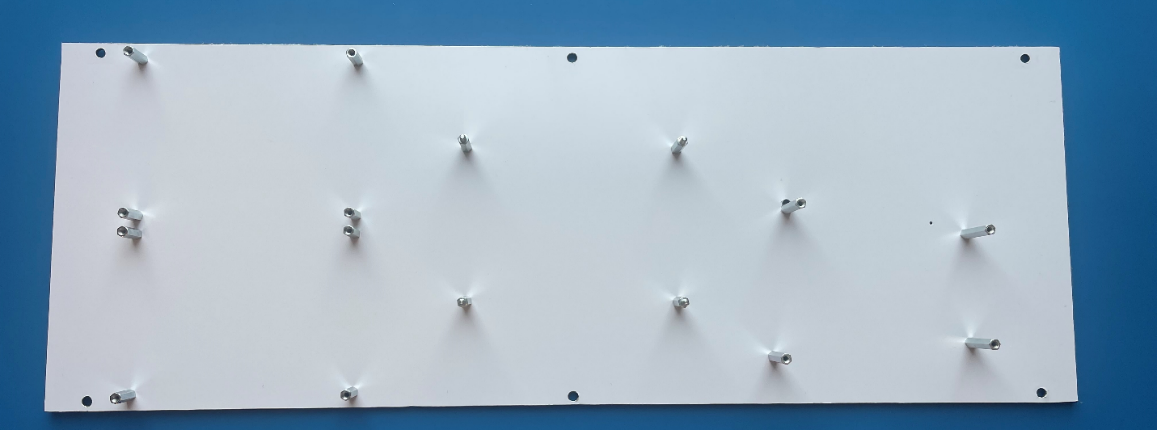
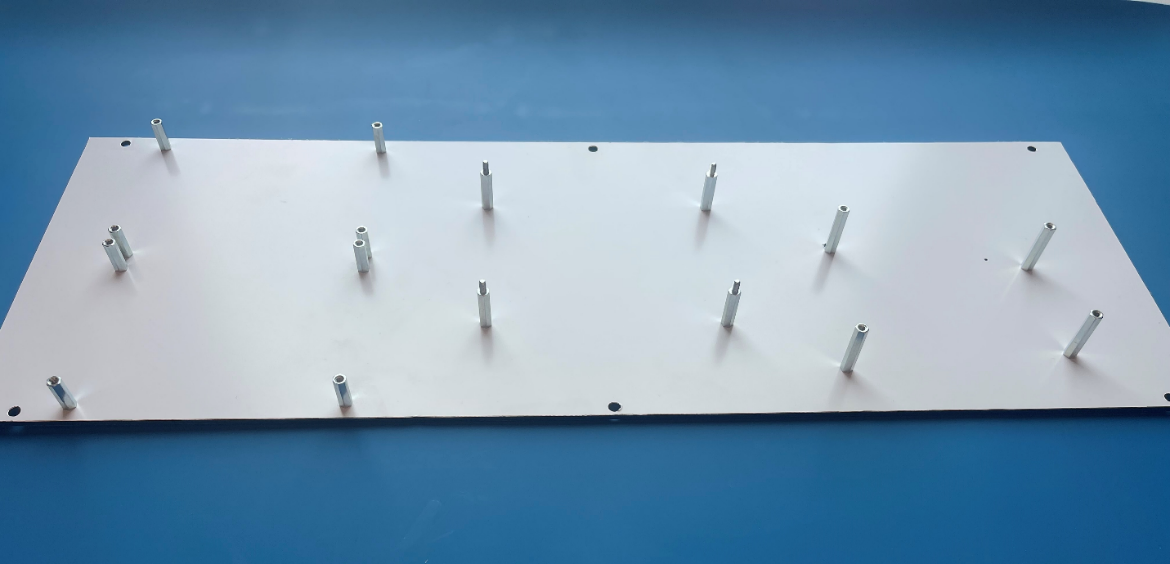
Place the board spacers on the electronics mounting plate.
Table 8 Parts Required
Ref
Qty
P/N
Description
3D6
1
N/A
Electronics mounting plate
M15
8
M3X15/DR213
Standoff TFF
M16
4
M3X20/DR113
Standoff TFM
M17
4
M3X25/DR213
Standoff TFF
M18
16
M3X5/D7985
Screw
Figure 6 Spacer layout (top view)
Figure 7 Spacer layout (side view)
Figure 8 Standoff detail view
Step 2: PCB Installation
Install the PCB sub-assemblies. The BMS board mounts above the battery holder
on 4x M3X25 standoffs.
Table 9 Parts Required
Ref
Qty
P/N
Description
M19
16
B3X5/BN610
HEX Screw
M17
4
M3X25/DR213
Standoff TFF
ADI3
1
ADRD3161
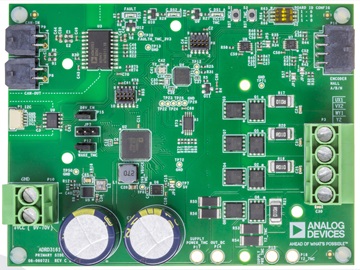
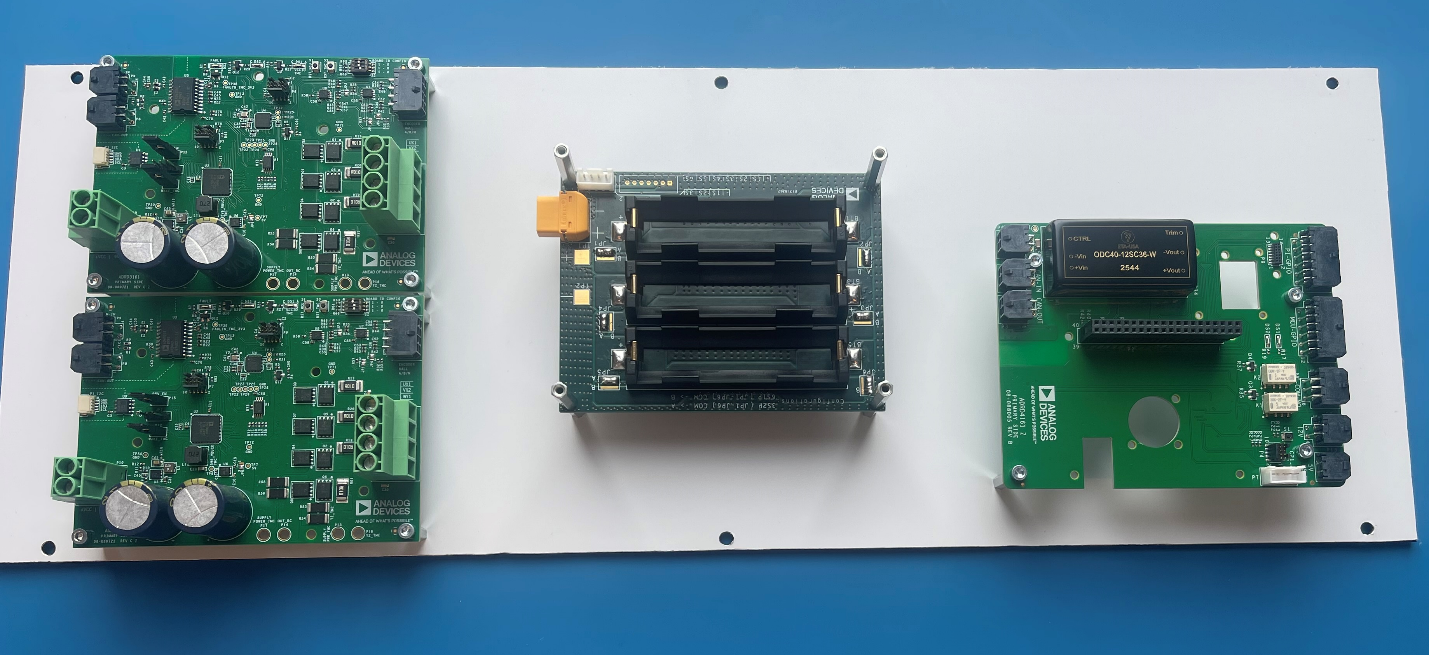
Motor Control PCB
ADI4
1
ADRD5161
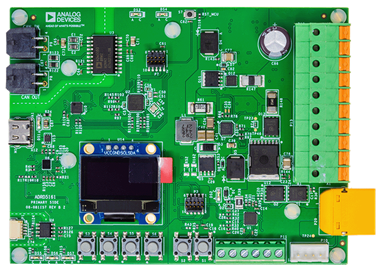
BMS
ADI5
1
ADRD4161
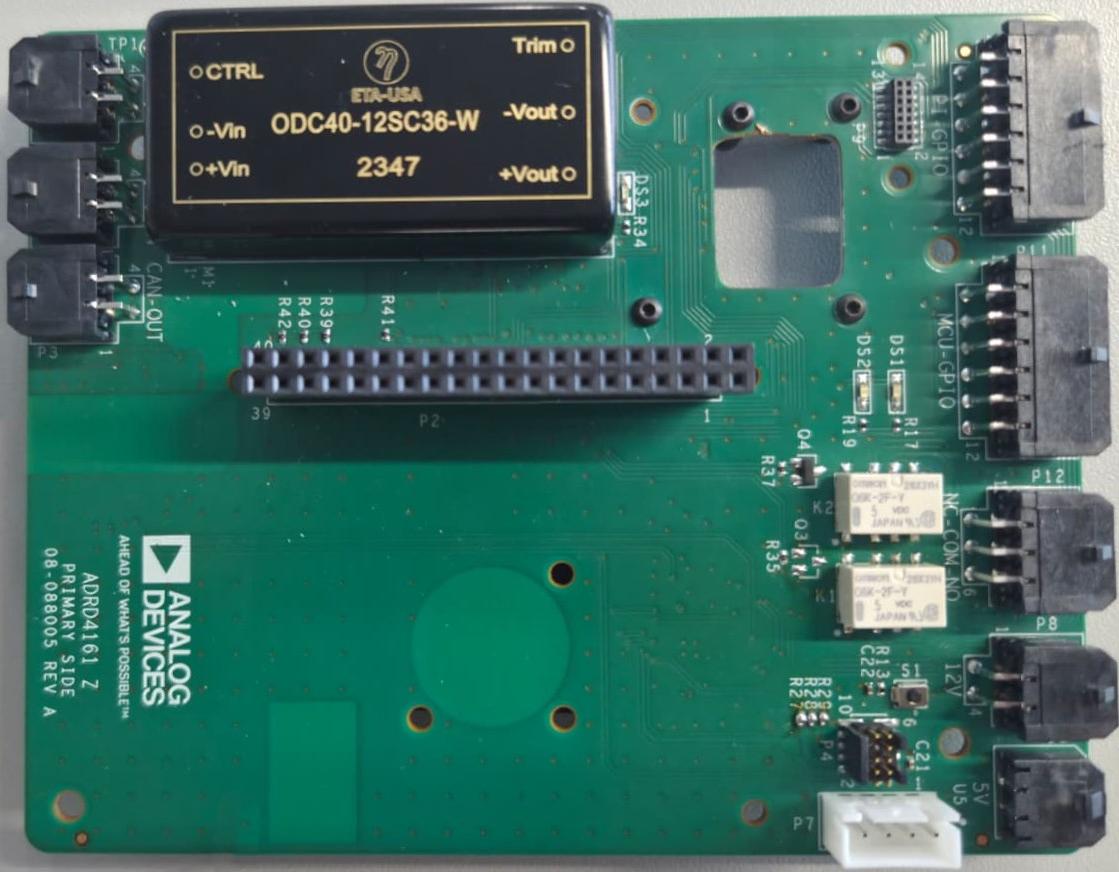
Compute Carrier
ADI6
1
N/A
Battery Holder
E1
1
RPi 5
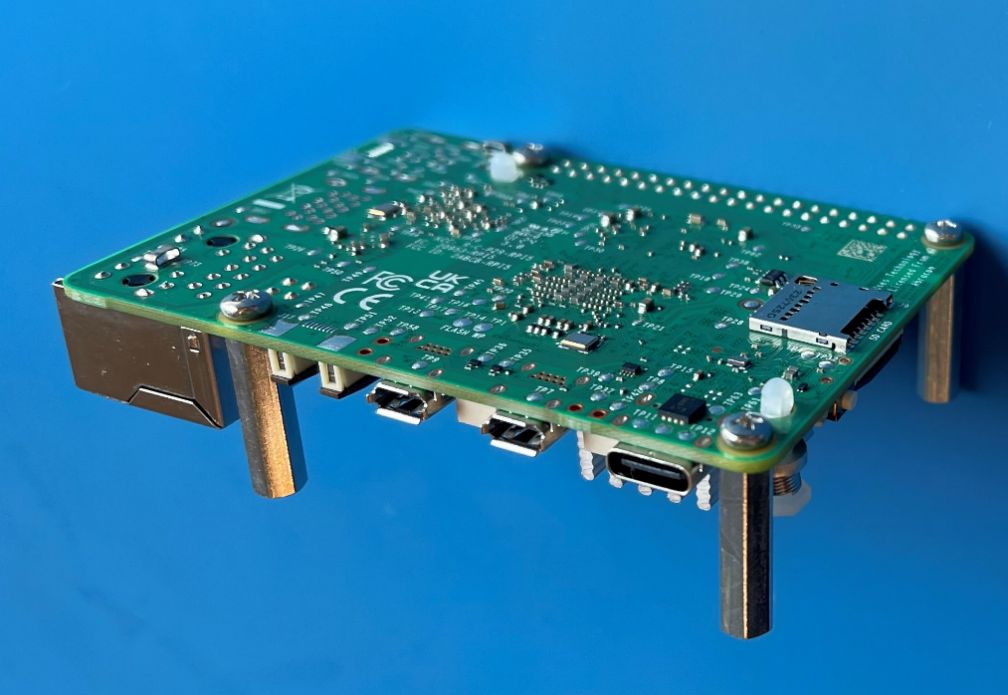
Raspberry Pi 5 SBC
Figure 9 Complete electronics assembly
Control Panel
Table 10 Parts Required
Ref
Qty
P/N
Description
E2
1
IND16-12B-C
Status LED
E3
1
82-4151.1000
SPDT Button
E4
1
82-4151.1123
SPDT Button
3D7
1
N/A
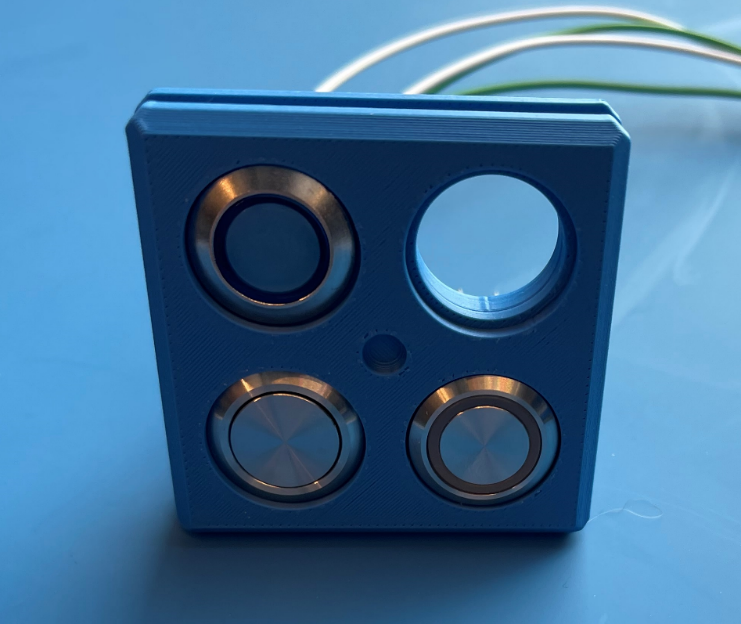
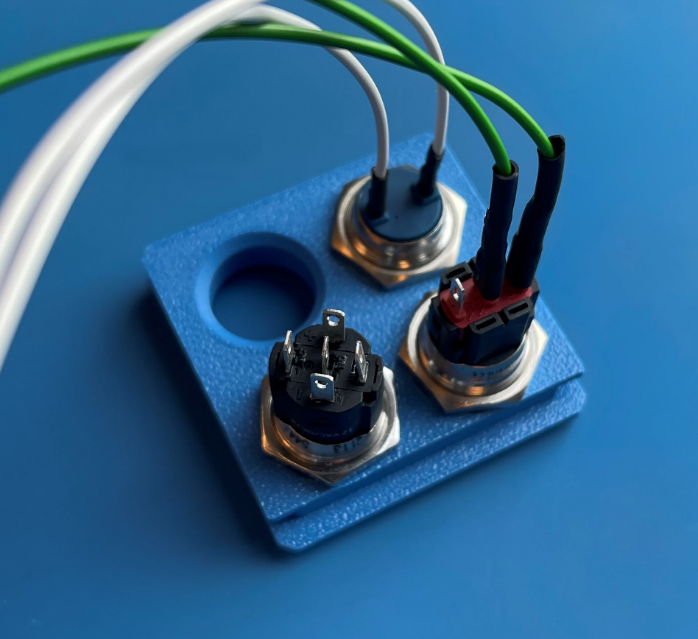
3D Printed Front Panel
Figure 10 Front panel layout
Figure 11 Panel with components
Wiring Harness
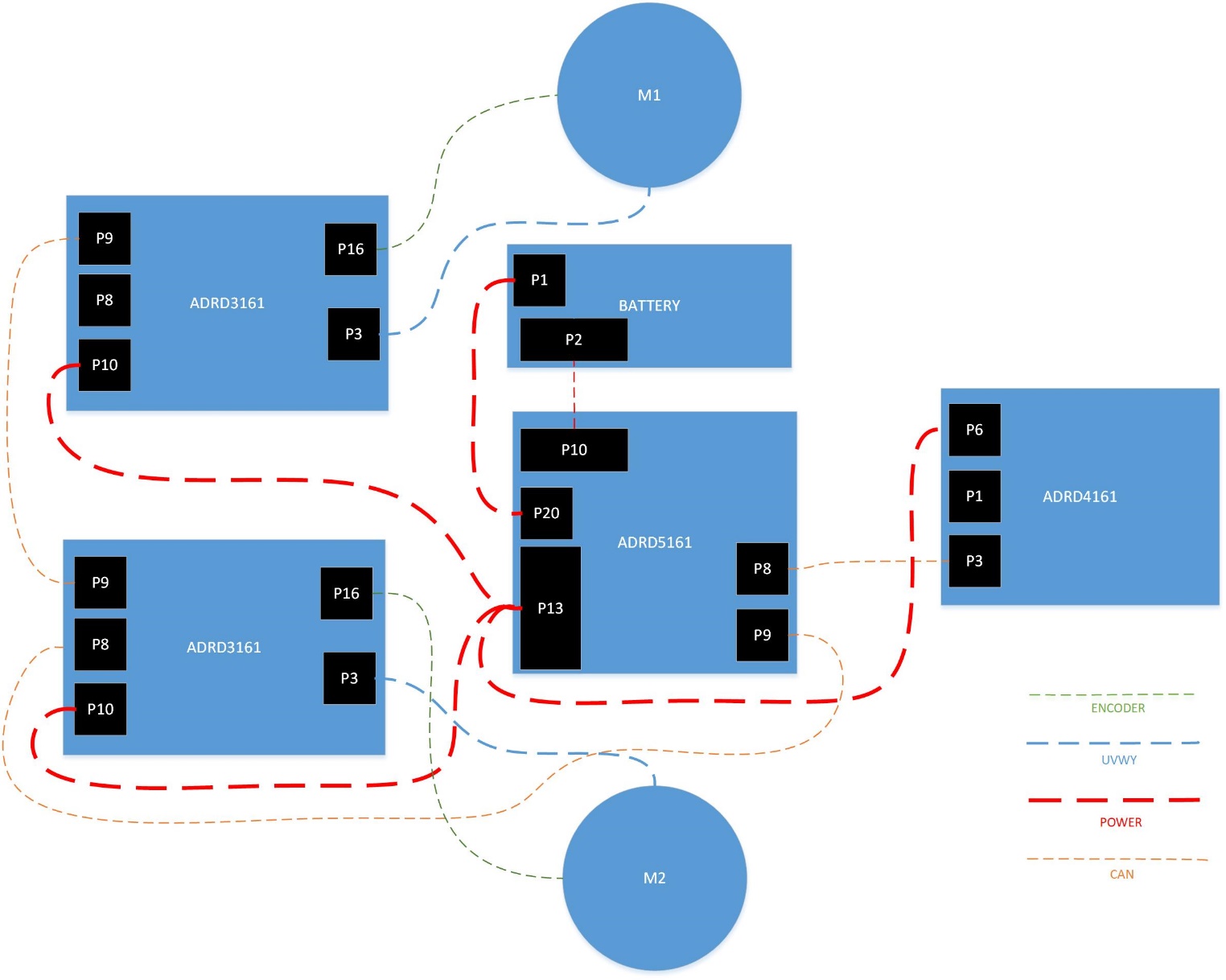
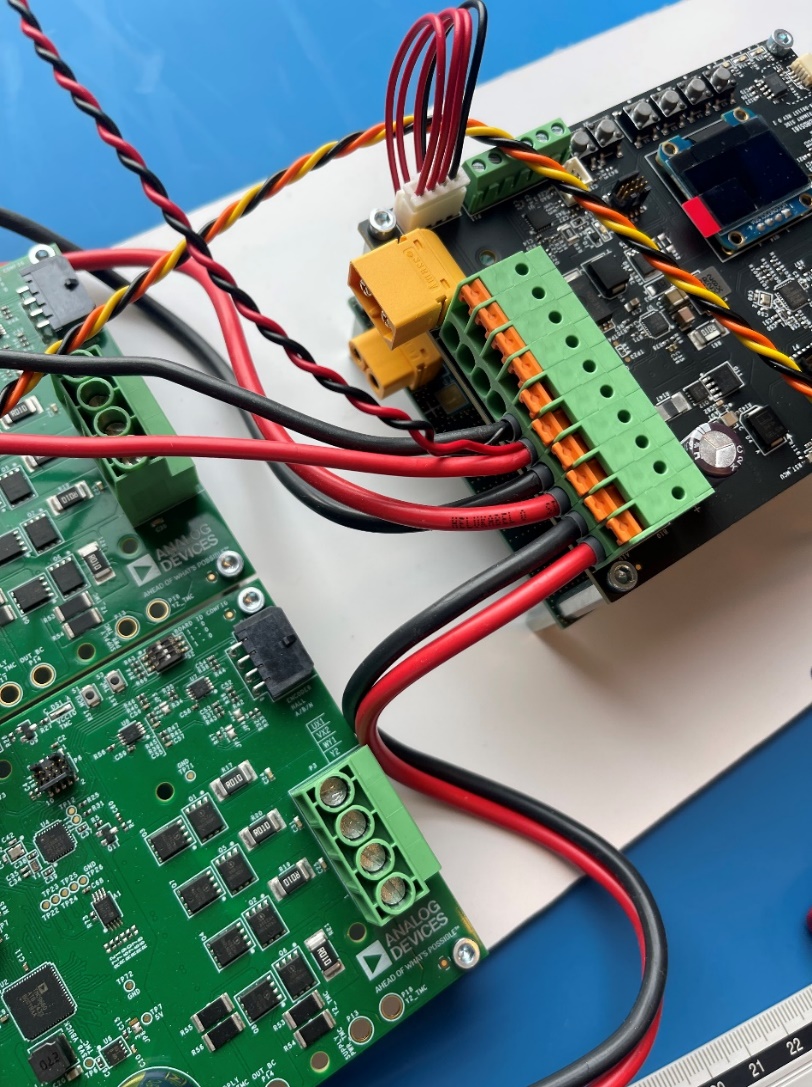
Figure 12 Main wiring diagram
Wiring Overview
Figure 13 System wiring overview
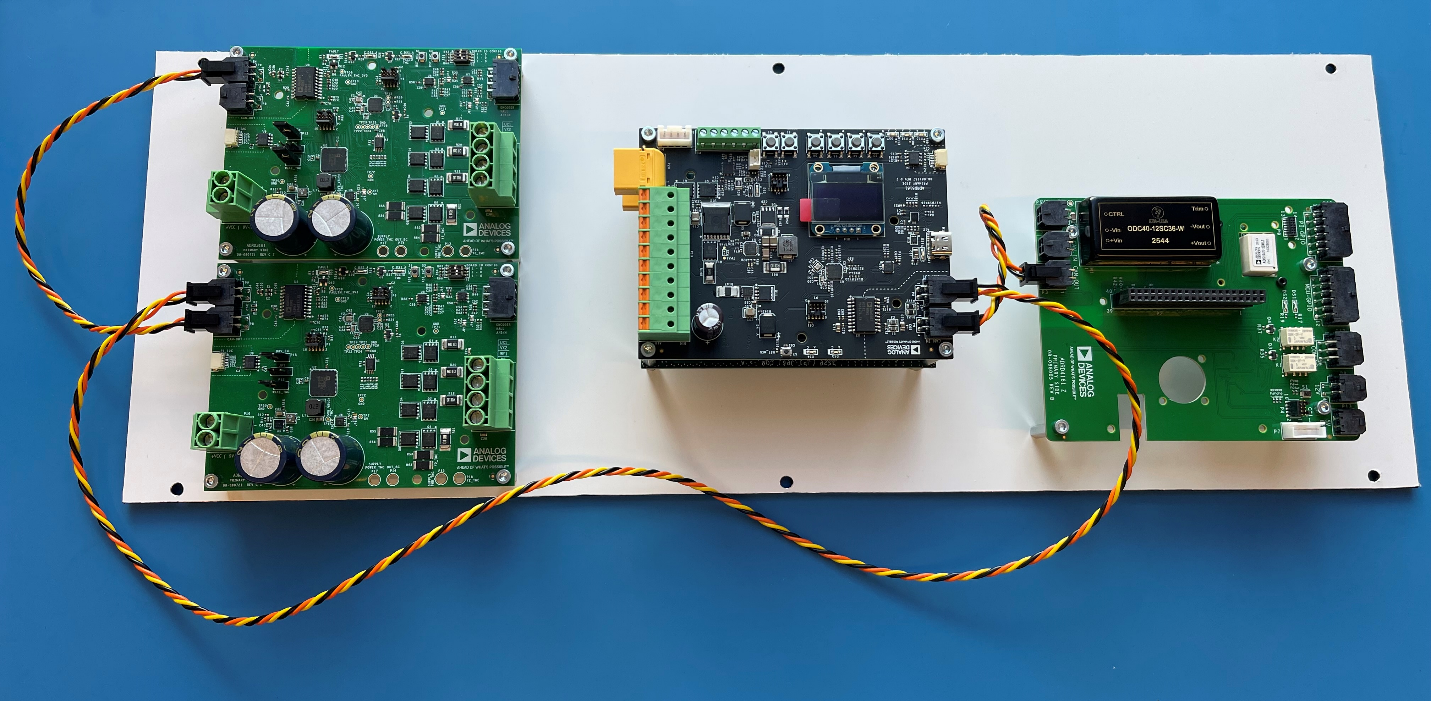
Figure 14 Connection routing
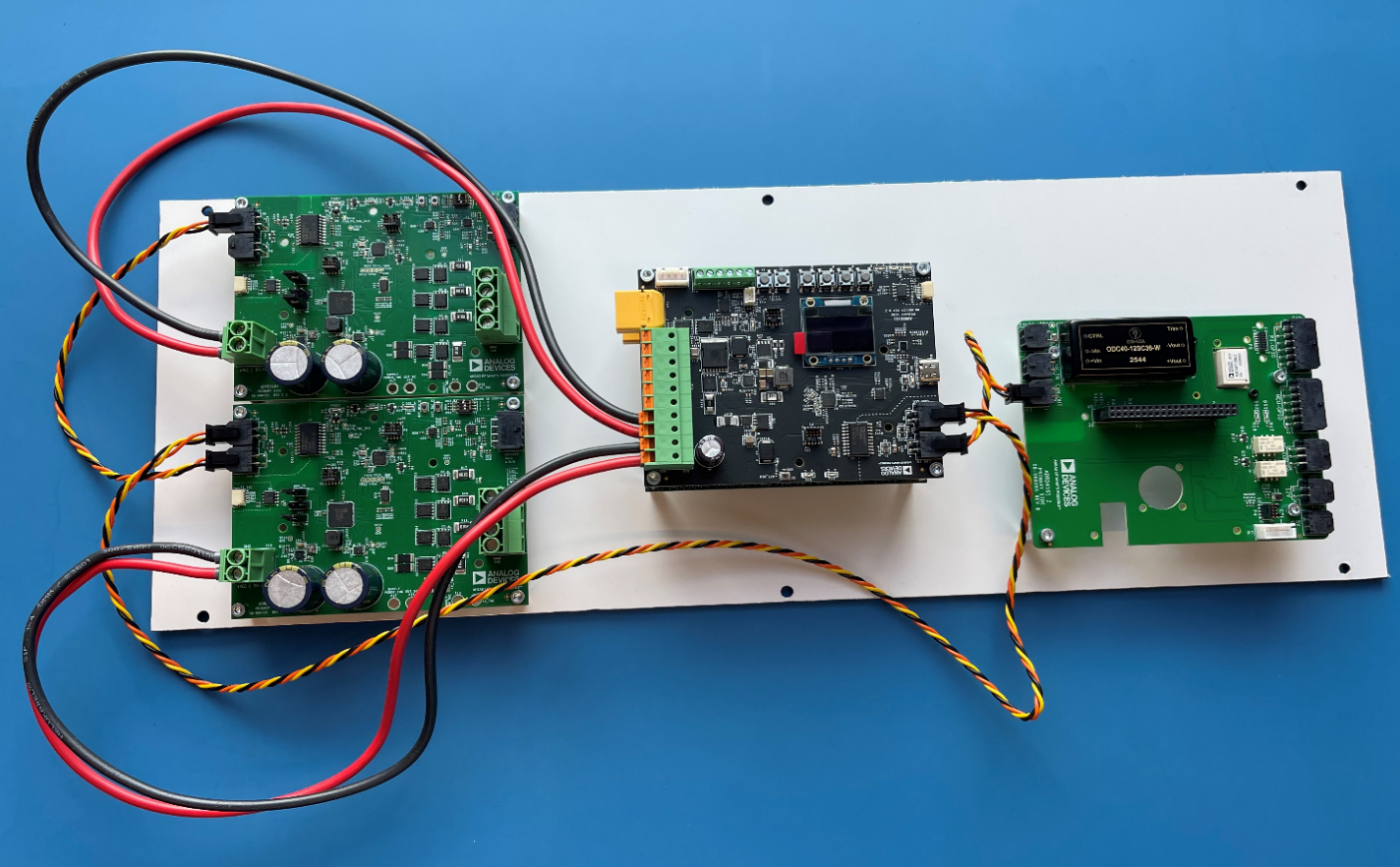
Figure 15 Wire bundle organization
Figure 16 Completed wiring harness
Wire Assemblies
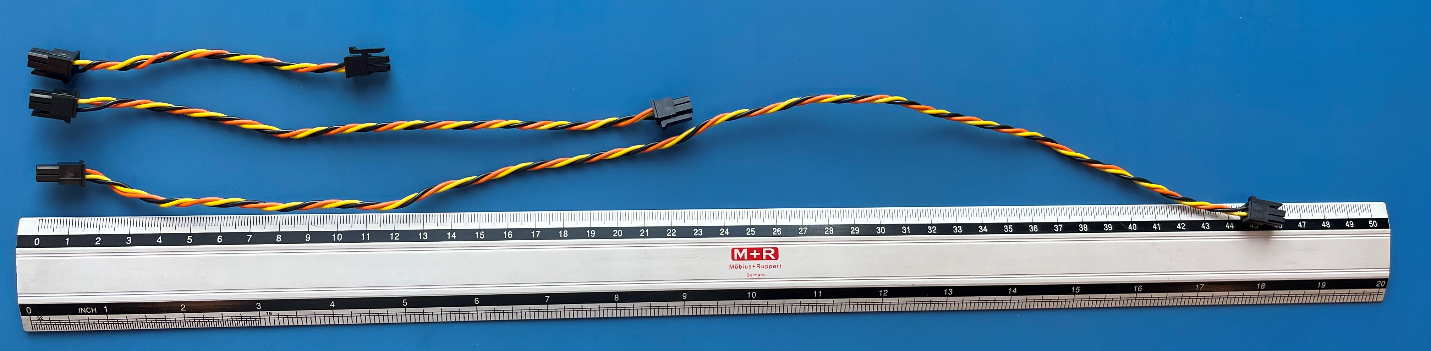
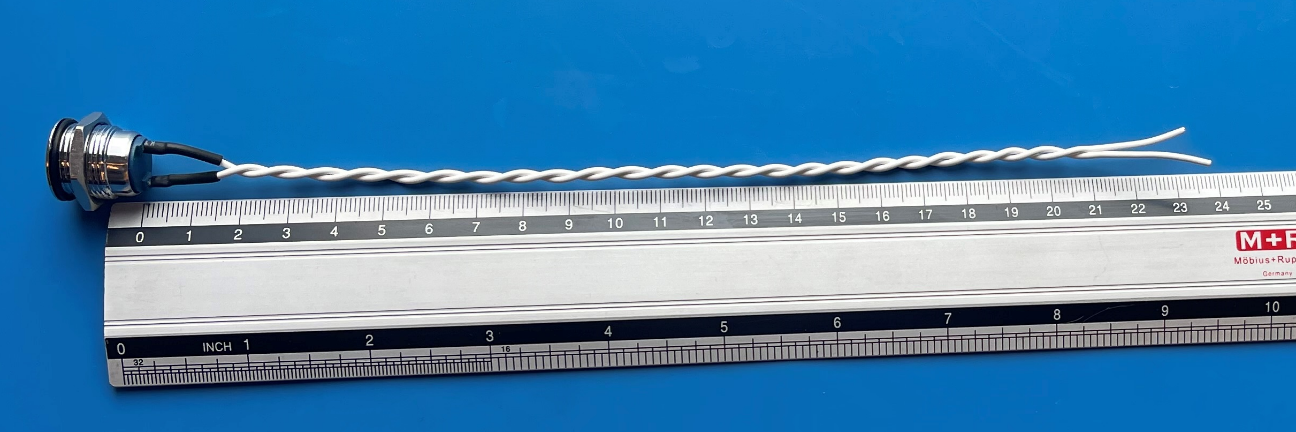
CAN Bus Cable
Twisted pair + GND with Molex Micro-Fit 3.0 43025-0400 connectors on both ends.
Figure 17 CAN bus cable assembly
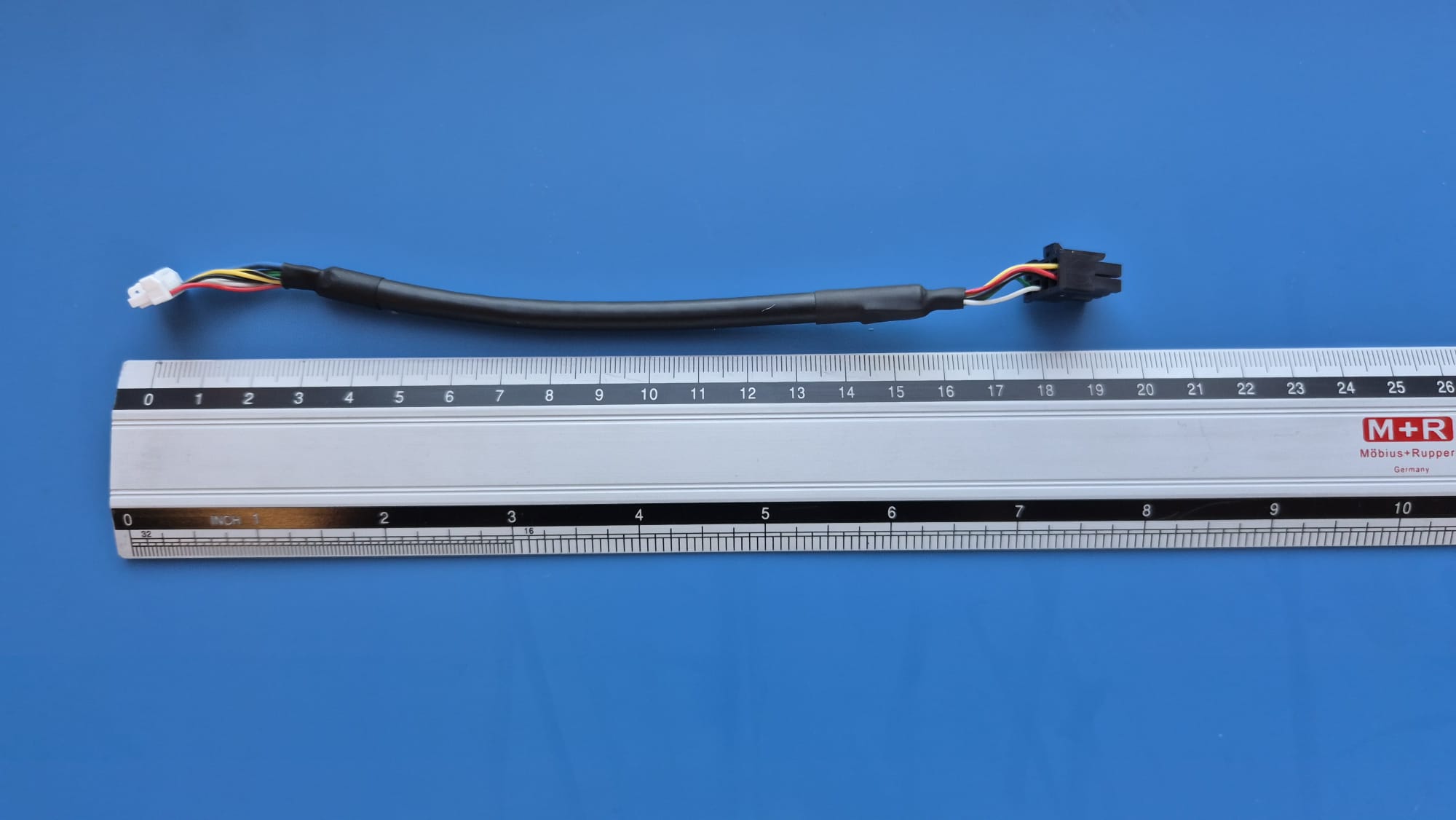
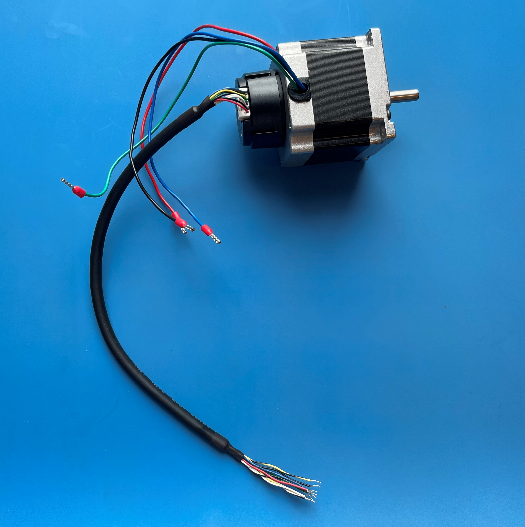
Motor Encoder Cable
Wire assembly with Molex Micro-Fit 3.0 43025-0800 connector on the motor
control board side. See ADRD3161 documentation for details.
Figure 18 Motor encoder cable pinout
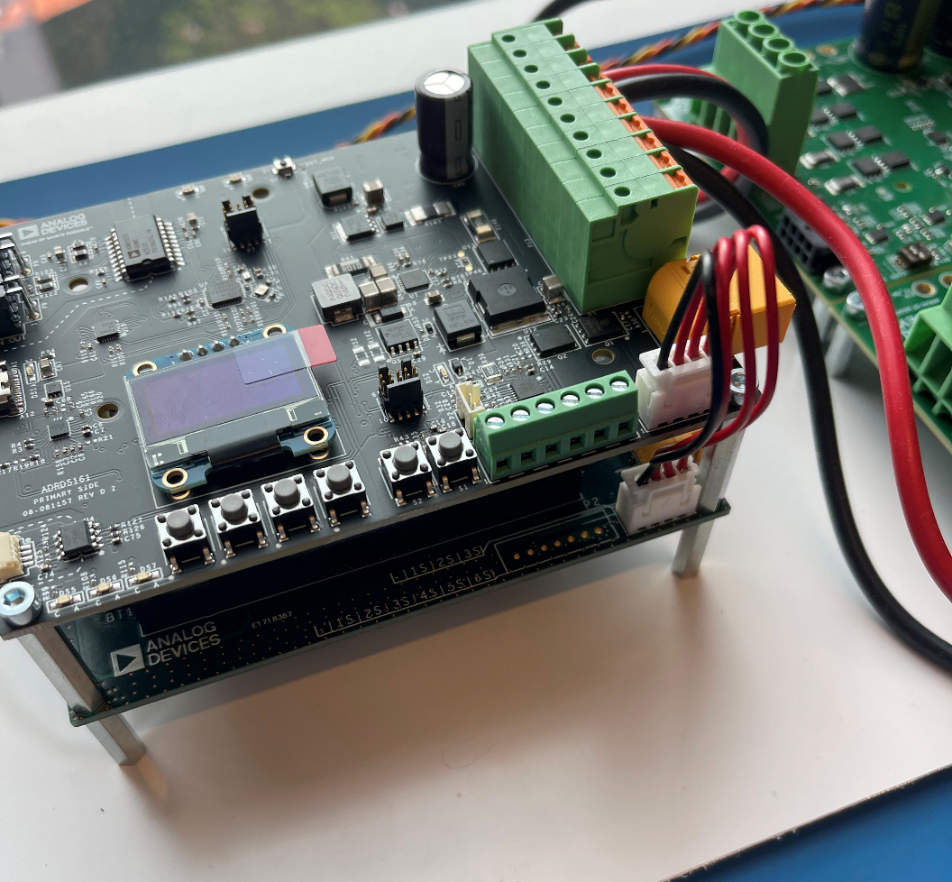
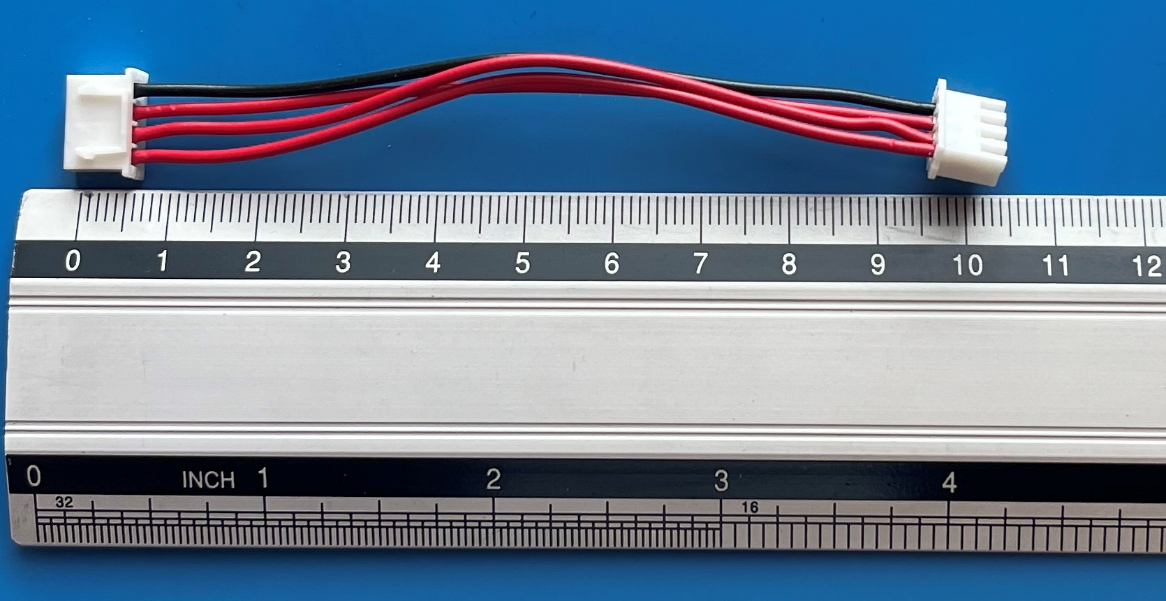
Battery Balancing Cable
4-wire assembly with JST XHP-4 connectors on both ends.
Figure 19 Battery balancing cable schematic
Figure 20 Completed cable
Power Cables
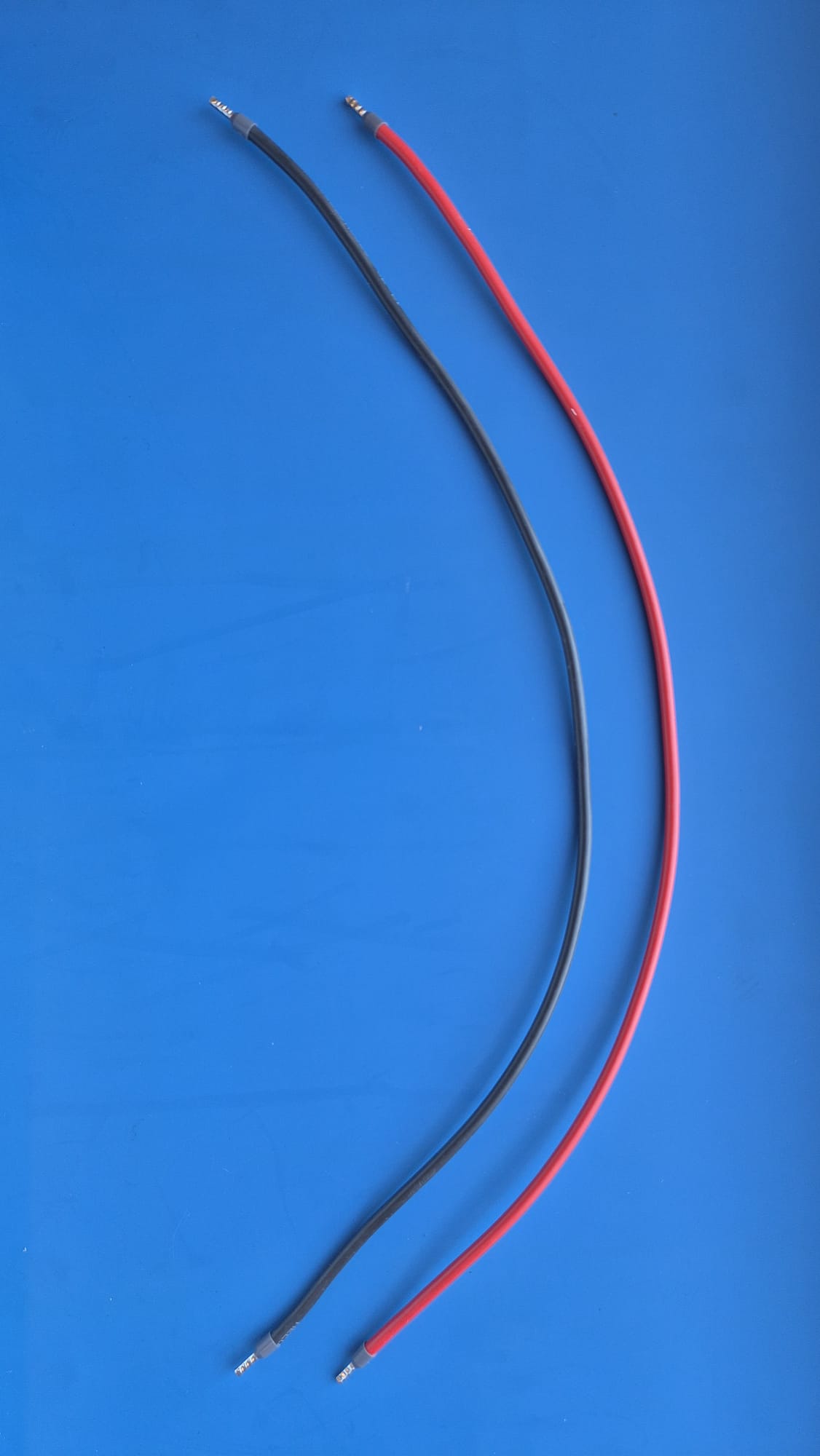
2.5mm wires with bootlace ferrule
450mm length from BMS to motor control board (2 pairs)