How to run the AD9361 Receive Testbench?

  • Open the Simulink Library browser.

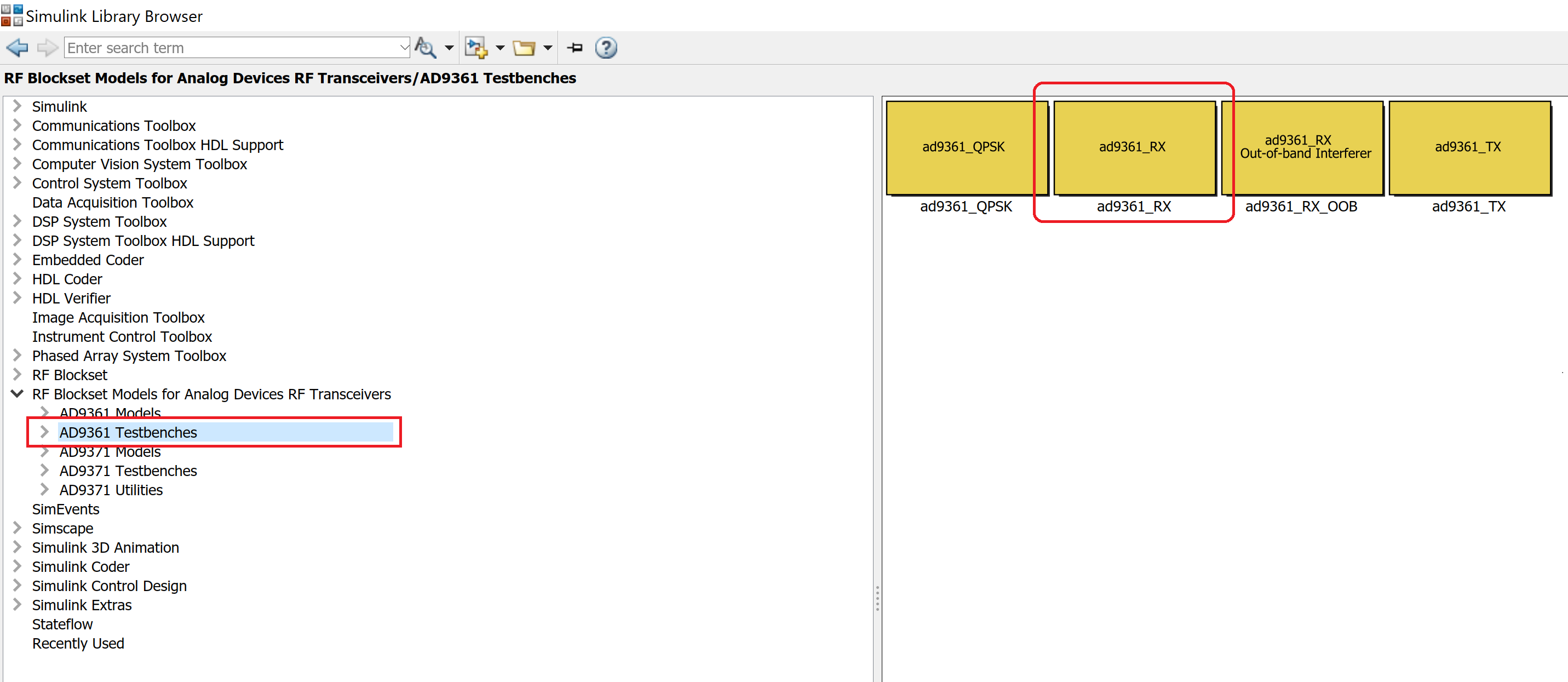
  • In the library browser, find RF Blockset Models for Analog Devices Transceivers.

  • Under AD9361 Testbenches, find ad9361_RX and double click it to open the testbench.
https://media.githubusercontent.com/media/analogdevicesinc/documentation/main/docs/solutions/reference-designs/fmcomms2/images/lib_browser.png
  • Double-click Manual Switch block to toggle between continuous wave (CW) or LTE source input.

https://media.githubusercontent.com/media/analogdevicesinc/documentation/main/docs/solutions/reference-designs/fmcomms2/images/manual_switch.png
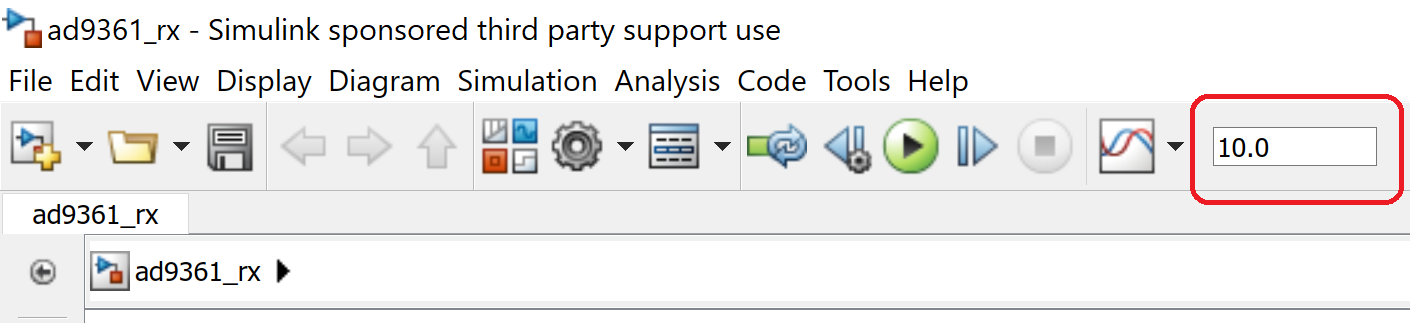
  • Set the Simulation Stop Time to 0.005 s.
https://media.githubusercontent.com/media/analogdevicesinc/documentation/main/docs/solutions/reference-designs/fmcomms2/images/simulation_time.png
  • Run the simulation using the Play button.