Quick start
The quick start guide provides step-by-step instructions for setting up the EVAL-AD3552R evaluation board on the supported FPGA development board. This guide covers SD card preparation, hardware setup, and Linux IIO client usage.
Supported carriers
The EVAL-AD3552R connects to the FPGA carrier via an FMC LPC connector. VADJ must be set to 1.8 V.
FPGA board |
|
|---|---|
FMC LPC |
Supported environments
FPGA board |
HDL |
Linux software |
No-OS software |
|---|---|---|---|
Yes |
Yes |
Yes |
Hardware setup
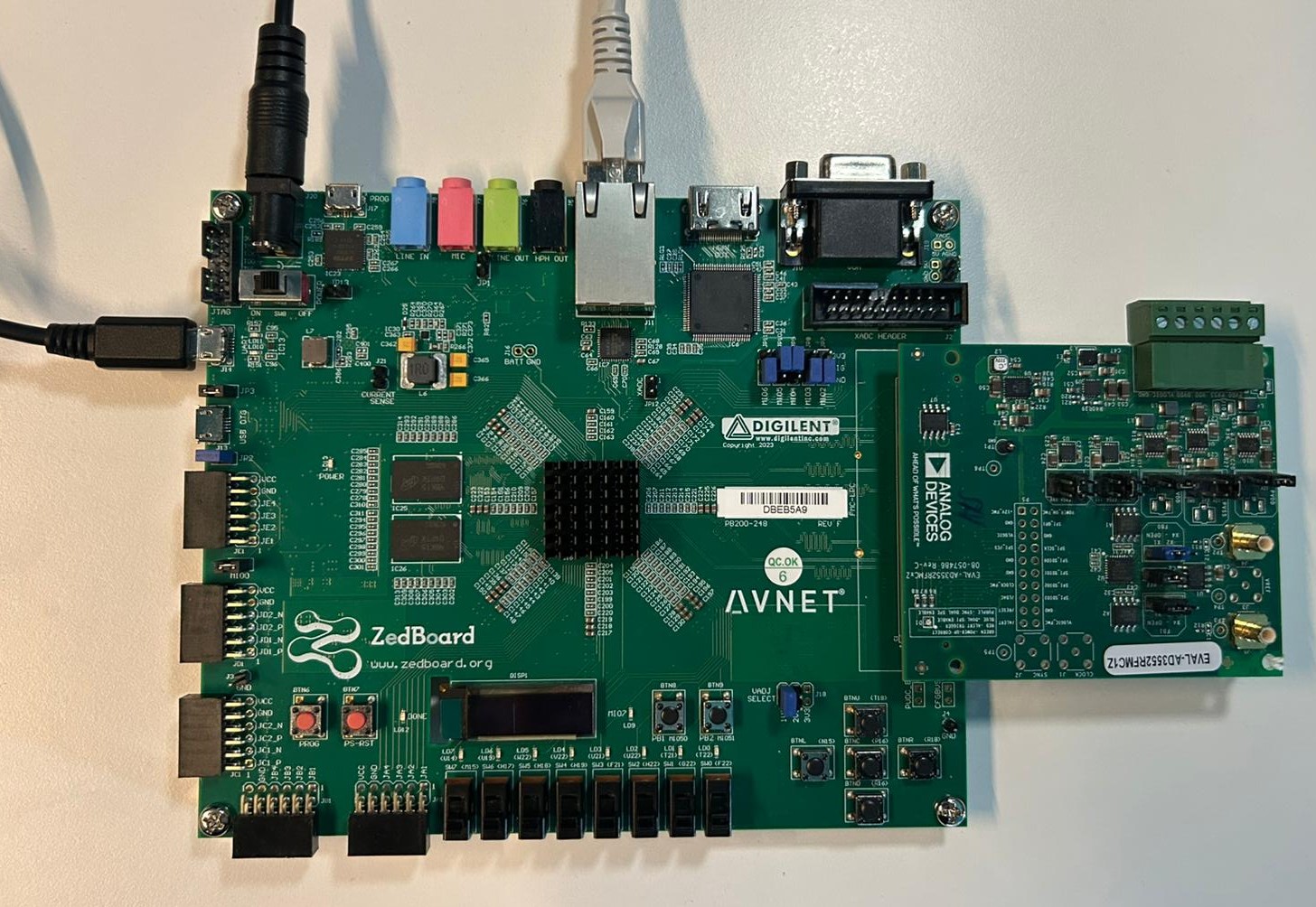
The EVAL-AD3552R connects to the ZedBoard via the FMC LPC connector (P1 on the evaluation board, FMC on the ZedBoard). Before inserting the evaluation board, set VADJ to 1.8 V and configure the ZedBoard for SD card boot.
ZedBoard + EVAL-AD3552R
Go to the quick start guide.
SDP-H1 + ACE
The EVAL-AD3552R can also be controlled with the EVAL-SDP-H1 controller board and the ACE software, without any FPGA or Linux system.