Quick start
The quick start guide provides step-by-step instructions on how to do an initial system setup for the EVAL-CN0579-ARDZ evaluation board on the supported FPGA development board. This guide covers how to program the bitstream and boot a Linux distribution.
Supported carriers
The EVAL-CN0579-ARDZ connects to the FPGA carrier via the Arduino headers. No additional adapter is required.
FPGA board |
|
|---|---|
Arduino headers |
|
Arduino headers |
Supported environments
Hardware setup
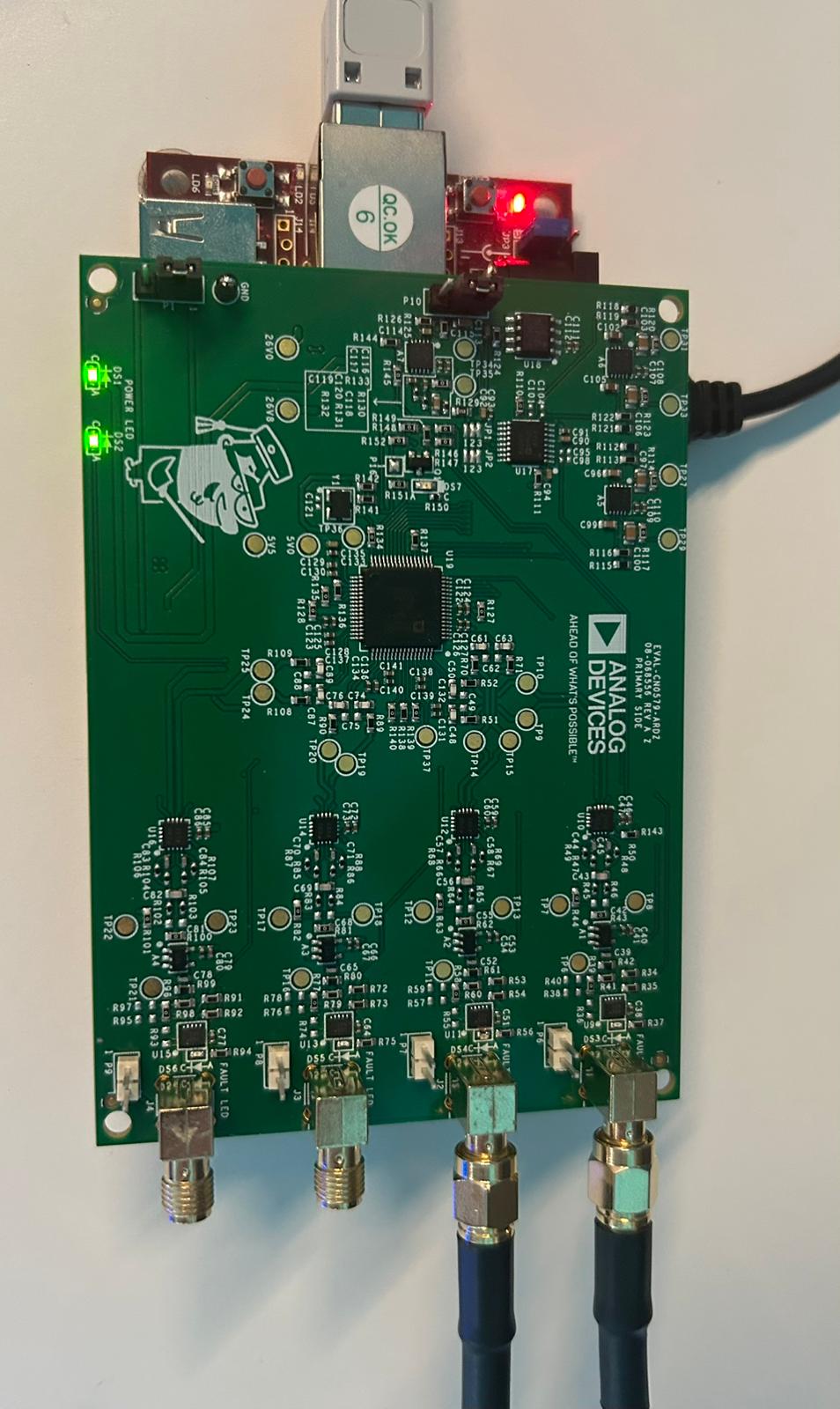
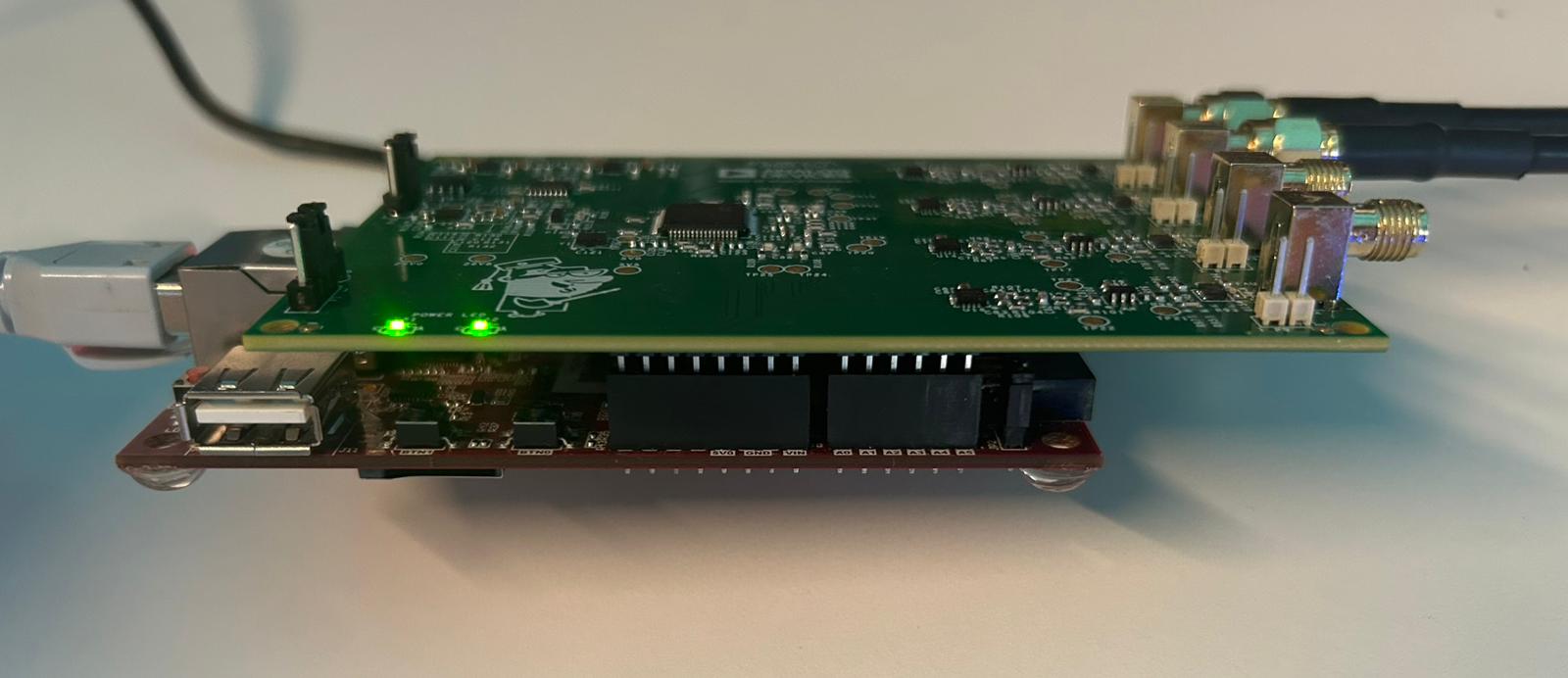
The EVAL-CN0579-ARDZ connects to the carrier board via the Arduino headers.
Both carriers share the same Arduino form factor, so the EVAL-CN0579-ARDZ mounts identically on the De10-Nano and Cora Z7. The only difference is that the Cora Z7 uses a Micro-USB cable while the DE10-Nano uses a Mini-USB cable for the UART connection.
DE10-Nano + EVAL-CN0579-ARDZ
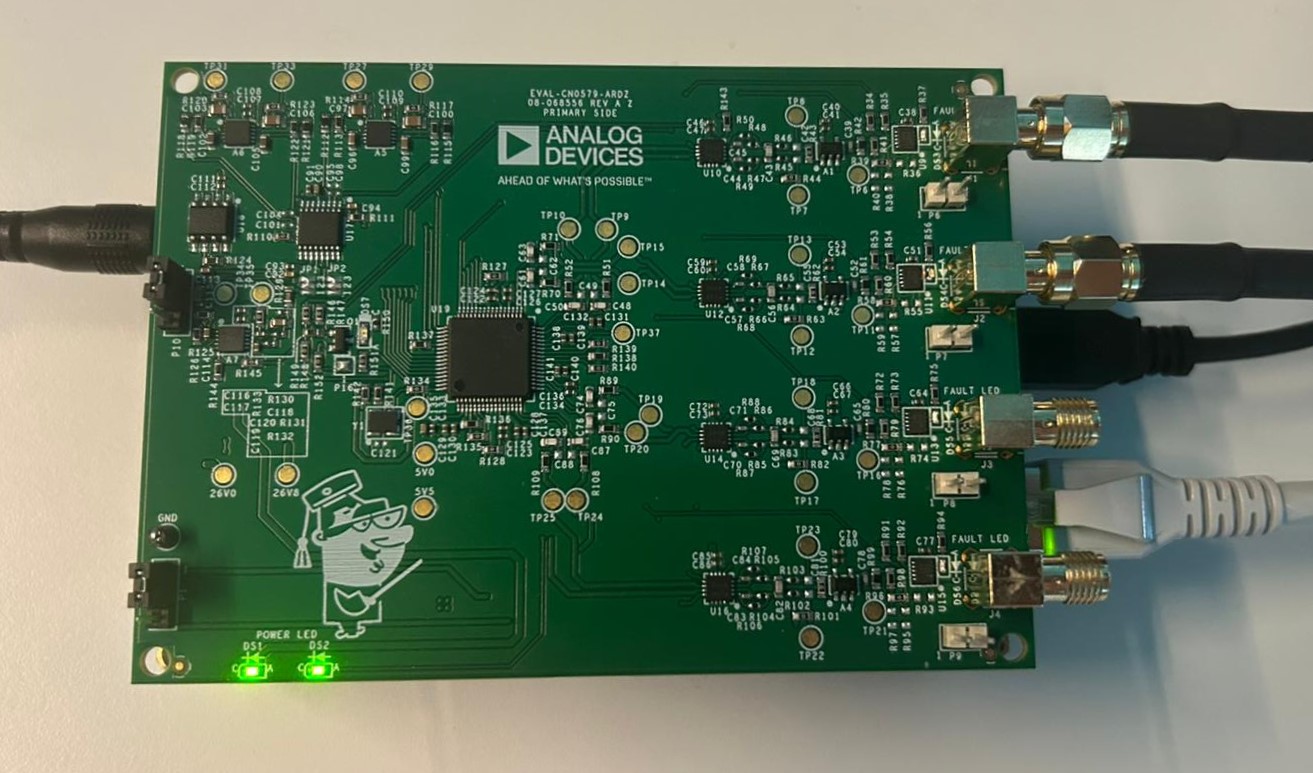
Figure 1 DE10-Nano with EVAL-CN0579-ARDZ mounted (top view).
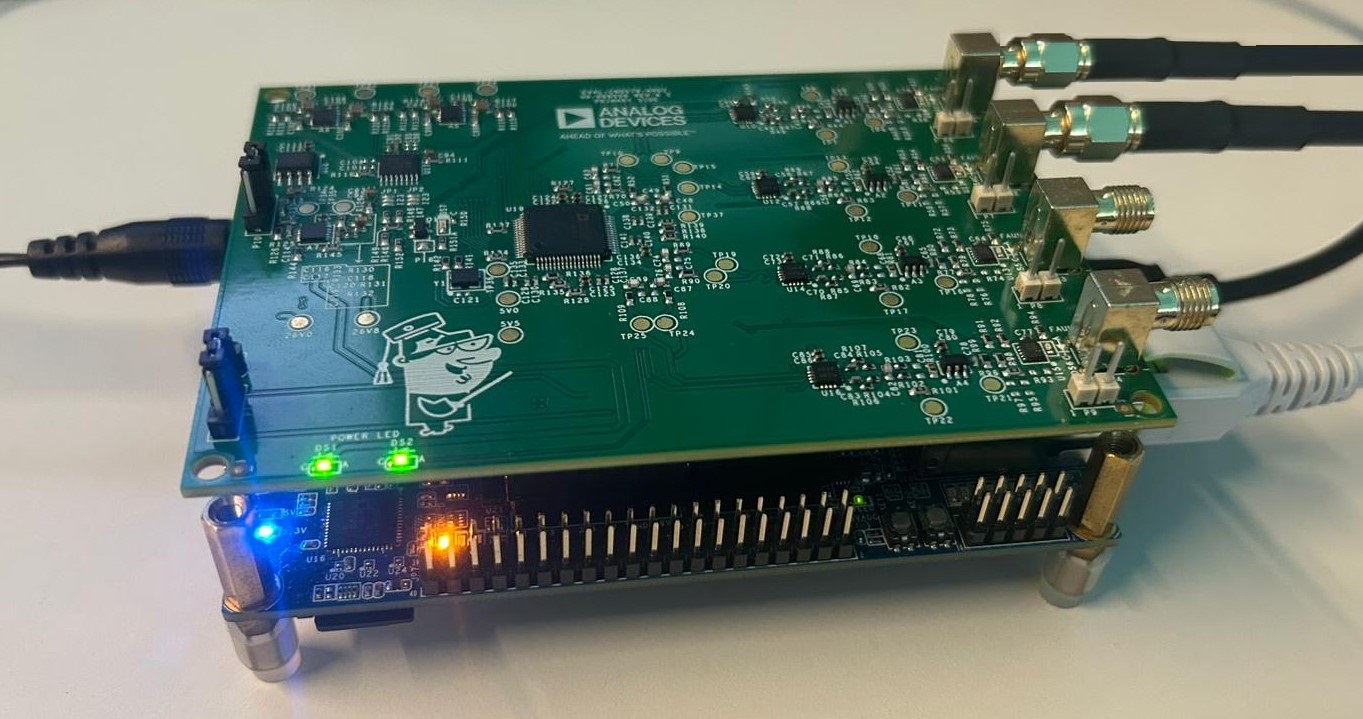
Figure 2 DE10-Nano with EVAL-CN0579-ARDZ mounted (side view).
Cora Z7 + EVAL-CN0579-ARDZ