Quickstart
The Quick Start Guides provide a simple step by step instruction on how to do an initial system setup for the EVAL-AD-FMCOMMS2 / EVAL-AD-FMCOMMS3 / EVAL-AD-FMCOMMS4 boards on various FPGA development boards. They will discuss how to program the bitstream, run a no-OS program or boot a Linux distribution.
Supported carriers
The AD-FMCOMMS2/3/4-EBZ is, by definition a “FPGA mezzanine card” (FMC), that means it needs a carrier to plug into. The carriers we support are:
Note
Support for boards marked with an asterisk (*) was discontinued after the hdl_2023_r2 release.
Supported environments
The supported OS are:
Board |
HDL |
Linux Software |
No-OS Software |
|---|---|---|---|
KC705 * |
Yes |
Yes |
Yes |
Yes |
Yes |
Yes |
|
VC707 * |
Yes |
Yes |
Yes |
Yes |
Yes |
Yes |
|
Yes |
Yes |
Yes |
|
Yes |
Yes |
Yes |
|
Yes |
Yes |
Yes |
Note
Support for boards marked with an asterisk (*) was discontinued after the hdl_2023_r2 release, including in the no-OS repository.
Hardware setup
On most carriers, the AD-FMCOMMS2/3/4-EBZ board connects to the LPC connector (unless otherwise noted). The carrier setup requires power, UART (115200), ethernet (Linux), HDMI (if available) and/or JTAG (no-OS) connections. A few typical setups are shown below.
ZC702 + FMCOMMS2
Early versions of the ZC702 carriers need to work around AR# 51438, PG signal does not assert by default errata.
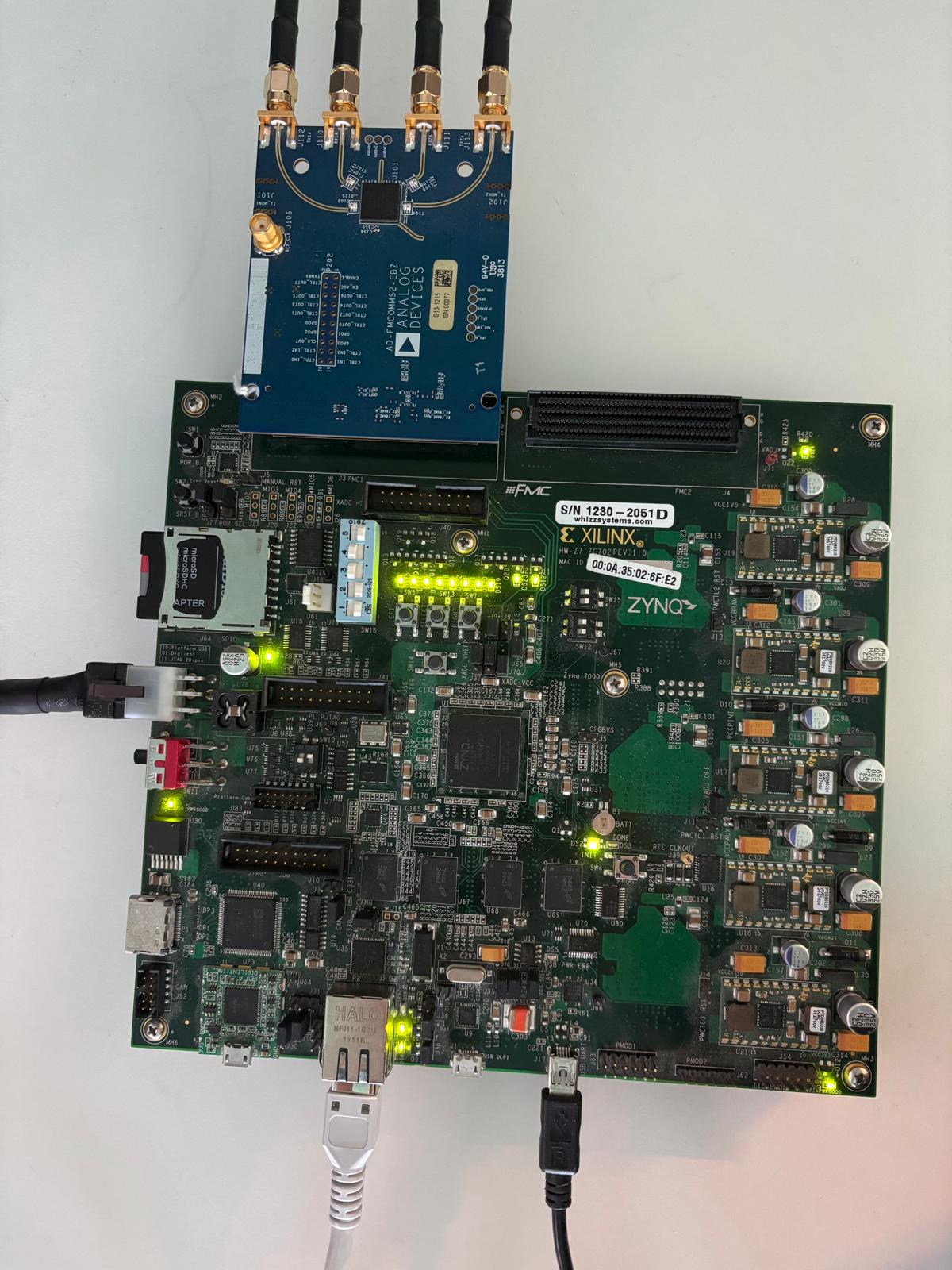
Go to the setup guide.
ZC706 + FMCOMMS2
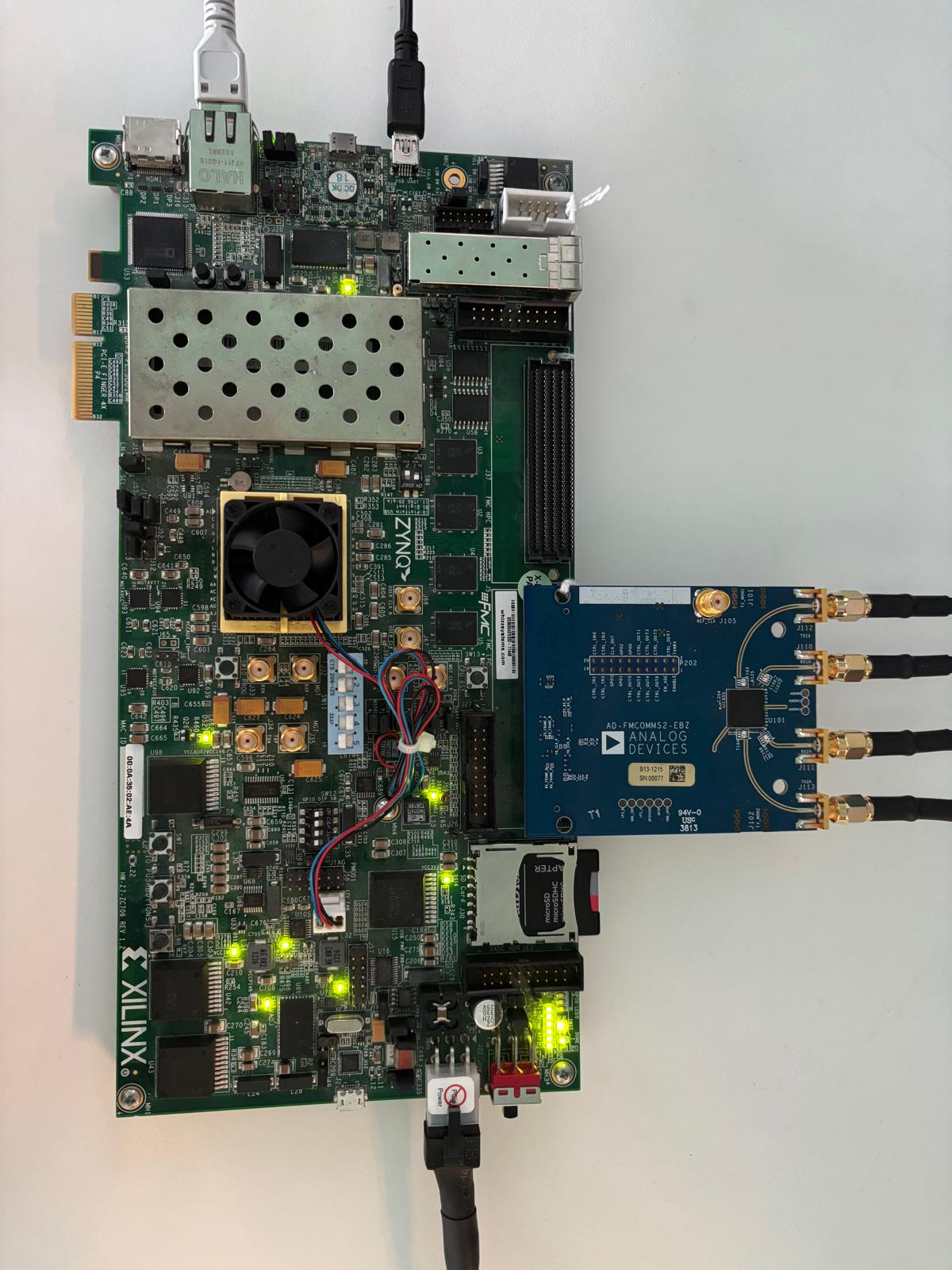
Go to the setup guide.
ZED + FMCOMMS2
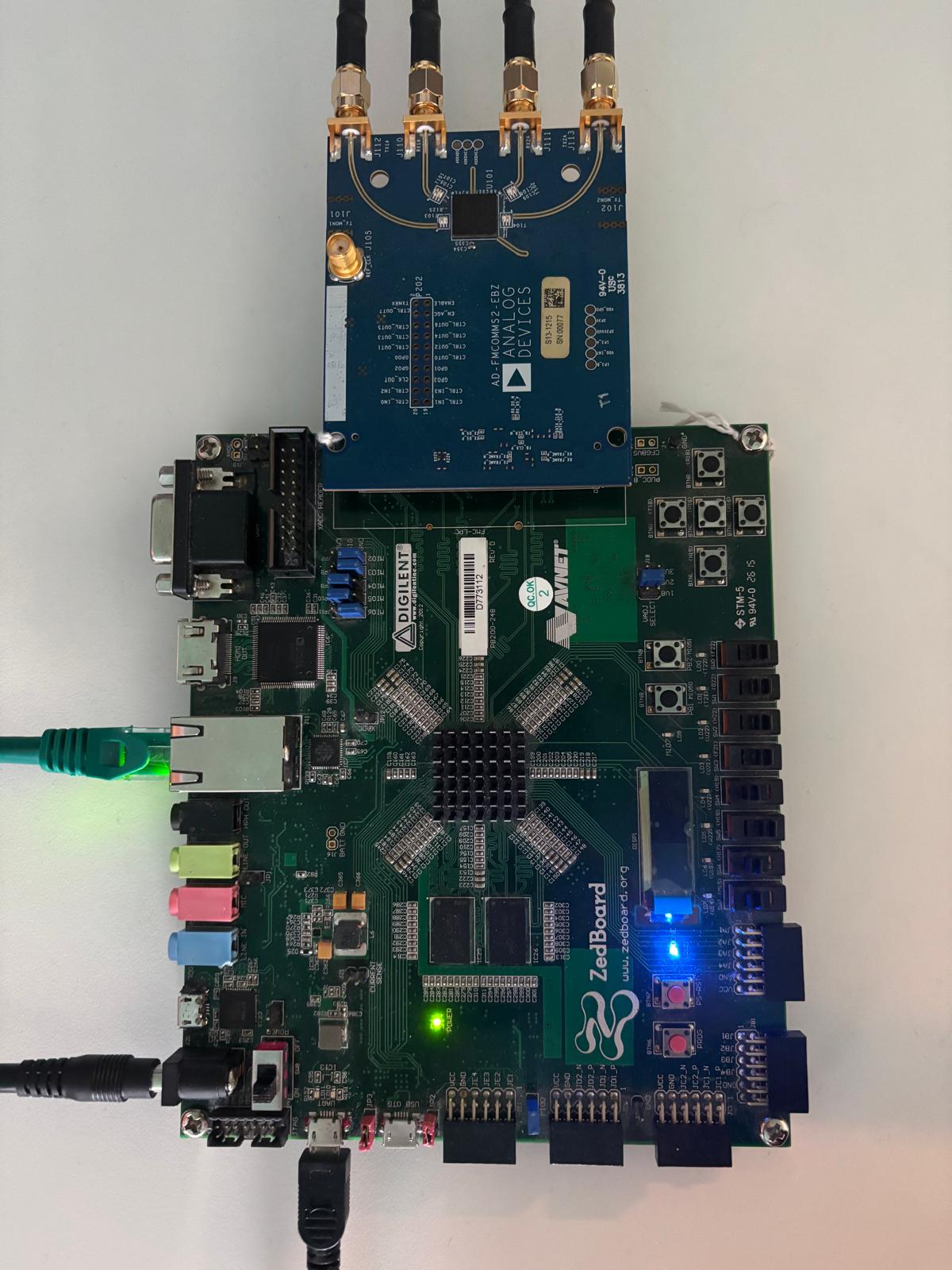
Go to the setup guide.
ZCU102 + FMCOMMS2
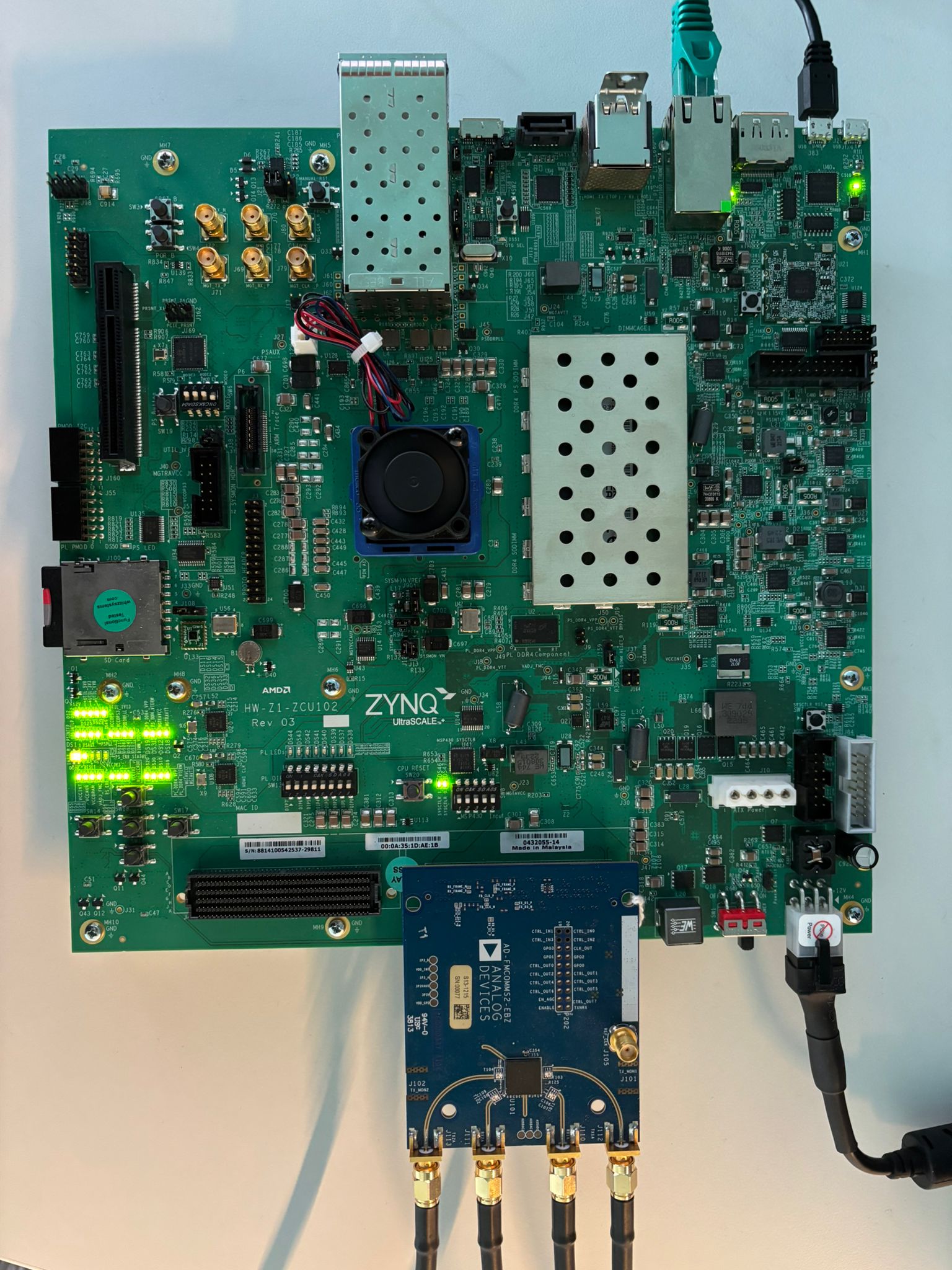
Go to the setup guide.
KCU105 + FMCOMMS2
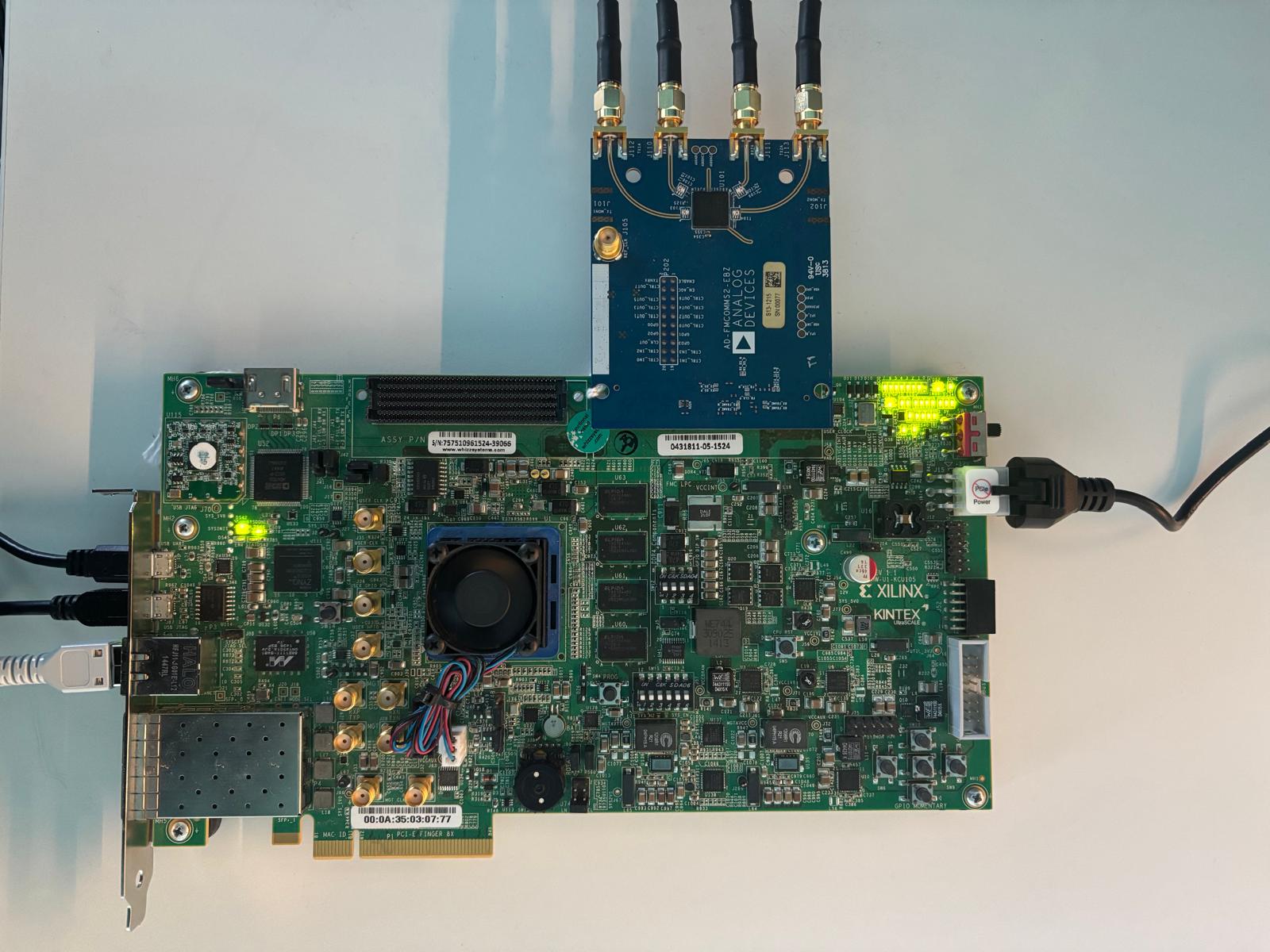
Go to the setup guide.
KC705 + FMCOMMS2
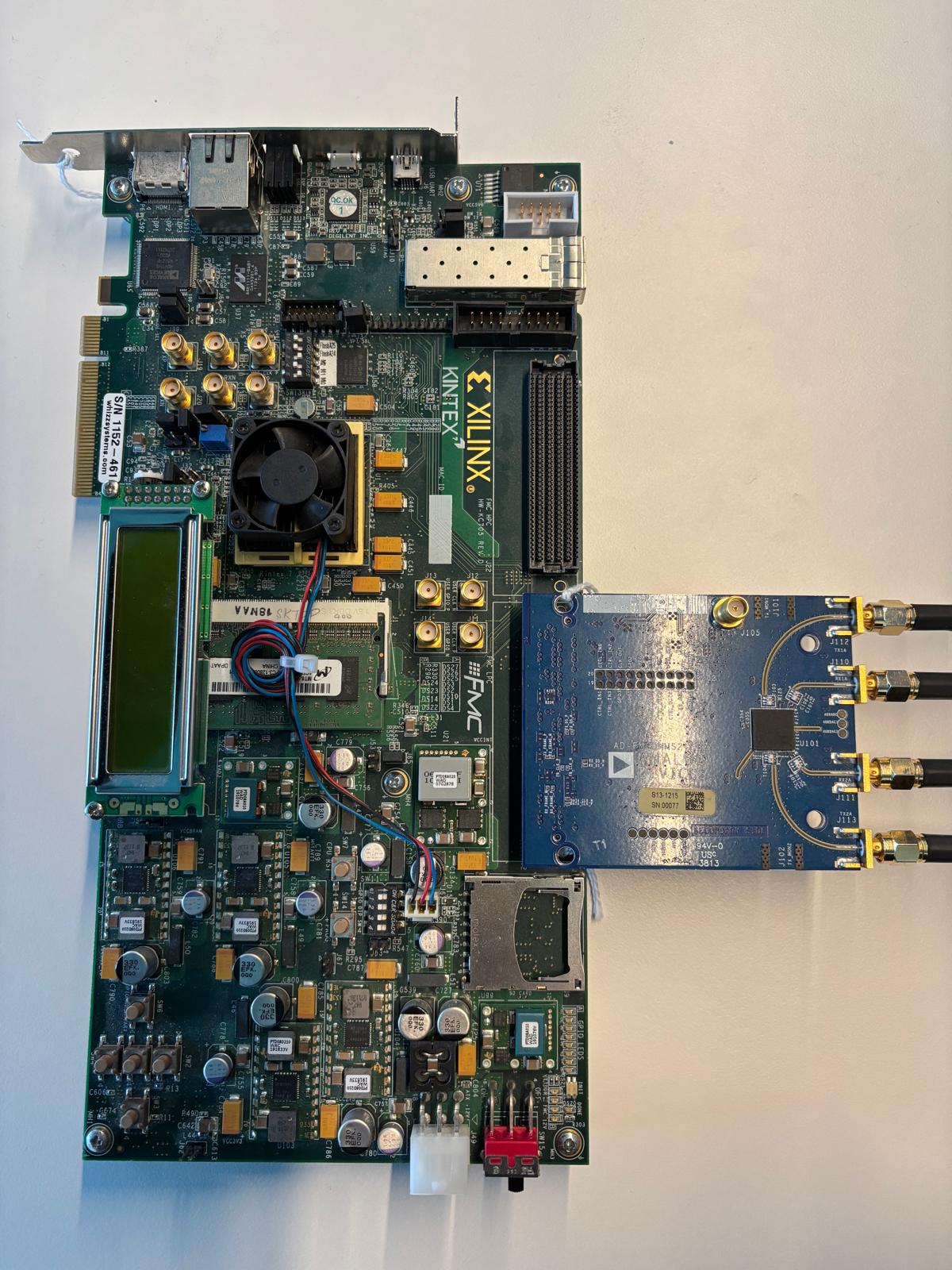
Go to the setup guide.
VC707 + FMCOMMS2
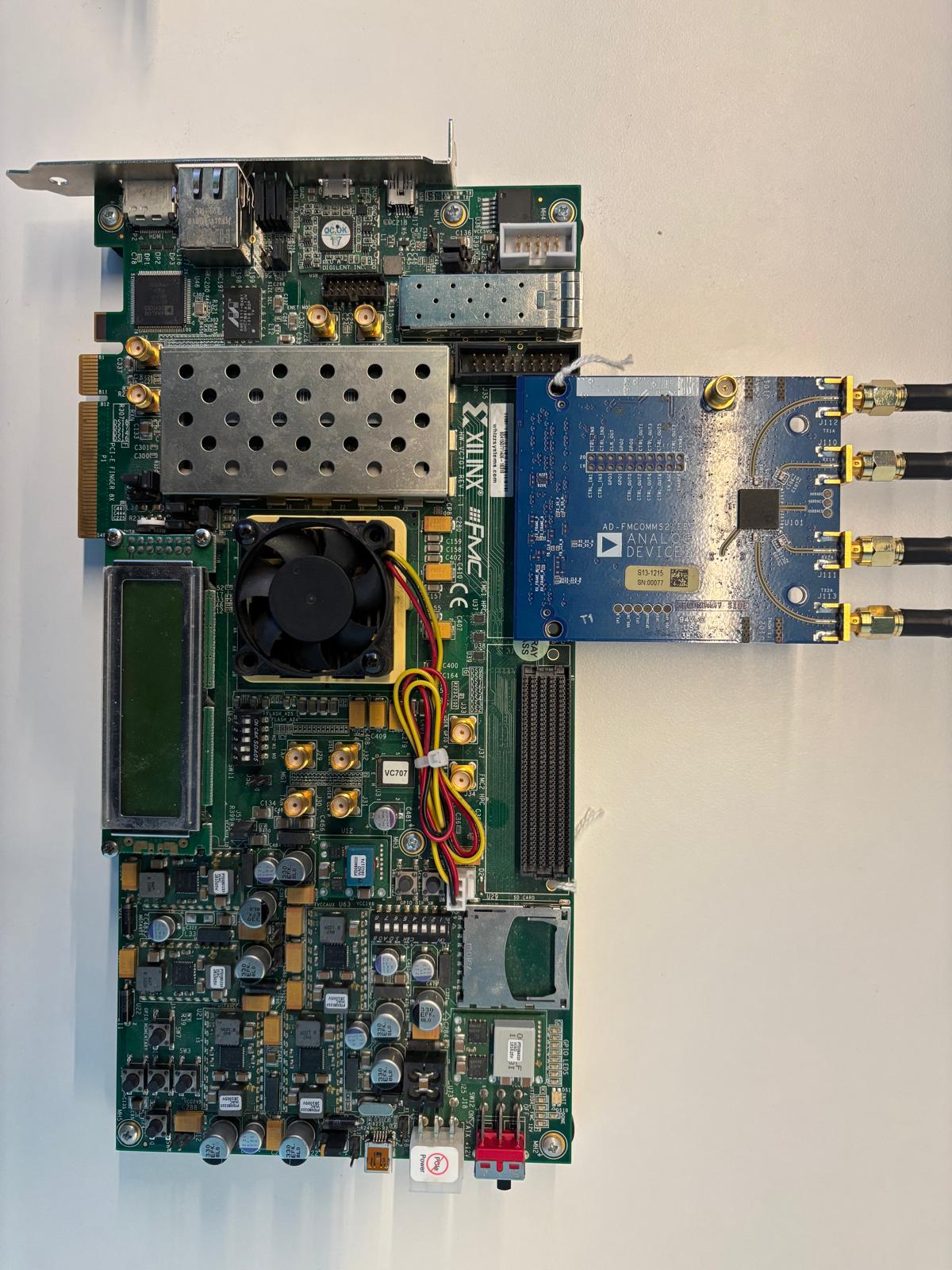
Go to the setup guide.