Quickstart

The Quick start guides provide simple step by step instructions on how to do an initial system setup for the CN0561 Circuit Evaluation Board (EVAL- CN0561-ARDZ) boards on various FPGA development boards. In these guides, we will discuss how to program the bitstream, run a no-OS program or boot a Linux distribution.

Supported carriers

The EVAL-CN0561, is, by definition a “FPGA mezzanine card” (FMC); that means it needs a carrier to plug into.

The carriers we support are:

FPGA board

EVAL-CN0561-ARDZ

ZedBoard

FMC LPC

Cora Z7S

Arduino shield connector

DE10-Nano

Arduino shield connector

Supported Environments

The supported OS are:

FPGA board

HDL

Linux software

No-OS software

ZedBoard

Yes

Yes

Yes

Cora Z7S

Yes

Yes

Yes

DE10-Nano

Yes

Yes

No

Hardware Setup

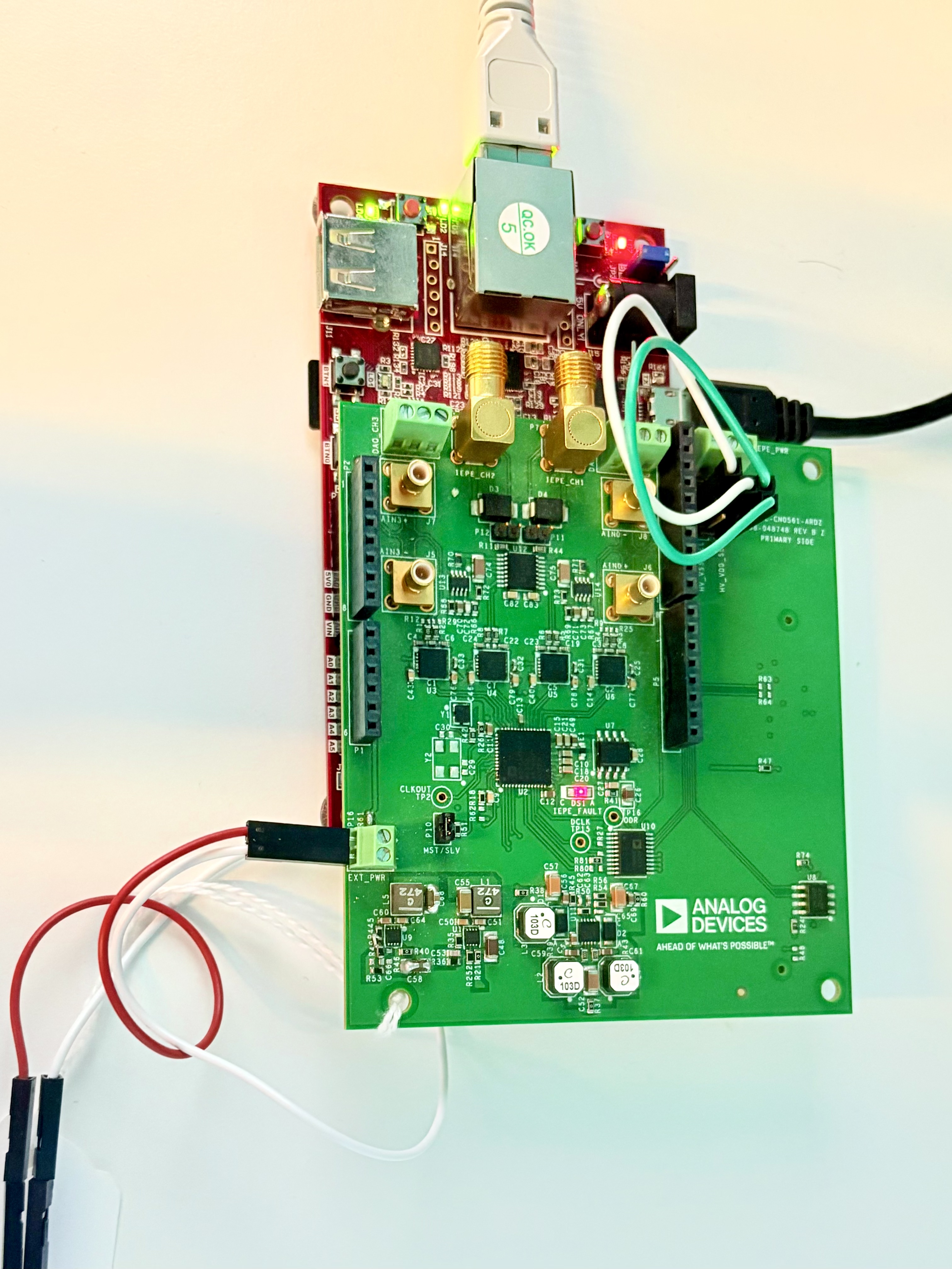
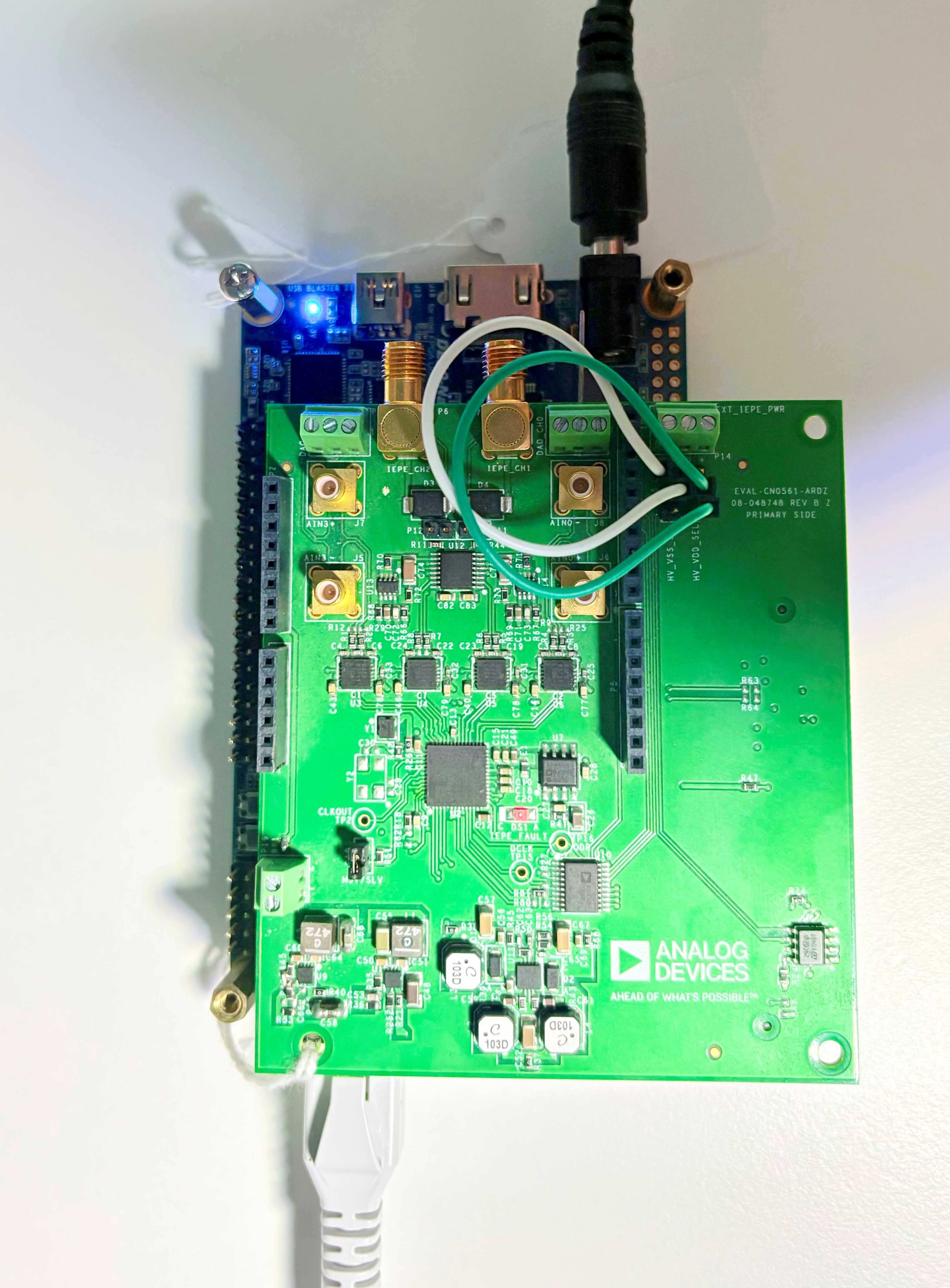
The CN0561 board connects to the Arduino Shield connector (unless otherwise noted). The carrier setup requires power, UART (115200), ethernet (Linux), HDMI (if available) and/or JTAG (no-OS) connections.

A few typical setups are shown below.

ZedBoard + EVAL-CN0561-ARDZ
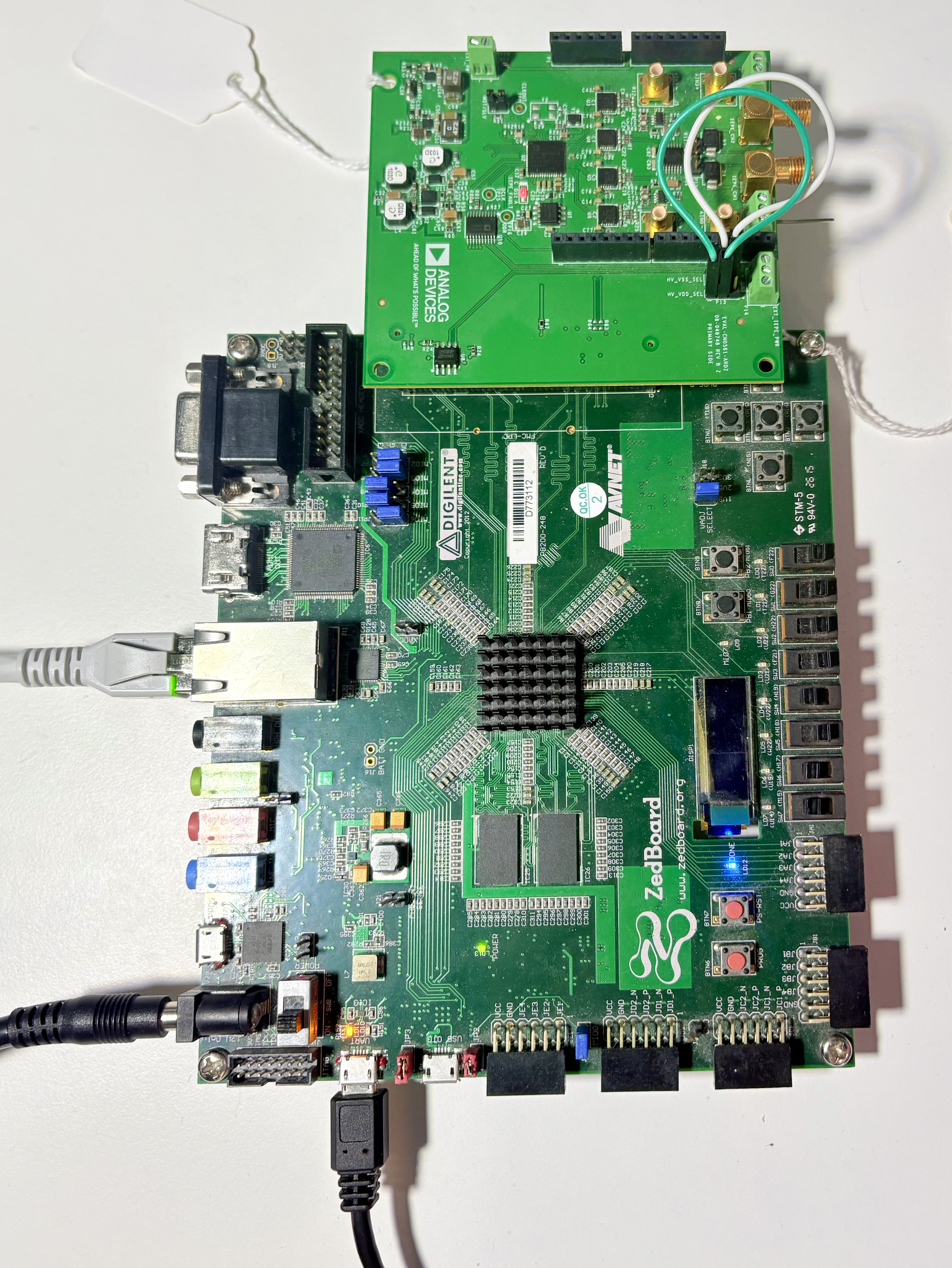
https://media.githubusercontent.com/media/analogdevicesinc/documentation/main/docs/solutions/reference-designs/eval-cn0561-ardz/images/cn0561_setup_hardware_zed.jpeg

Figure 1 ZedBoard + EVAL-CN0561-ARDZ hardware setup.

CoraZ7-07s + EVAL-CN0561-ARDZ

https://media.githubusercontent.com/media/analogdevicesinc/documentation/main/docs/solutions/reference-designs/eval-cn0561-ardz/images/cn0561_setup_hardware_coraz7s.jpeg

Figure 2 CoraZ7-07s + EVAL-CN0561-ARDZ hardware setup.

DE10-Nano + EVAL-CN0561-ARDZ

https://media.githubusercontent.com/media/analogdevicesinc/documentation/main/docs/solutions/reference-designs/eval-cn0561-ardz/images/cn0561_setup_hardware_de10nano.jpg

Figure 3 DE10-Nano + EVAL-CN0561-ARDZ hardware setup.