DE10-Nano Quick Start
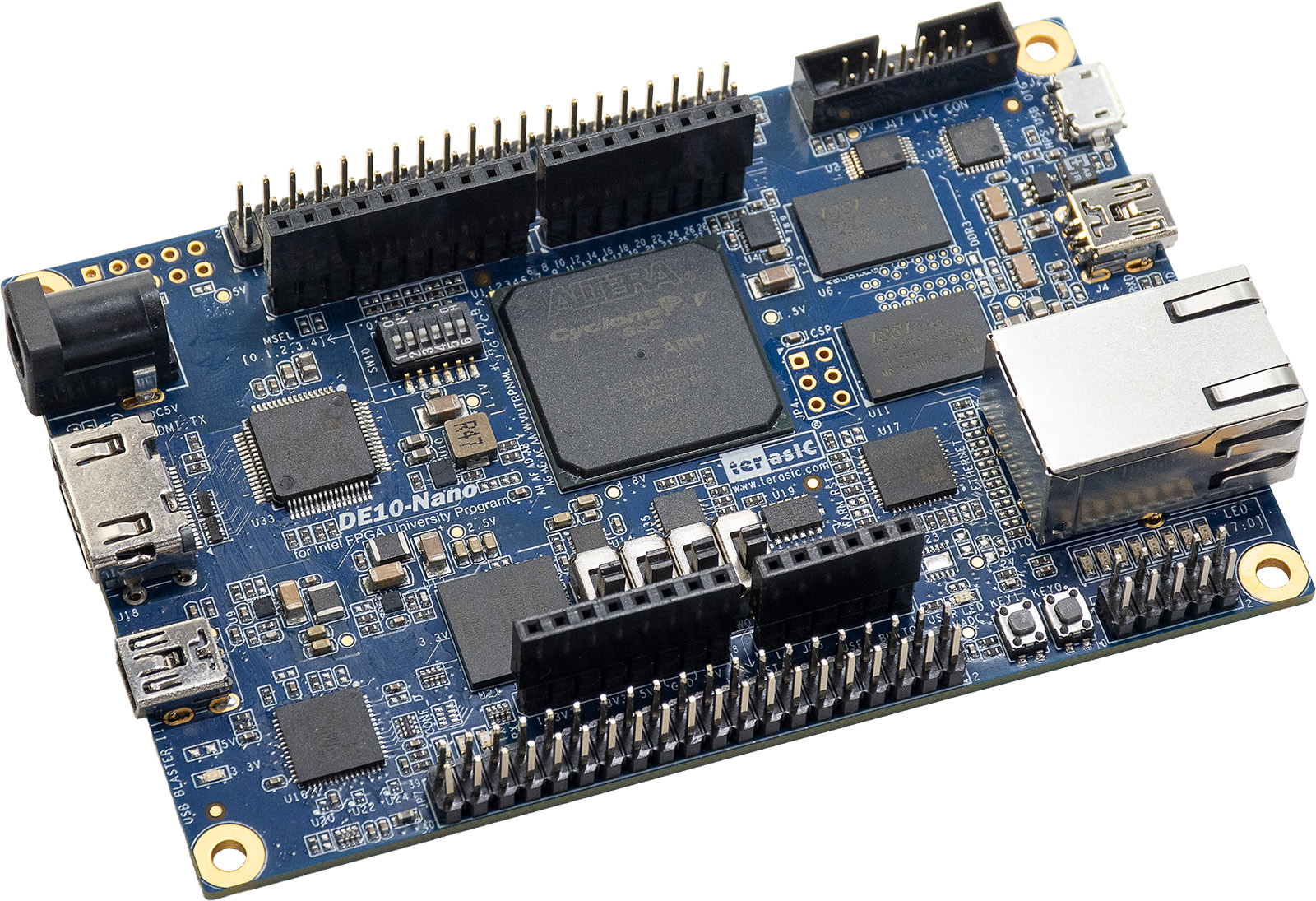
This guide provides quick instructions on how to set up the ADV7513 HDMI transmitter on DE10-Nano.
All the products described on this page include ESD (electrostatic discharge) sensitive devices. Electrostatic charges as high as 4000V readily accumulate on the human body or test equipment and can discharge without detection. Although the boards feature ESD protection circuitry, permanent damage may occur on devices subjected to high-energy electrostatic discharges. Therefore, proper ESD precautions are recommended to avoid performance degradation or loss of functionality. This includes removing static charge on external equipment, cables, or antennas before connecting to the device.
Using Linux as software
Necessary files
The following files are needed for the system to work:
Kuiper Linux SD card image
Instructions on how to build the files from source can be found here:
More HDL build details at Build an HDL project
Required Software
Host PC with SD card writer
Required Hardware
DE10-Nano and its power supply
MicroSD card (4 GB or larger)
HDMI monitor
HDMI cable
USB cable (UART)
Ethernet cable (optional, for SSH access)
More details as to why you need these can be found at Prerequisites.
Setting up the SD Card
Configure an SD Card with Kuiper.
Setting up the Hardware
Follow the steps in this order, to avoid damaging the components:
Insert the MicroSD card into the DE10-Nano SD card slot
Connect an HDMI cable between the HDMI port on the DE10-Nano and the HDMI monitor
Connect the USB cable to the UART port on the DE10-Nano
Connect the Ethernet cable (optional)
Connect the power supply to the DE10-Nano
Turn on the HDMI monitor
Turn on the power switch on the DE10-Nano
Useful commands for the serial terminal
After the board boots, log in via UART terminal (115200 baud, 8N1) or SSH:
Username:
analogPassword:
analog
To find the IP address of the board:
~$
ifconfig
To see the framebuffer device:
~$
ls /dev/fb*
/dev/fb0
To test the HDMI output with a color pattern:
~$
cat /dev/urandom > /dev/fb0
To check the current display mode:
~$
fbset
mode "1920x1080-60"
    # D: 148.500 MHz, H: 67.500 kHz, V: 60.000 Hz
    geometry 1920 1080 1920 1080 32
    timings 6734 88 148 4 36 44 5
    accel false
    rgba 8/16,8/8,8/0,0/0
endmode
To power off the board safely:
~$
poweroff
To reboot the board:
~$
reboot
Important
This is a persistent file system. Care should be taken not to corrupt the
file system — please shut down properly rather than cutting power
abruptly. Use the poweroff command above, or
sudo shutdown -h now.