Using the IIO Oscilloscope
ADI IIO Oscilloscope
The IIO Oscilloscope is a cross-platform application for interfacing with IIO devices, enabling you to configure device parameters and visualize data.
Important
Make sure to download/update to the latest version of IIO Oscilloscope.
For Linux
Remote run on host
The IIO Oscilloscope application can be used to connect to another platform that has a connected device, to configure the device and read data from it. This application is not for performance testing, but rather showcasing the basic features.
Please see IIO Oscilloscope documentation for installation steps and more details.
Build and start osc on a network-enabled Linux host.
For Windows computers, open the application from the start menu.
Once the application is launched, go to Settings > Connect > URI and type “ip:” then the IP address of the target in the pop-up window. This IP can be found out with a command from the previous section of this documentation.

Locally run on the board
If you connected an HDMI monitor to your FPGA and a mouse and a keyboard (both on one dongle), you can navigate the ADI Kuiper Linux that is on the FPGA.
Going to the top left corner icon (the menu icon), search for IIO Oscilloscope. Opening it will automatically connect to the setup and you can use the application.
Plugin
This project also contains an IIO-Oscilloscope device-specific plugin that enables you to access the unique features and functions of the device.
See also
For more information about this plugin: AD936X Plugin Description
Data capture
Note
Device names and channel definition may differ between no-OS and Linux.
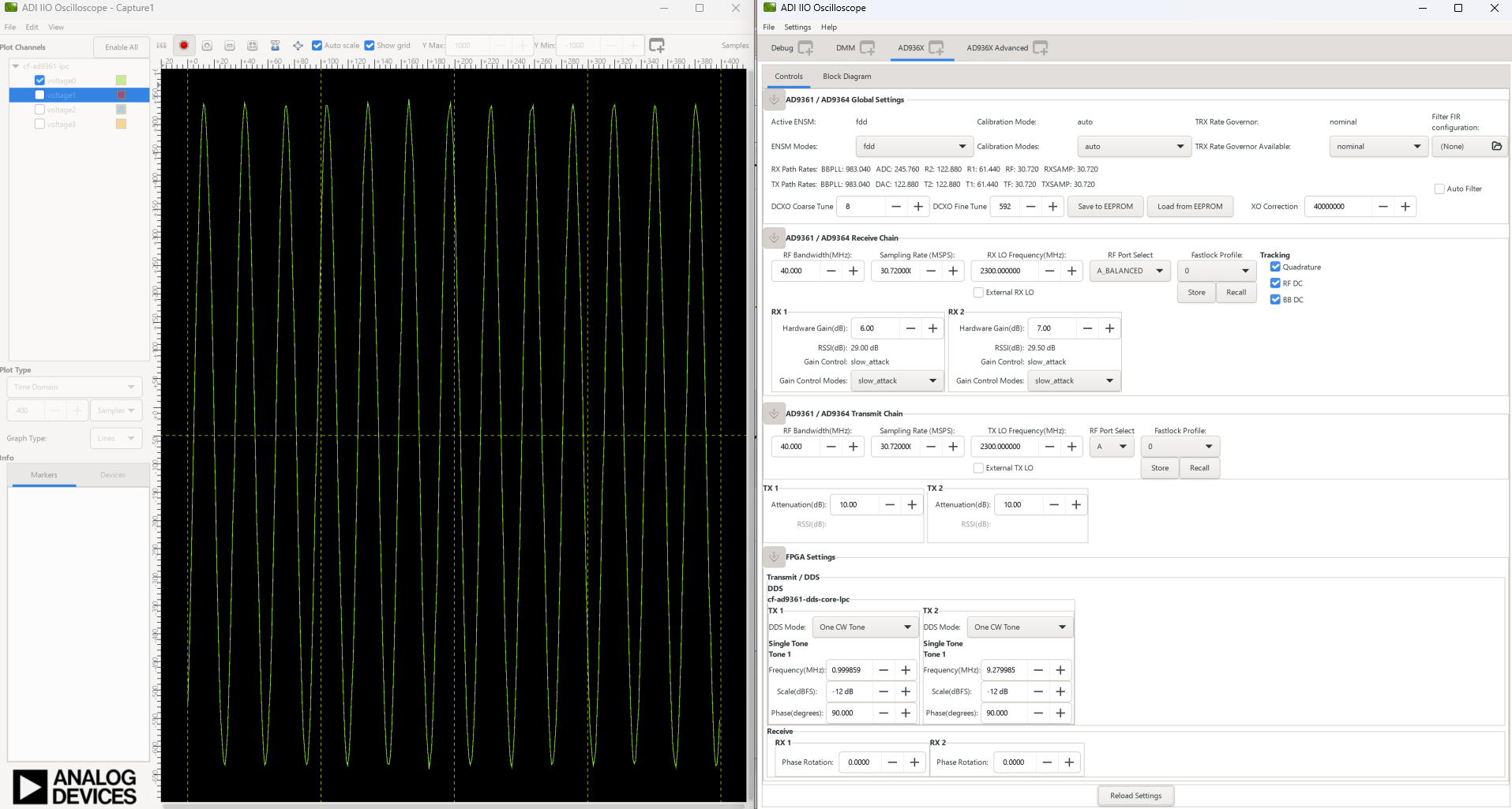
Time domain: