EVAL-AD4134FMCZ
24-Bit, 4-Channel Simultaneous Sampling 1.5 MSPS Precision Alias Free ADC
Overview
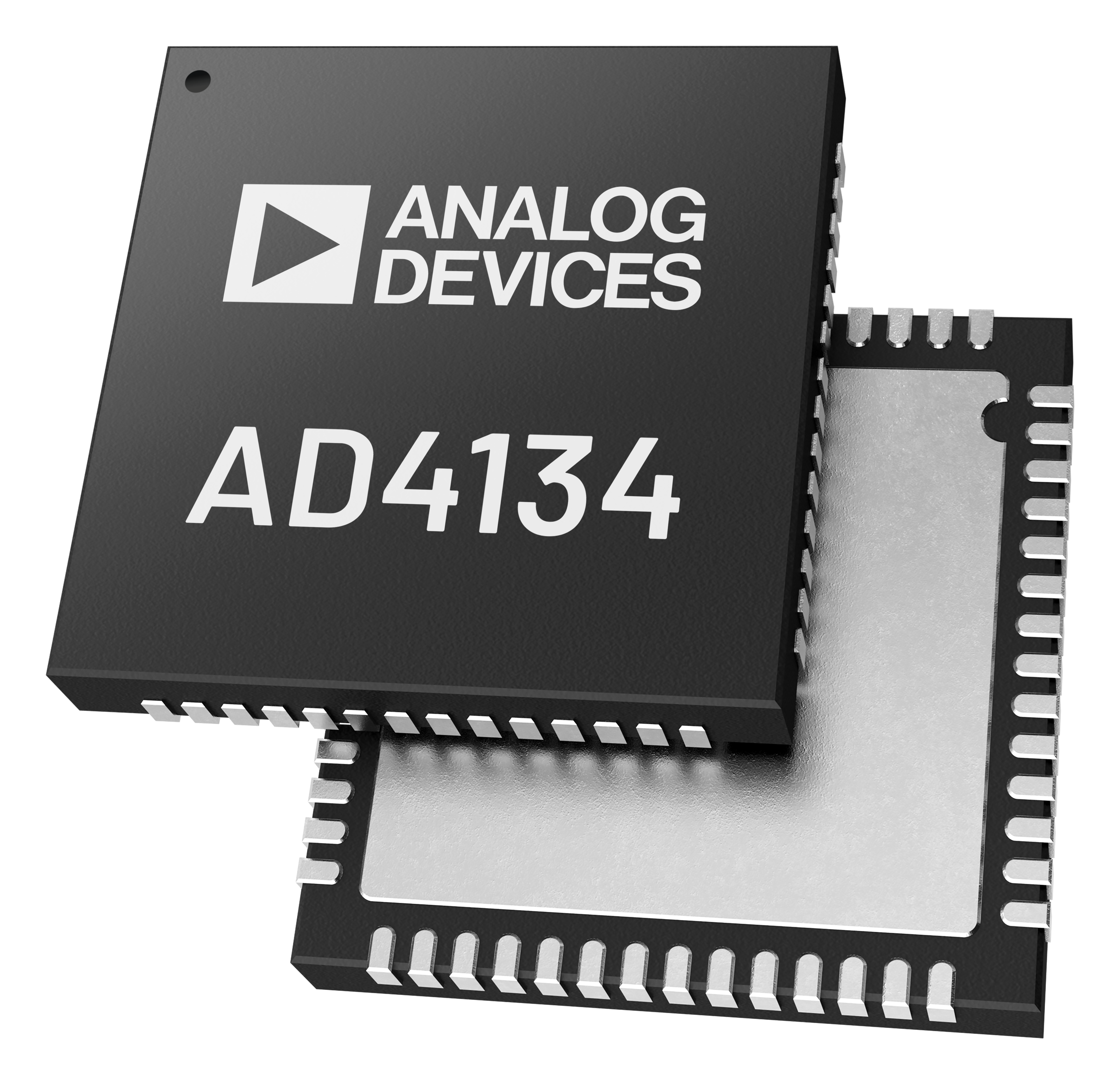
The AD4134 is a quad channel, low noise, simultaneous sampling, precision analog-to-digital converter (ADC), based on the continuous time sigma-delta (CTSD) modulation scheme. This technology does not use sample-and-hold circuitry to alleviate the side effects introduced by it, like charge kickback and signal aliasing. This inherent alias rejection is up to 100 dB.
The device provides four independent converter channels with freely programmable data rates from 0.01 kSPS up to 1496 kSPS and maximum input bandwidth of 391.5 kHz. An asynchronous sample rate converter is used to synchronize two or more devices using only a signal line.
It has excellent AC and DC performance with 107.5 dB dynamic range for the FIR filter and 111 dB SNR. The offset drift is 1.5 uV/C, gain drift of 2 ppm/C and INL of +/-2.5 ppm.
It can be powered from a 4.5 V to 5.5 V power supply and a 1.65 V to 1.95 V digital power supply for 1.8 V I/O level. It can have external voltage reference of 2.5 V, 4.096 V and 5 V and a crystal or CMOS external clock of 48 MHz. The device can be configured and controlled by GPIOs or SPI. It has temperature operating range between -40 C and +125 C.
Features:
24-bit, 4-channel simultaneous sampling ADC
Throughput of up to 1496 kSPS per channel
Alias-free continuous time sigma-delta modulation (up to 100 dB rejection)
Freely programmable data rates from 0.01 kSPS to 1496 kSPS
Maximum input bandwidth of 391.5 kHz
Asynchronous sample rate converter for multi-device synchronization
SPI or GPIO configuration and control
Applications:
Electrical test and measurement
Audio test
3-phase power quality analysis
Control and hardware in loop verification
Sonar
Condition monitoring for predictive maintenance
Acoustic and material science research and development
Recommendations
People who follow the flow that is outlined, have a much better experience with things. However, like many things, documentation is never as complete as it should be. If you have any questions, feel free to ask on our EngineerZone forums, but before that, please make sure you read our documentation thoroughly.
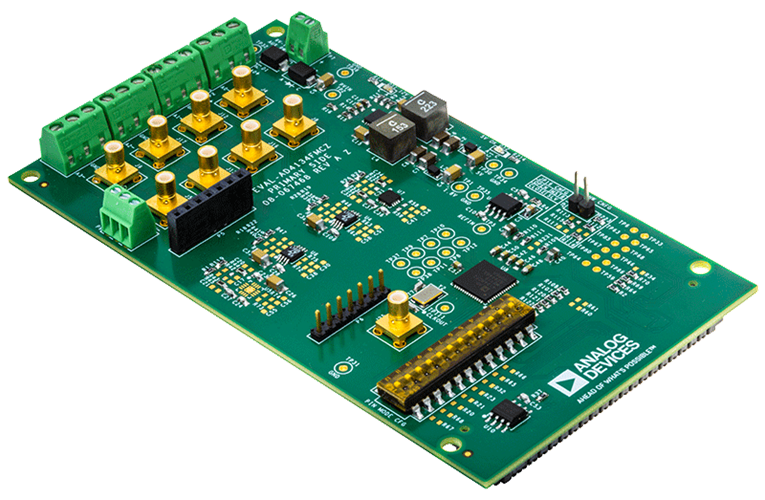
To better understand the AD4134, we recommend to use the EVAL-AD4134FMCZ evaluation board.
Table of contents
Using the evaluation board/full stack reference design that we offer:
Prerequisites - what you need to get started
-
Using the Zedboard / Zynq-7000 SoC
Configure an SD Card with Kuiper
Linux Applications
Design with the AD4134
HDL reference design
HDL reference design which you must use in your FPGA.
AD4134 HDL Reference Design which you must use in your FPGA.
More information
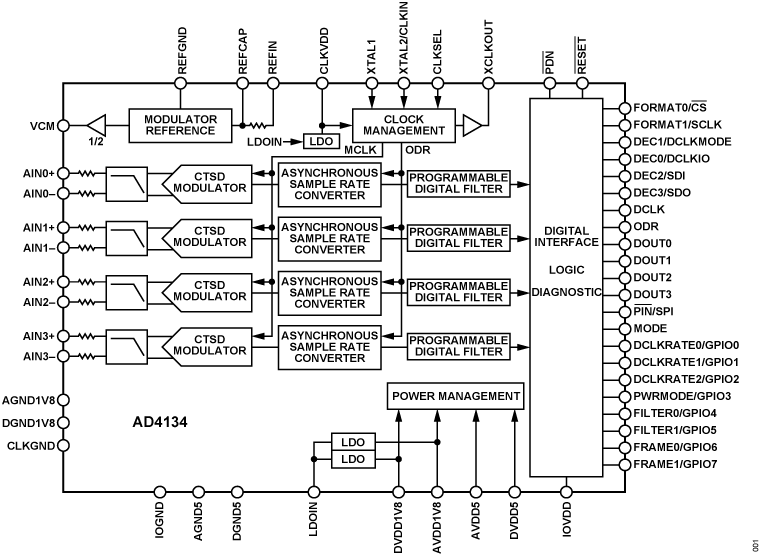
Functional Block Diagram
Additional Information and Useful Links
Warning
All the products described on this page include ESD (electrostatic discharge) sensitive devices. Electrostatic charges as high as 4000V readily accumulate on the human body or test equipment and can discharge without detection. Although the boards feature ESD protection circuitry, permanent damage may occur on devices subjected to high-energy electrostatic discharges. Therefore, proper ESD precautions are recommended to avoid performance degradation or loss of functionality. This includes removing static charge on external equipment, cables, or antennas before connecting to the device.
Help and support
Please go to Help and Support page.