Quickstart
The Quick Start Guides provide a simple step by step instruction on how to do an initial system setup for the PulSAR ADC evaluation boards on various FPGA development boards. They will discuss how to program the bitstream, run a no-OS program or boot a Linux distribution.
Supported carriers
The carriers we support are:
Supported Environments
The supported OS are:
Hardware Setup
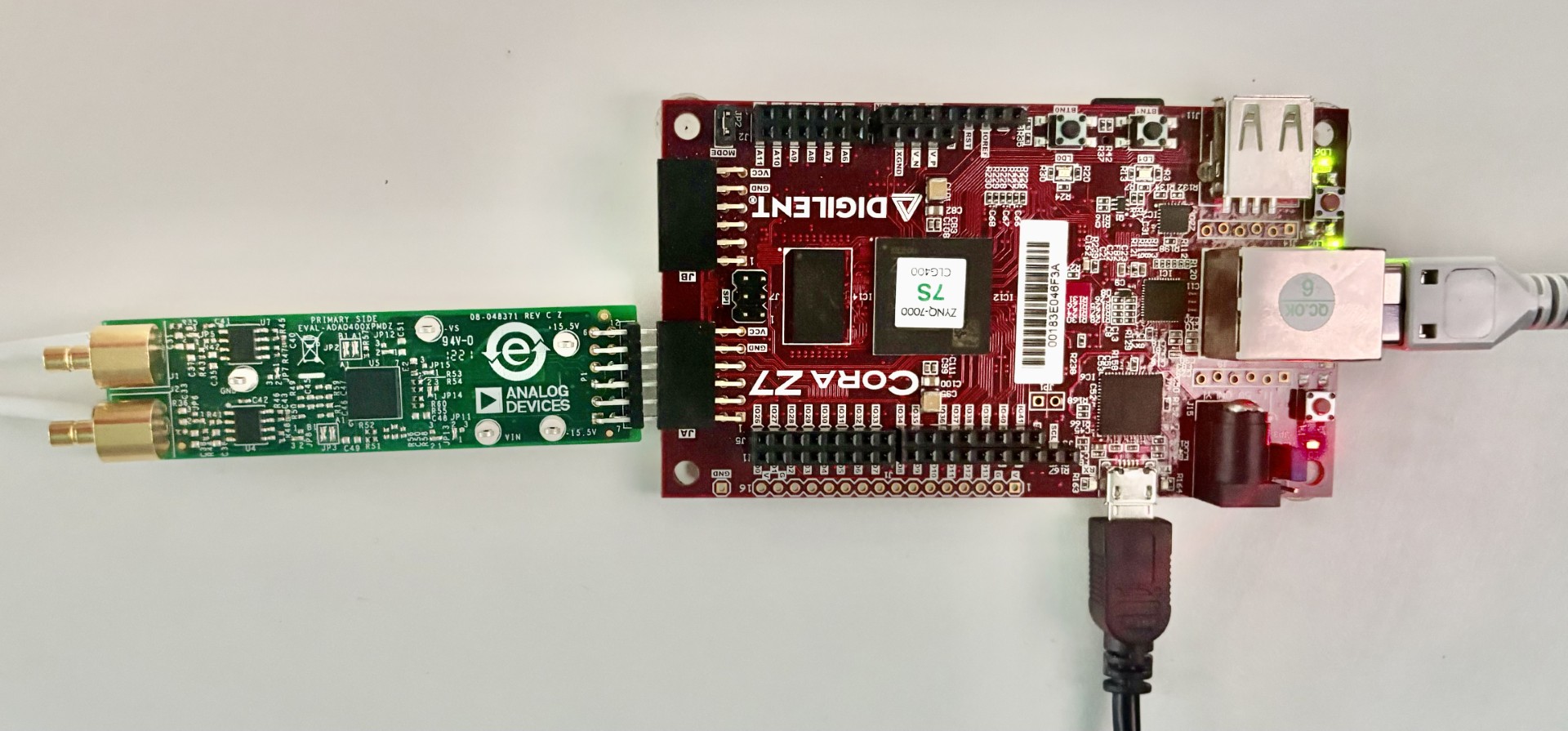
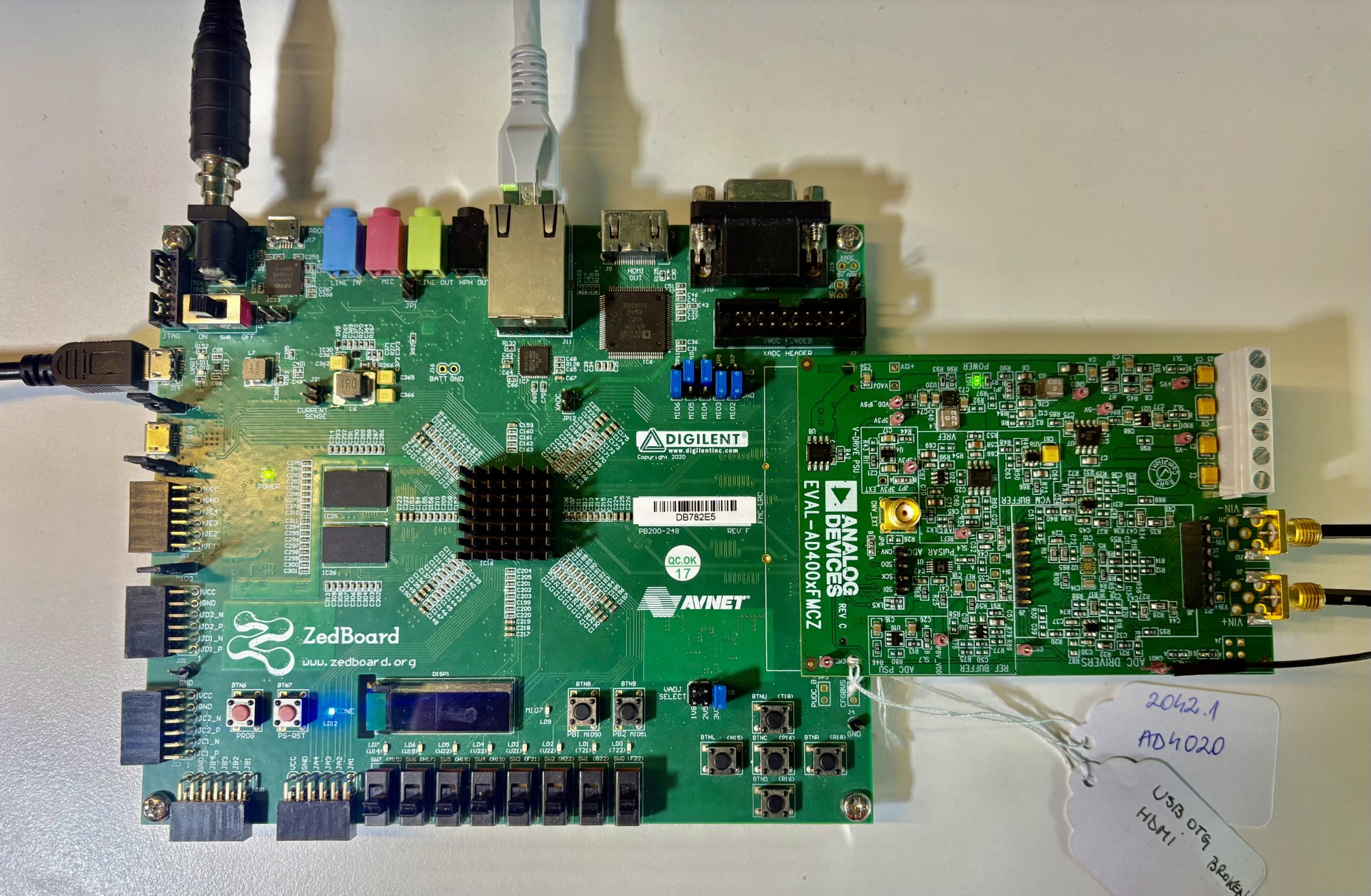
The PulSAR ADC evaluation boards connect to the FMC or PMOD connector (depending on the variant). The carrier setup requires power, UART (115200), ethernet (Linux), HDMI (if available) and/or JTAG (no-OS) connections.
A few typical setups are shown below.
ZedBoard + EVAL-AD400x-FMCZ
CoraZ7-07S + EVAL-ADAQ40xx