Quick start guide
The Quick Start Guides provide simple step-by-step instructions on how to do an initial system setup for the EVAL-AD4692-ARDZ and EVAL-AD4696FMCZ boards on various FPGA development boards. In these guides, we will discuss how to program the bitstream, run a no-OS program or boot a Linux distribution.
Supported carriers
The carriers we support are:
Supported environments
The supported OS are:
Hardware setup
The EVAL-AD4696FMCZ board connects to the FMC LPC connector, while the EVAL-AD4692-ARDZ connects to the Arduino Uno Shield connector. The carrier setup requires power, UART (115200), Ethernet (Linux), and/or JTAG (no-OS) connections.
ZedBoard + EVAL-AD4696FMCZ
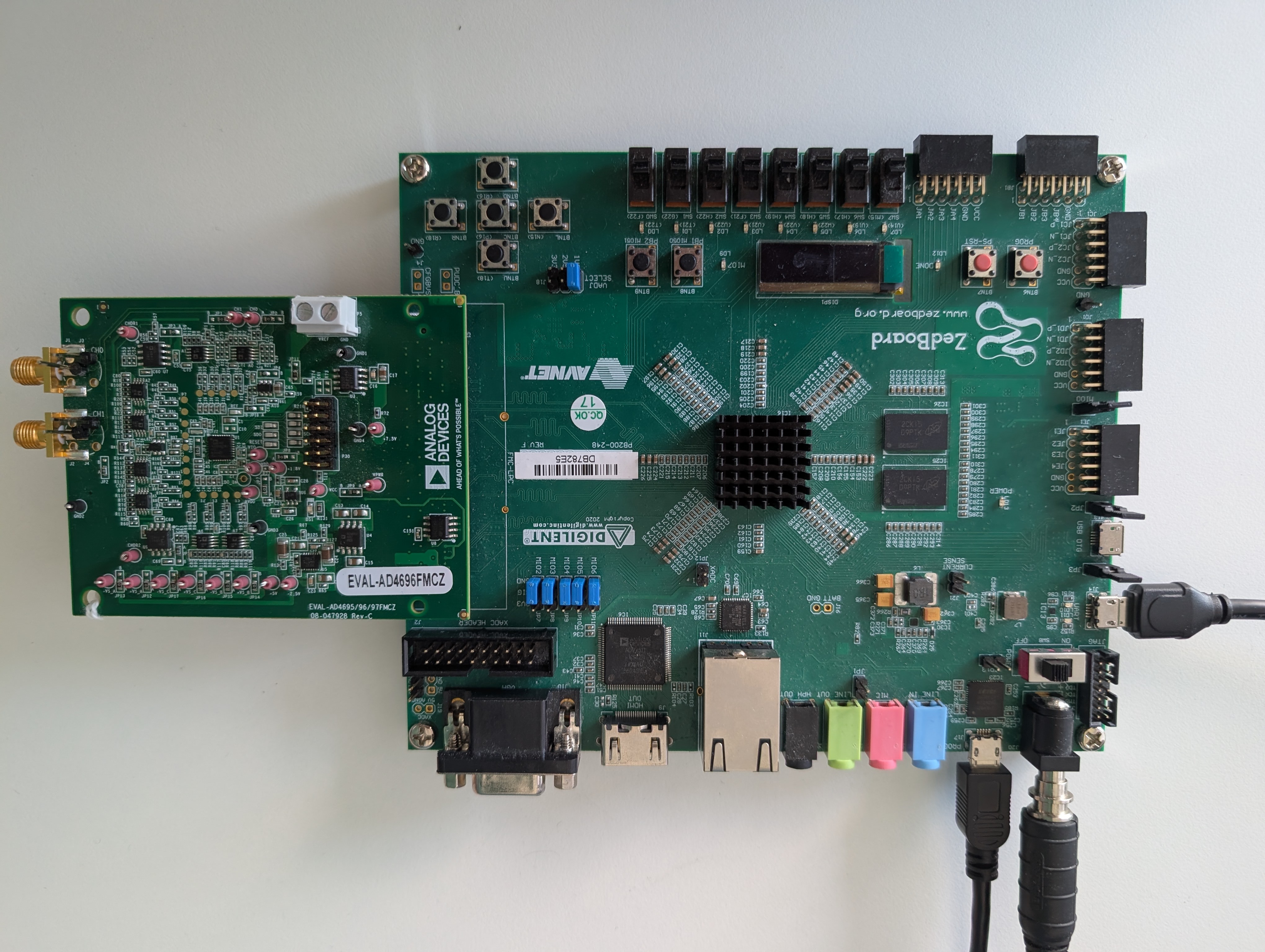
Go to the setup guide.
CoraZ7-07S + EVAL-AD4692ARDZ
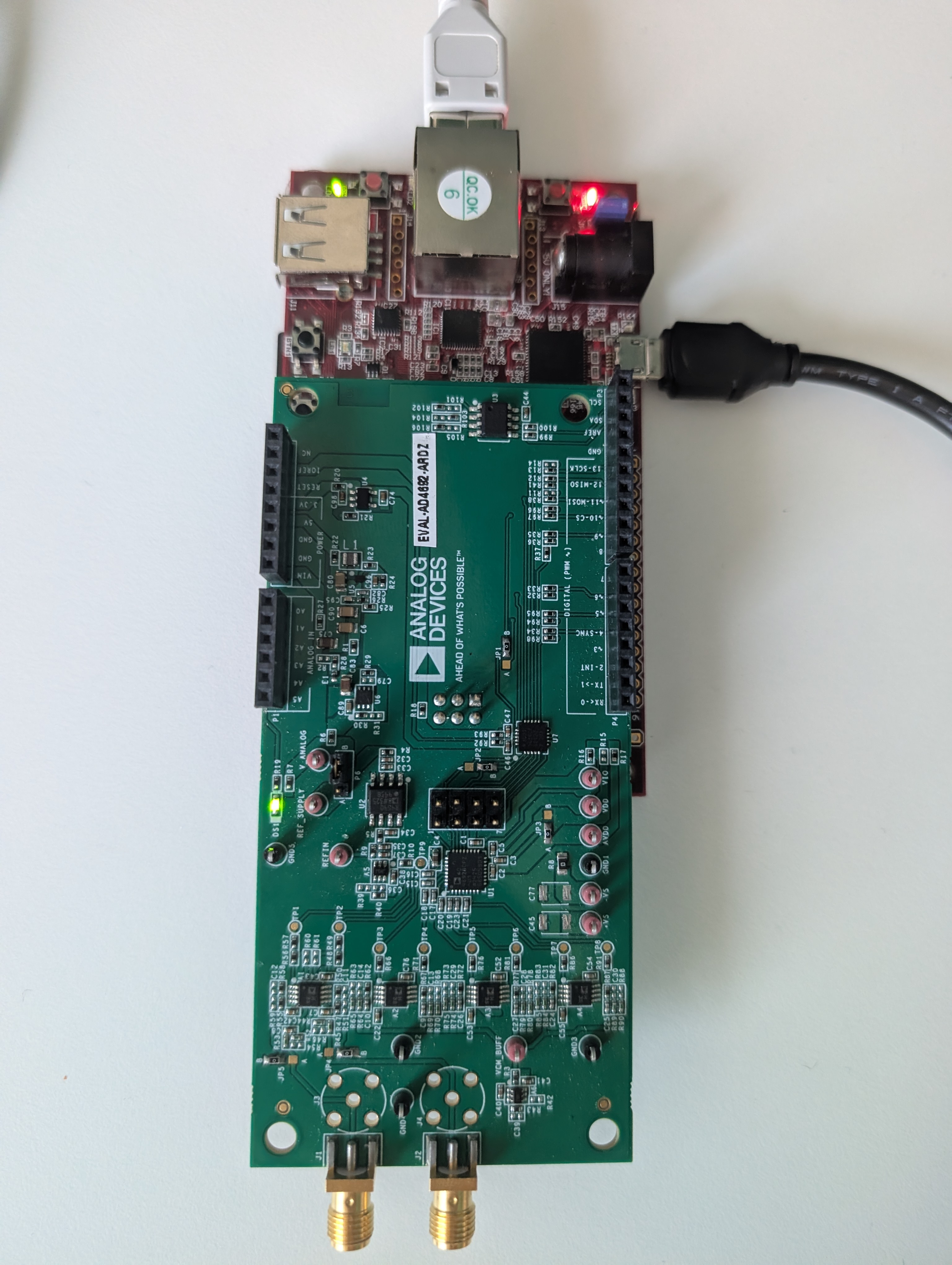
Go to the setup guide.
DE10-Nano + EVAL-AD4692ARDZ
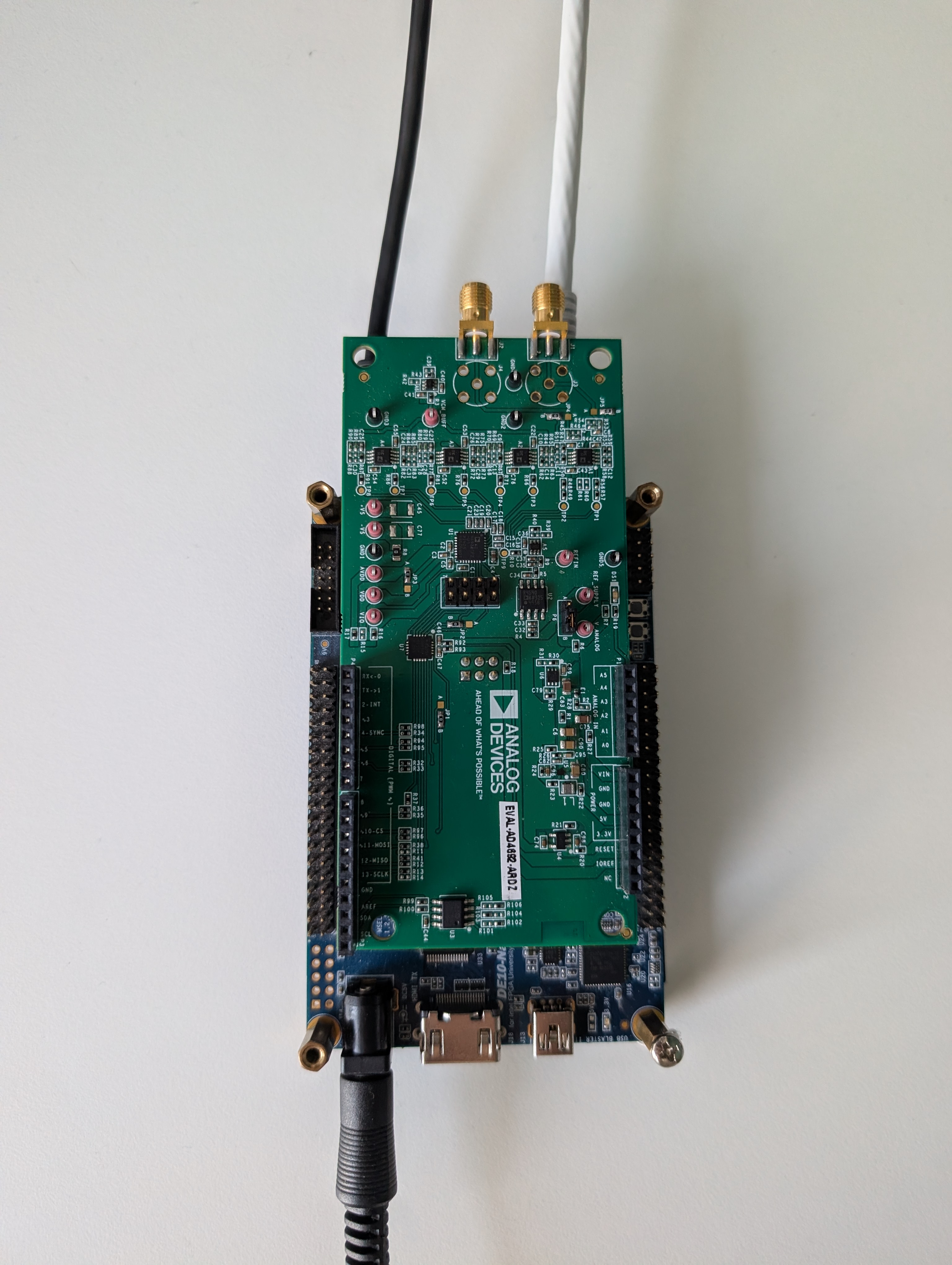
Go to the setup guide.