Quick Start

The following guides provide step-by-step instructions for an initial system setup of the AD-FMCOMMS5-EBZ on various FPGA development boards. They cover bitstream loading, booting a Linux distribution, and launching the IIO Oscilloscope for RF waveform capture and playback.

Supported carriers

The AD-FMCOMMS5-EBZ connects to a carrier board via two adjacent FMC connectors.

Carrier board

Connector

ZC706

Dual FMC (HPC)

ZC702

Dual FMC (LPC)

ZCU102

Dual FMC (HPC)

Supported environments

Carrier board

HDL

Linux

No-OS

ZC706

Yes

Yes

ZC702

Yes

Yes

ZCU102

Yes

Yes

Hardware setup

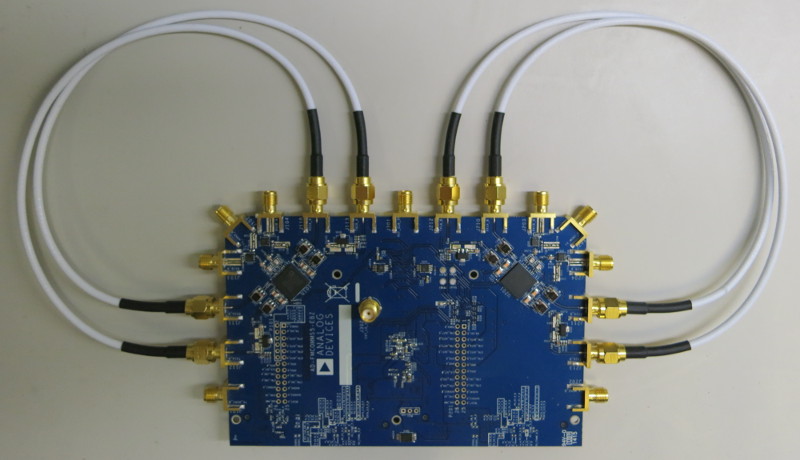
AD-FMCOMMS5-EBZ loopback configuration

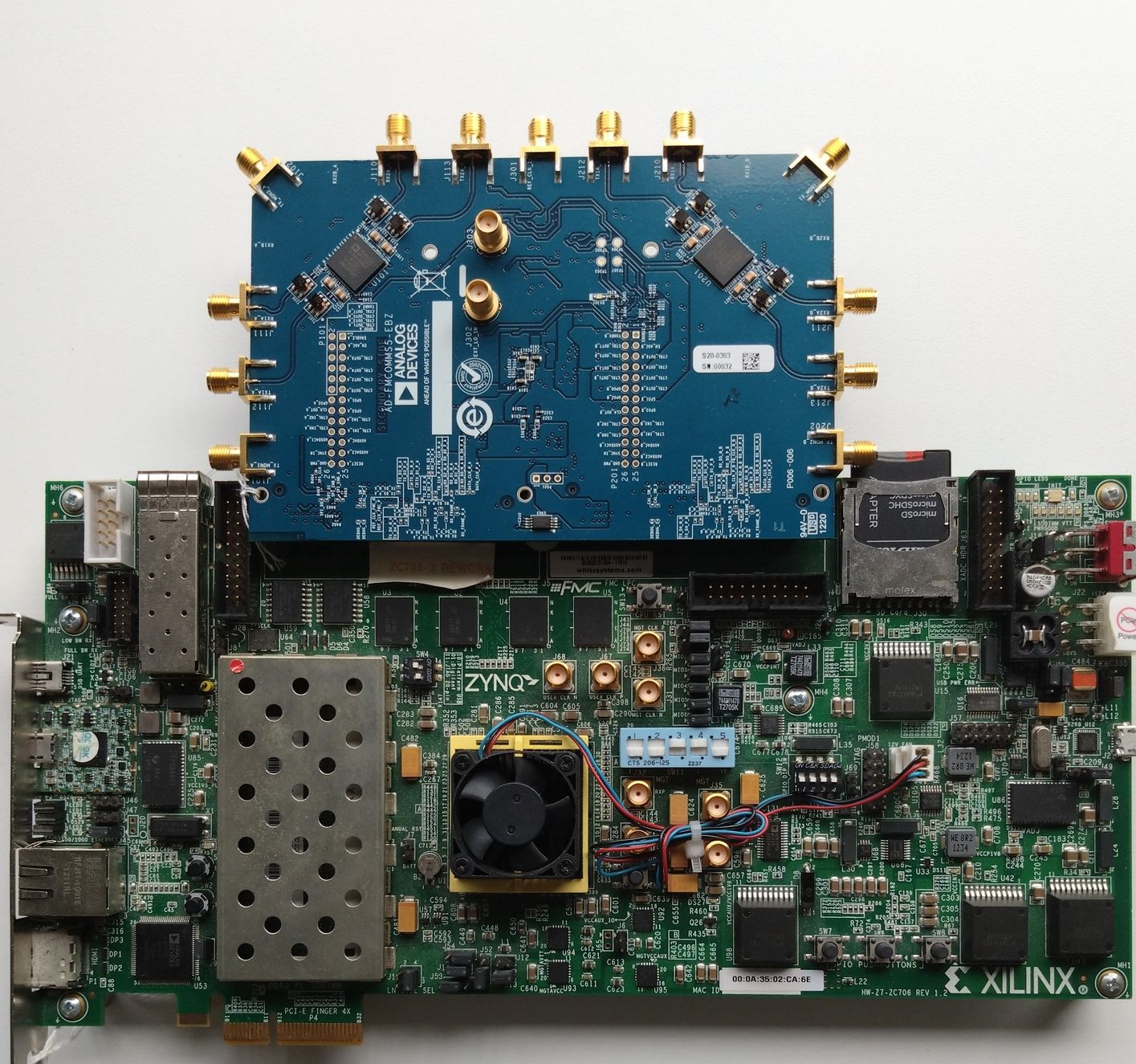
AD-FMCOMMS5-EBZ + ZC706

https://media.githubusercontent.com/media/analogdevicesinc/documentation/main/docs/solutions/reference-designs/fmcomms5/images/zc706_fmcomms5.jpg

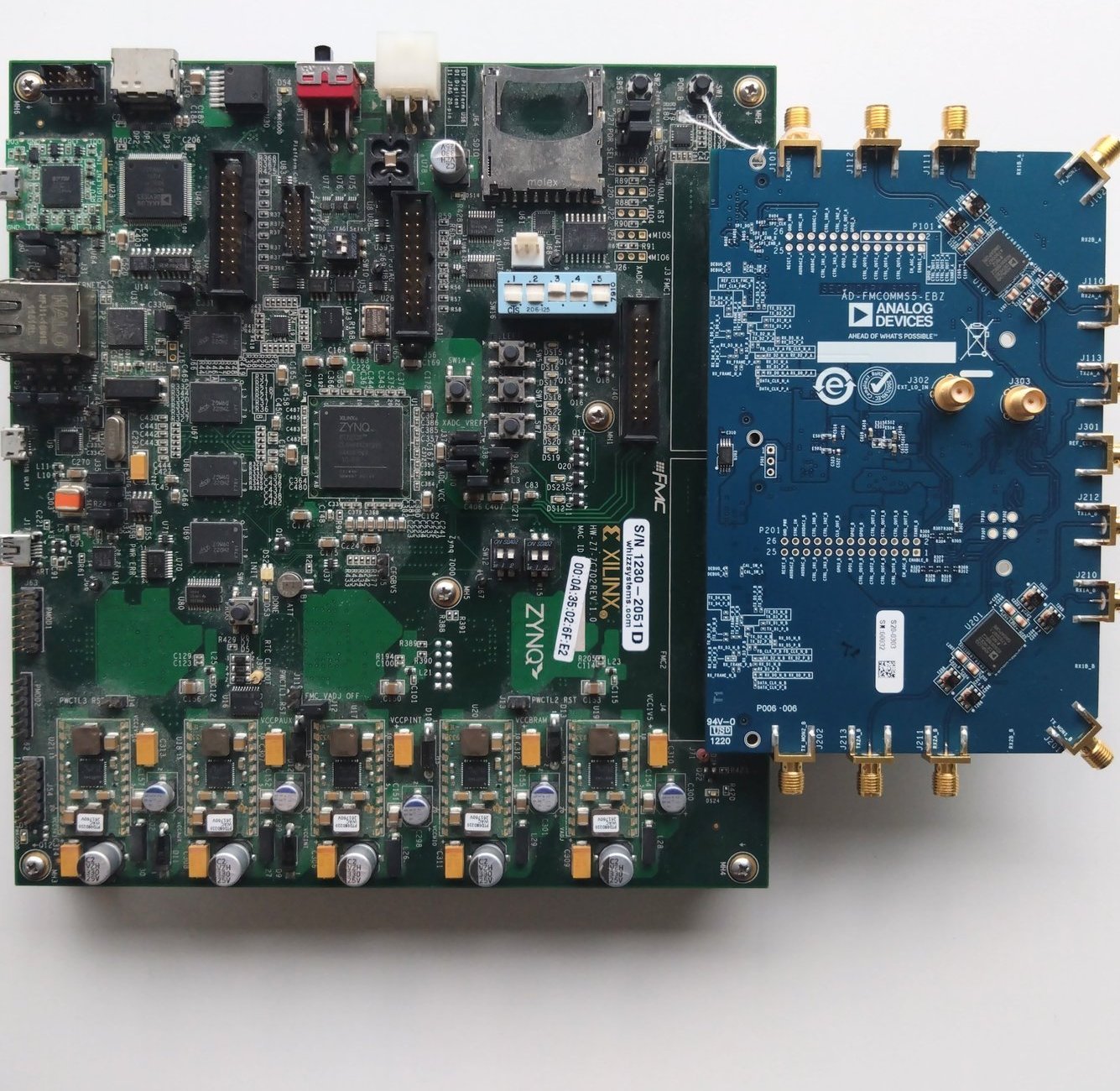
AD-FMCOMMS5-EBZ + ZC702

https://media.githubusercontent.com/media/analogdevicesinc/documentation/main/docs/solutions/reference-designs/fmcomms5/images/zc702_fmcomms5.jpg

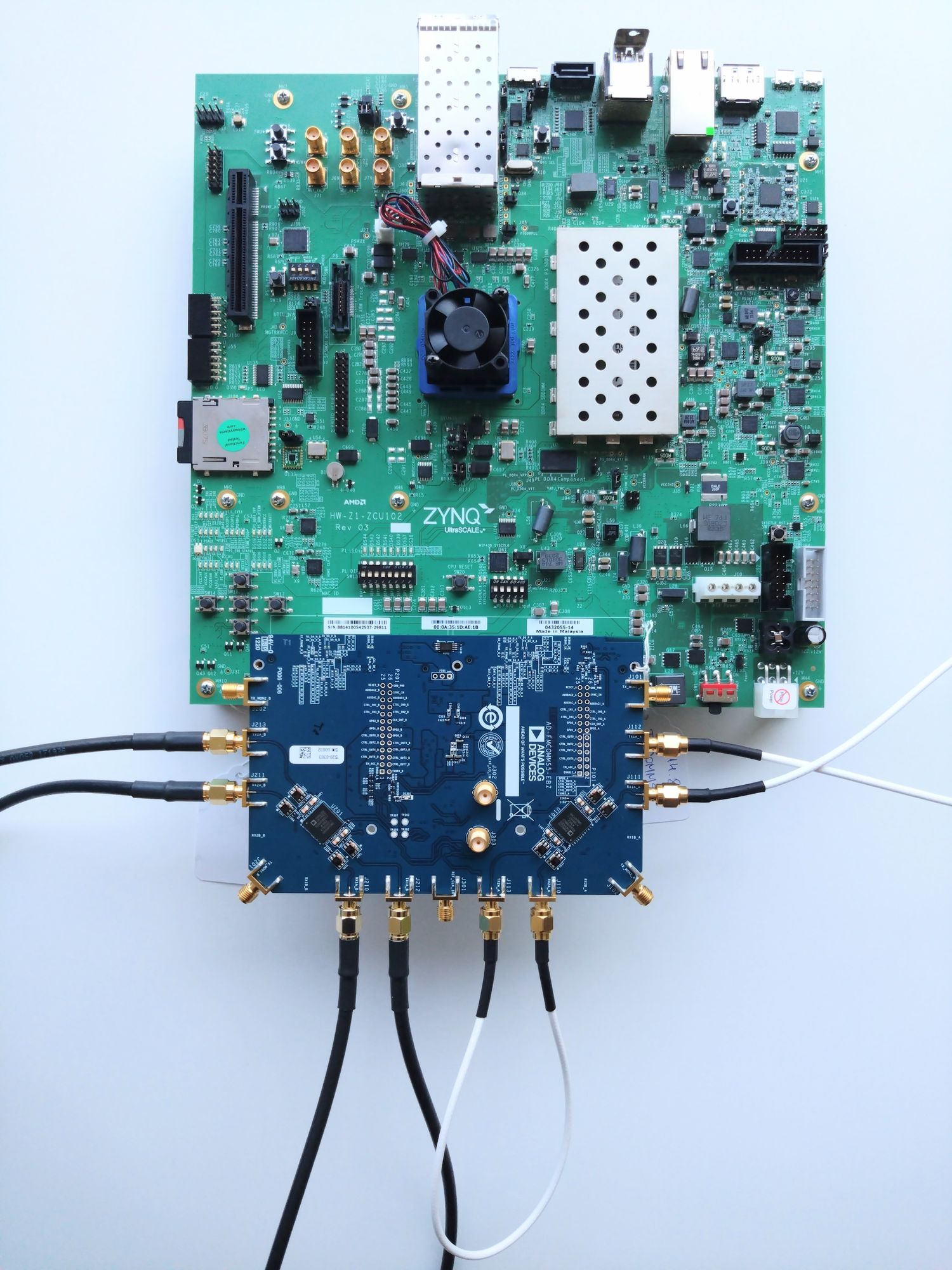
AD-FMCOMMS5-EBZ + ZCU102

https://media.githubusercontent.com/media/analogdevicesinc/documentation/main/docs/solutions/reference-designs/fmcomms5/images/zcu102_fmcomms5.jpg

Warning

The ZCU102 requires two FMC spacers to accommodate the AD-FMCOMMS5-EBZ. Ensure the spacers are installed before connecting the board.
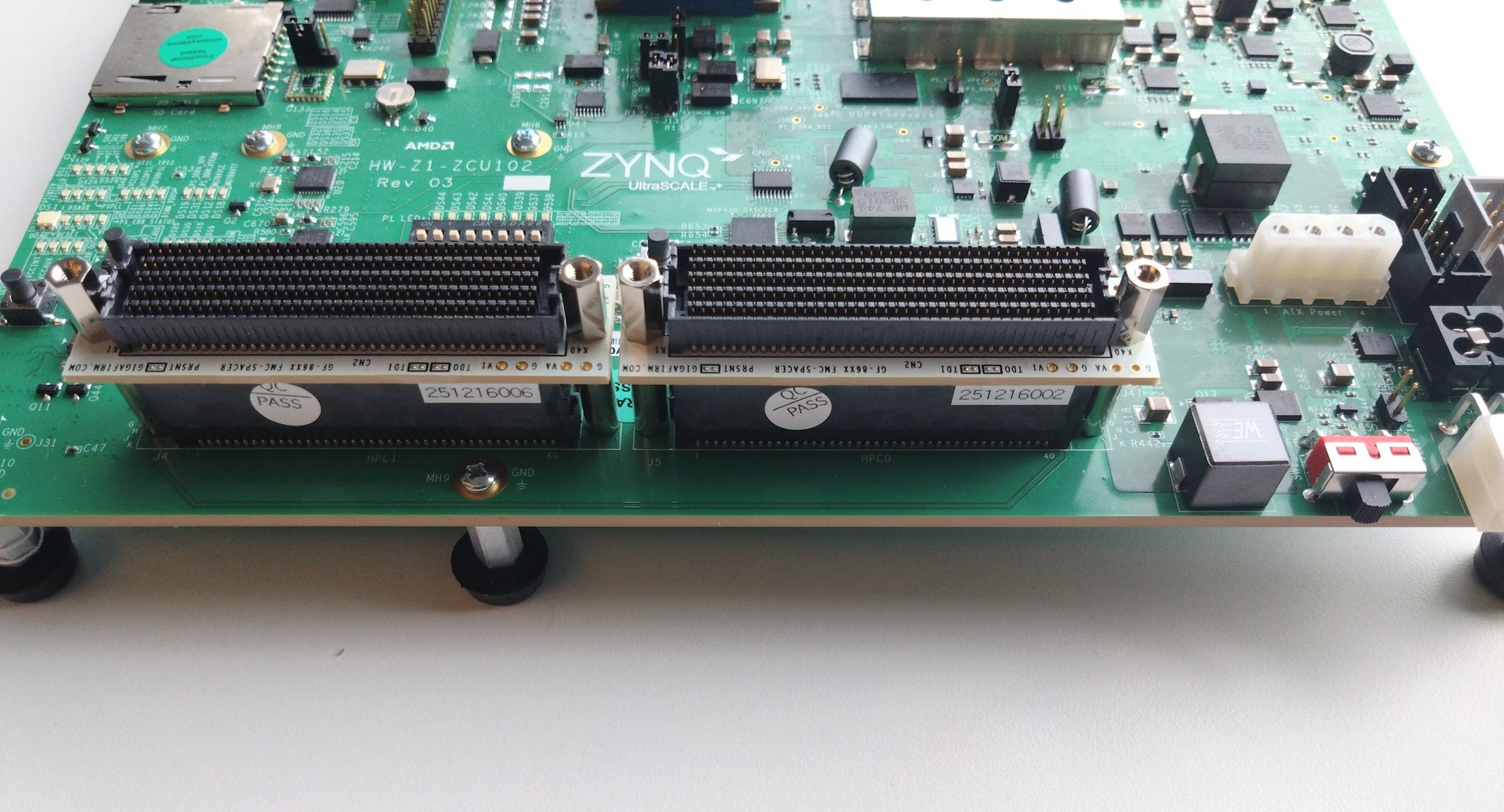
https://media.githubusercontent.com/media/analogdevicesinc/documentation/main/docs/solutions/reference-designs/fmcomms5/images/fmc_spacers.jpg

Getting started