EVAL-AD7616-SDZ
Overview
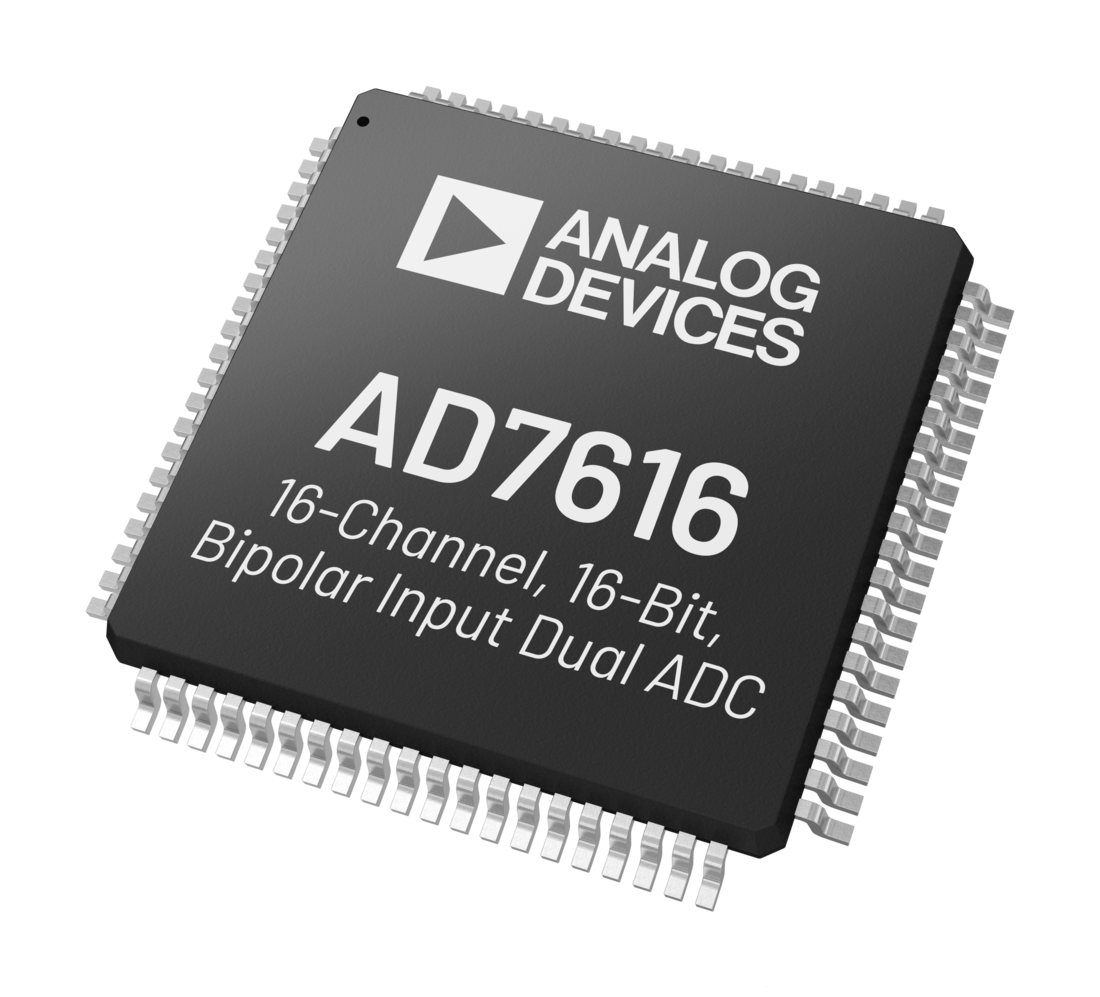
The EVAL-AD7616SDZ is an evaluation board for the AD7616, a 16-bit, data acquisition system (DAS) that supports dual simultaneous sampling of 16 channels. The AD7616 operates from a single 5V supply and can accommodate ±10V, ±5V, and ±2.5V true bipolar input signals while sampling at throughput rates up to 1 MSPS per channel pair with 90 dB SNR. Higher SNR performance can be achieved with the on-chip oversampling mode; 92 dB for an oversampling ratio of 2.
The input clamp protection circuitry can tolerate voltages up to ±20V. The AD7616 has 1 MΩ analog input impedance regardless of sampling frequency. The single supply operation, on-chip filtering, and high input impedance eliminate the need for driver op-amps and external bipolar supplies.
Each device contains analog input clamp protection, a dual, 16-bit charge redistribution successive approximation analog-to-digital converter (ADC), a flexible digital filter, a 2.5V reference and reference buffer, and high-speed serial and parallel interfaces.
Applications:
Powerline monitoring
Protective relays
Multiphase motor control
Instrumentation and control systems
Data acquisition systems (DAS)
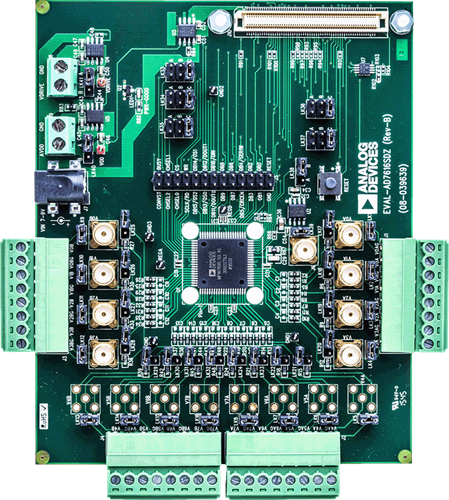
Supported Devices
Supported Carriers
Table of contents
Prerequisites — hardware and software you need to get started
User guide — block diagrams and HDL design reference
-
ZedBoard Quick Start Guide — using ZedBoard with SDP-I-FMC
ZC706 Quick Start Guide — using ZC706
SDP-K1 Quick Start Guide — using SDP-K1 (No-OS, bare metal)
HDL reference design
AD7616 HDL Project — complete HDL reference design for the EVAL-AD7616-SDZ board
No-OS driver resources
Device resources
AD7616 Product Page — datasheet, pricing, samples
Recommendations
Start with the Prerequisites to ensure you have all required hardware and software. Then follow the quickstart guide for your carrier board.
For questions not covered in the documentation, visit the EngineerZone forums.
Help and support
Please go to Help and Support page.