User Guide
Hardware guide
Hardware configuration
The EVAL-AD-FMCOMMS8-EBZ contains two ADRV9009 wideband transceivers providing quad transmit, quad receive, and quad observation receiver channels. The board connects to a compatible FPGA development board via the FMC HPC connector and uses the JESD204B bus interface for high-speed data transfer.
System frequency and phase synchronization across all channels is maintained using an HMC7044 clock jitter attenuator with JESD204B, which distributes clocks and SYSREF signals to both ADRV9009 devices.
The board complies with VITA 57.1 mechanical dimensions (84 mm x 69 mm) and is powered through the FMC connector from the carrier board.
Schematic, PCB Layout, Bill of Materials
Download
AD-FMCOMMS8-EBZ Design & Integration Files
Schematic
PCB Layout
Bill of Materials
Allegro Project
Software guide
The EVAL-AD-FMCOMMS8-EBZ platform development environment supports Linux Industrial I/O (IIO) applications, MATLAB, Simulink, GNU Radio, and streaming interfaces for custom C, C++, Python, and C# applications.
ADI IIO Oscilloscope
The IIO Oscilloscope is a cross-platform application for interfacing with IIO devices, enabling you to configure device parameters and visualize data.
Important
Make sure to download/update to the latest version of IIO Oscilloscope.
For Linux
Remote run on host
The IIO Oscilloscope application can be used to connect to another platform that has a connected device, to configure the device and read data from it. This application is not for performance testing, but rather showcasing the basic features.
Please see IIO Oscilloscope documentation for installation steps and more details.
Build and start osc on a network-enabled Linux host.
For Windows computers, open the application from the start menu.
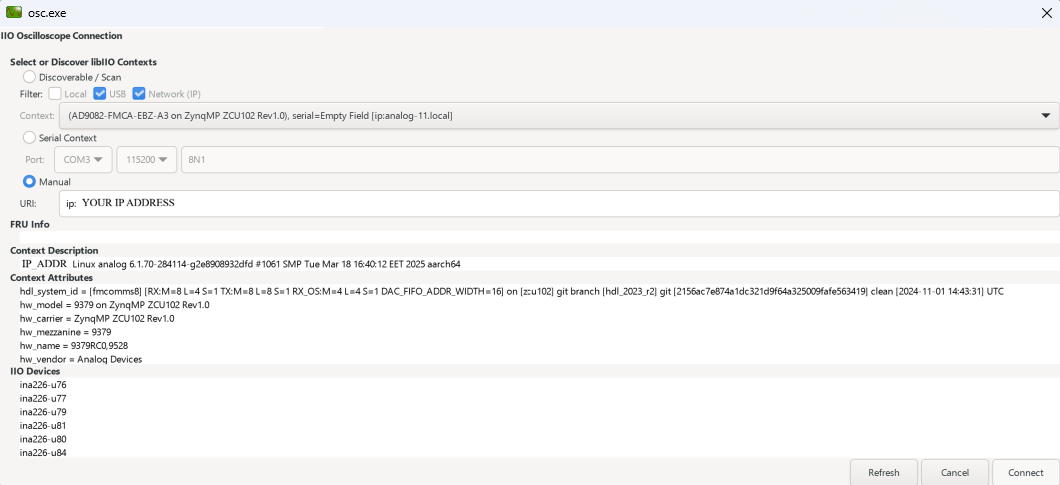
Once the application is launched, go to Settings > Connect > URI and type “ip:” then the IP address of the target in the pop-up window. This IP can be found out with a command from the previous section of this documentation.
Locally run on the board
If you connected an HDMI monitor to your FPGA and a mouse and a keyboard (both on one dongle), you can navigate the ADI Kuiper Linux that is on the FPGA.
Going to the top left corner icon (the menu icon), search for IIO Oscilloscope. Opening it will automatically connect to the setup and you can use the application.
For no-OS
For connecting IIO Oscilloscope to no-OS applications, they need to be built with the IIOD=y flag. This way, the no-OS applications will run an IIO daemon that is awaiting connections from the IIO Oscilloscope.
As indicated in the boot log, the board runs an IIOD server over the serial (UART) connection.
Disconnect or close the serial terminal used to view the boot log.
Once done with the installation or an update of the latest IIO Oscilloscope, open the application.
Select the Serial backend and configure the connection with the settings shown at the end of the boot log.
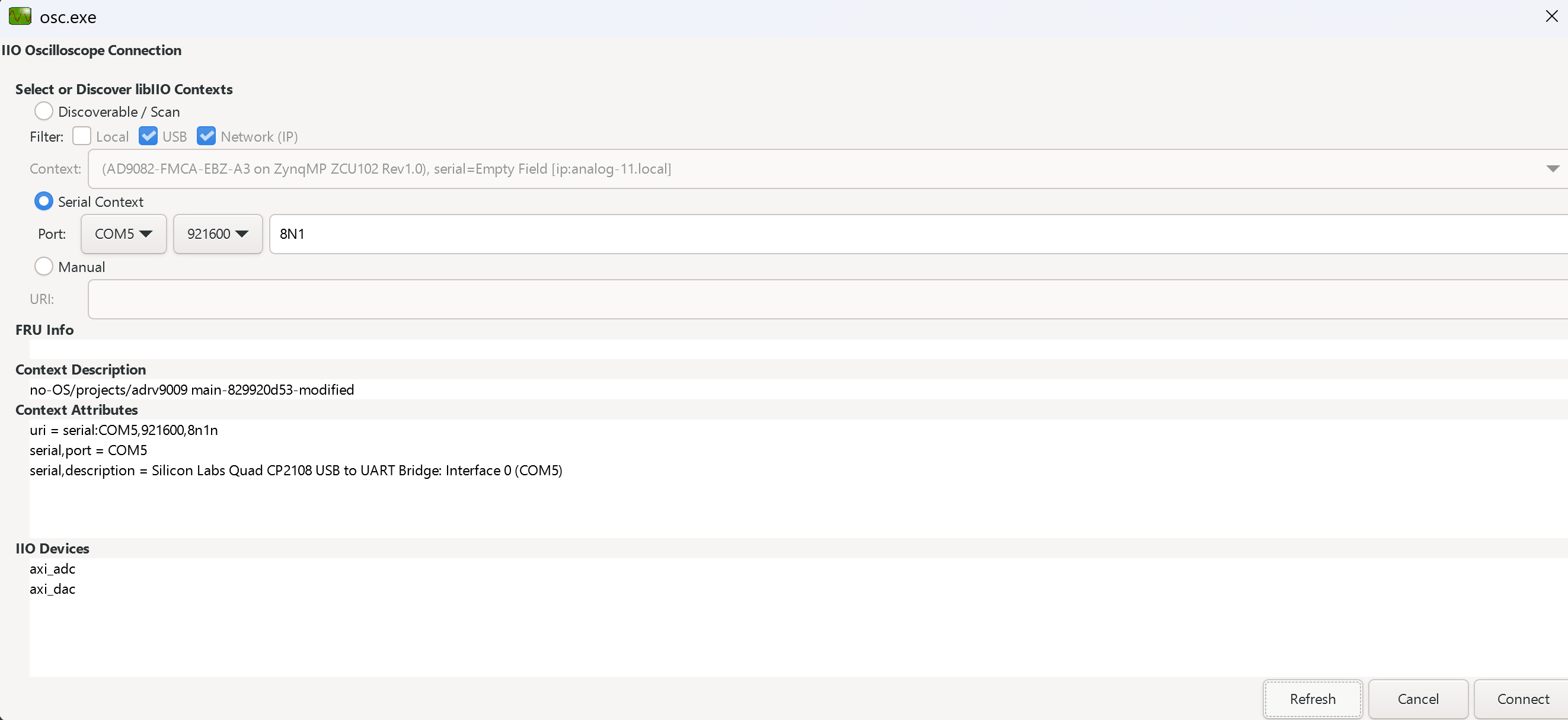
Press Refresh to display the available IIO devices and press Connect.
Note
The serial port is the COM port on Windows or /dev/ttyUSBx on Linux.
Plugin
This project also contains an IIO-Oscilloscope device-specific plugin that enables you to access the unique features and functions of the device.
See also
For more information about this plugin: ADRV9009
Data capture
Note
Device names and channel definition may differ between no-OS and Linux.
Linux
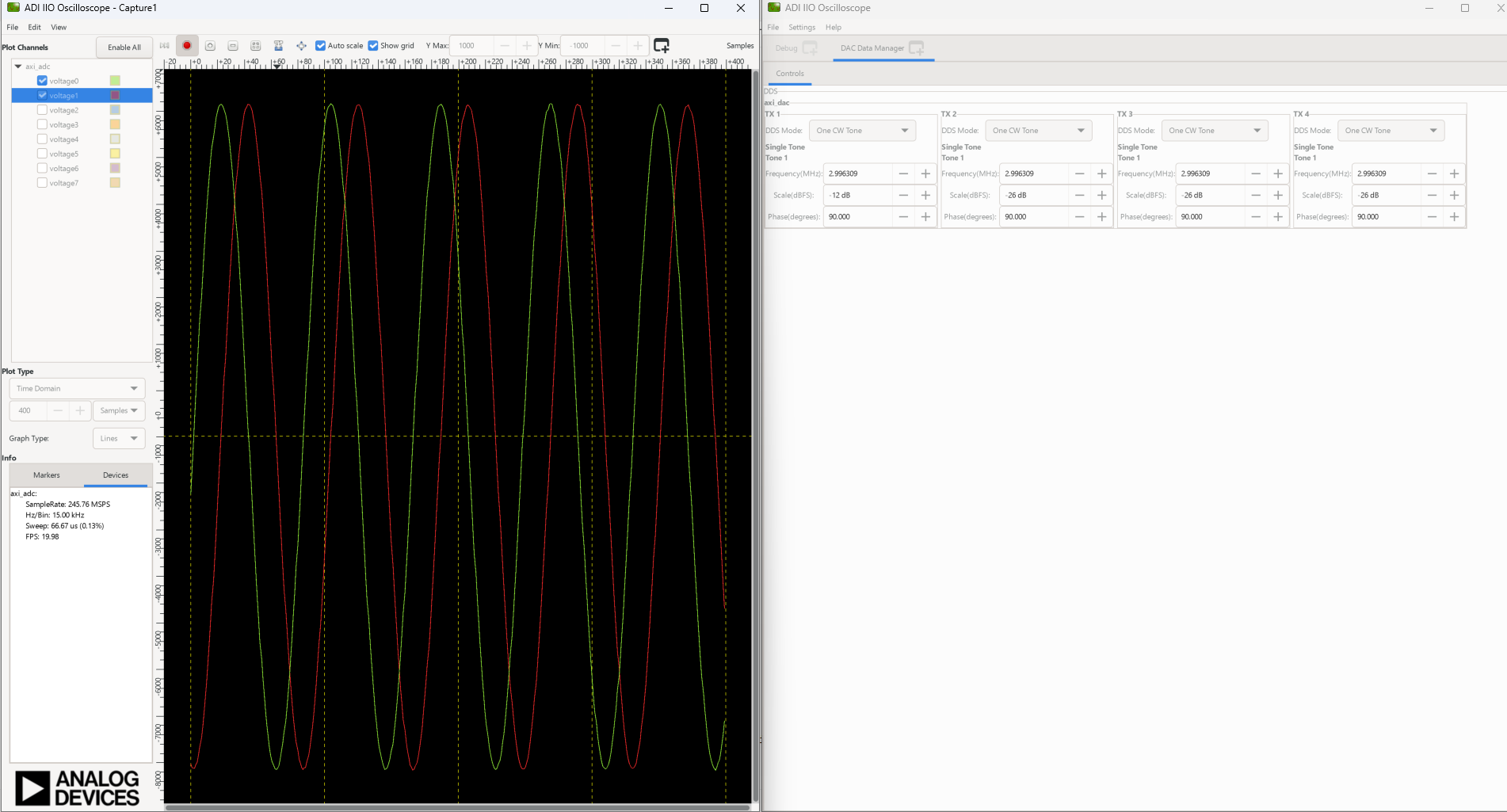
Time domain:
Time domain:
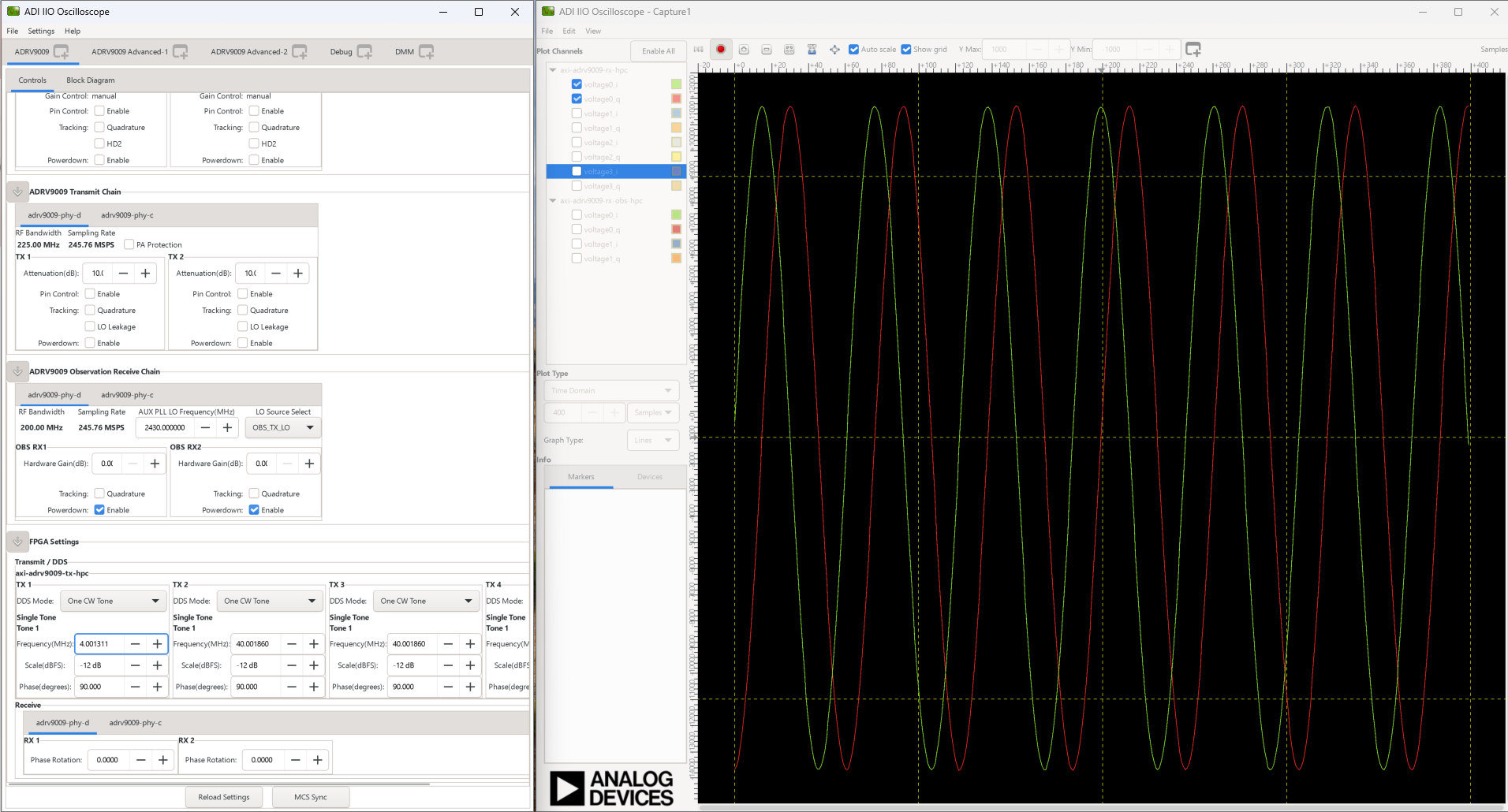
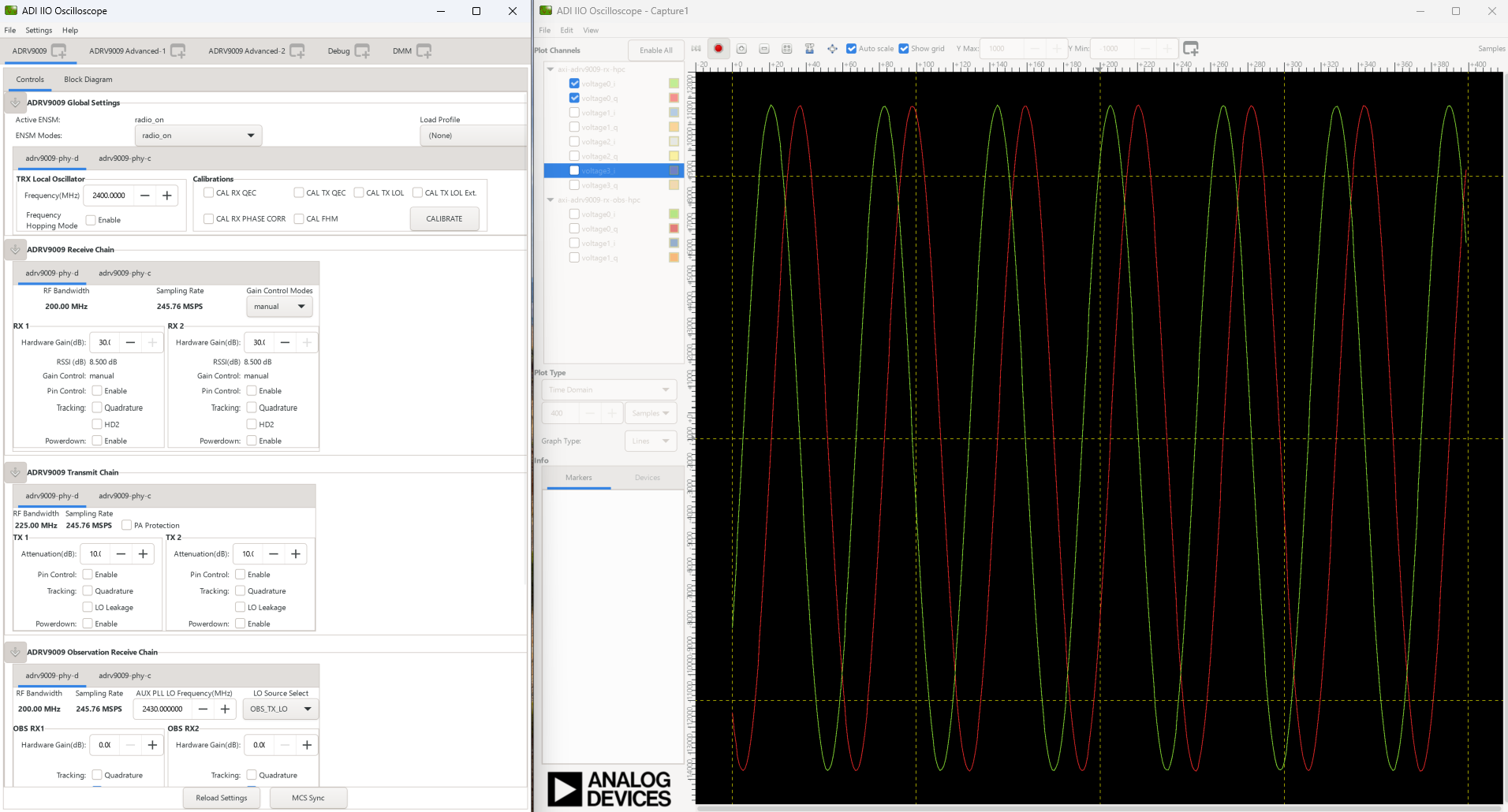
no-OS
Time domain: