Quick start
The Quick start guides provide simple step by step instructions on how to do an initial system setup for the EVAL-AD9467 boards on various FPGA development boards. In these guides, we will discuss how to program the bitstream, run a no-OS program or boot a Linux distribution.
Supported carriers
The EVAL-AD9467, is, by definition a “FPGA mezzanine card” (FMC); that means it needs a carrier to plug into.
The carriers we support are listed below, as well as the FMC port where to connect the evaluation board:
Supported Environments
The supported OS are:
Hardware Setup
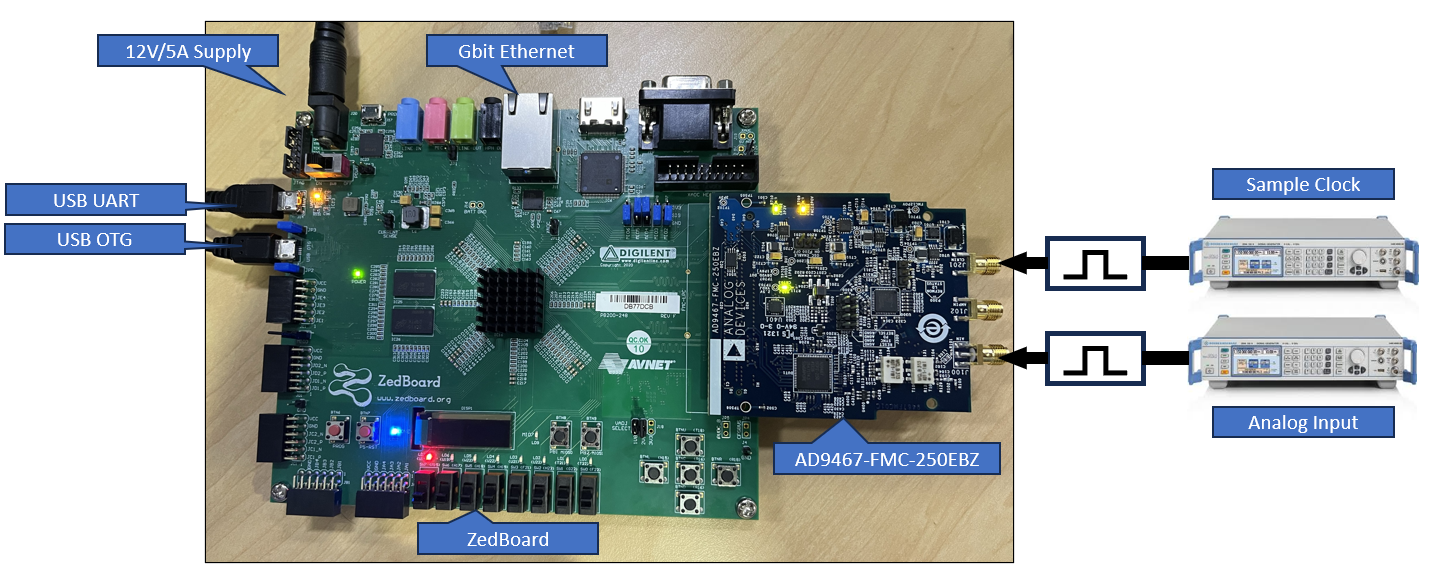
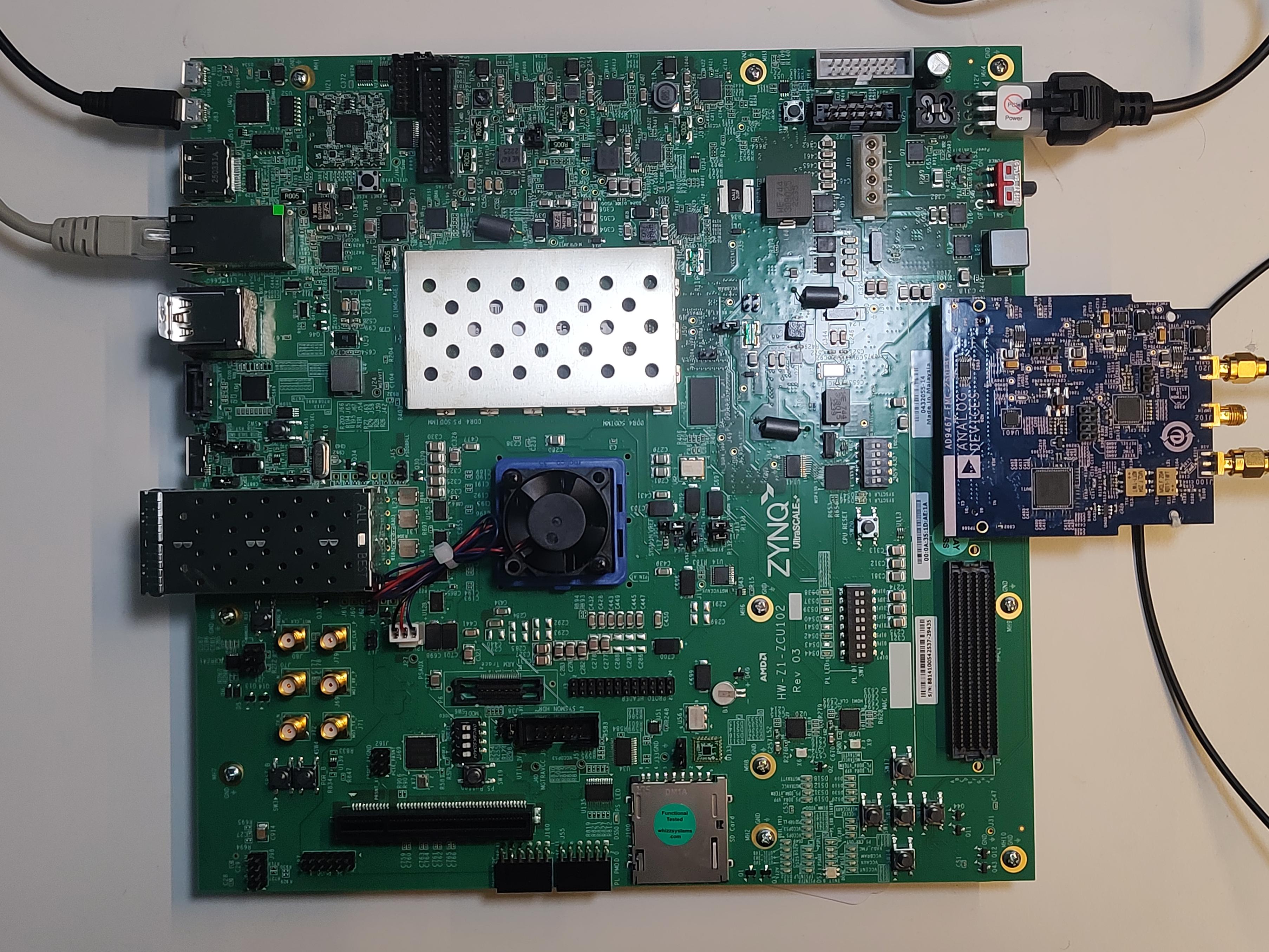
The carrier setup requires power, UART (115200), Ethernet (Linux), HDMI (if available) and/or JTAG connections. A few typical setups are shown below.
ZedBoard + EVAL-AD9467
ZCU102 + EVAL-AD9467
Clock and analog input connections
The EVAL-AD9467 requires:
Clock input (J201): 250 MHz clock signal - Can use transformer-coupled, crystal oscillator, or AD9517 clock generator - 50 Ω terminated, AC-coupled single-ended input
Analog input: Configurable through ADL5565 differential amplifier - Multiple input coupling options available