AD7194 Evaluation Board User Guide
The EVAL-AD7194-ASDZ evaluation kit features the AD7194 which is 4.8 kHz ultralow noise 24-bit sigma-delta (Σ-Δ) ADCs. The on-chip low noise gain stage means that signals of small amplitude can interface directly to the ADC. The internal clock option provides a compact solution for low BW requirements.
The AD7194 ACE Plugin fully configures the AD7194 device register functionality and provides dc time domain analysis in the form of waveform graphs, histograms, and associated noise analysis for ADC performance evaluation.
Full specifications on the AD7194 are available in the product data sheet, which should be consulted in conjunction with this user guide when working with the evaluation board.
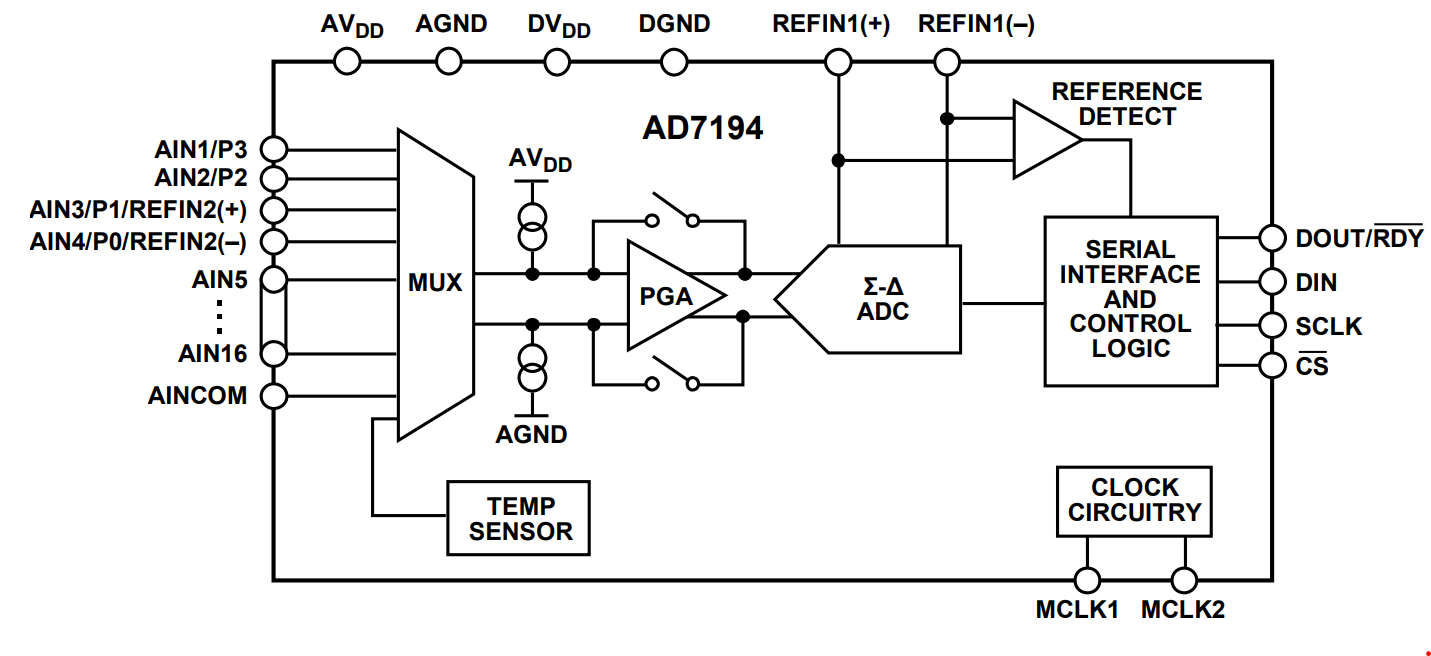
Features
Full featured evaluation board for the AD7194
PC control in conjunction with the system demonstration platform (EVAL-SDP-CB1Z/EVAL-SDP-CK1Z)
PC software for control and data analysis (time and frequency domain)
Required Software
Quick Start Guide
The following steps highlight the process to begin using the evaluation board.
Equipment Required
PC running Windows with a USB2.0 port and software installed.
Controller Board
Option A: EVAL-SDP-CK1Z and a USB-C cable
Option B: EVAL-SDP-CB1Z and a Micro-USB cable
Getting started
Warning
Ensure the SDP board is not connected to the USB port of the PC
Install the ACE Software
If ACE Software is already installed, update the Plugins to download AD719x Plugin.
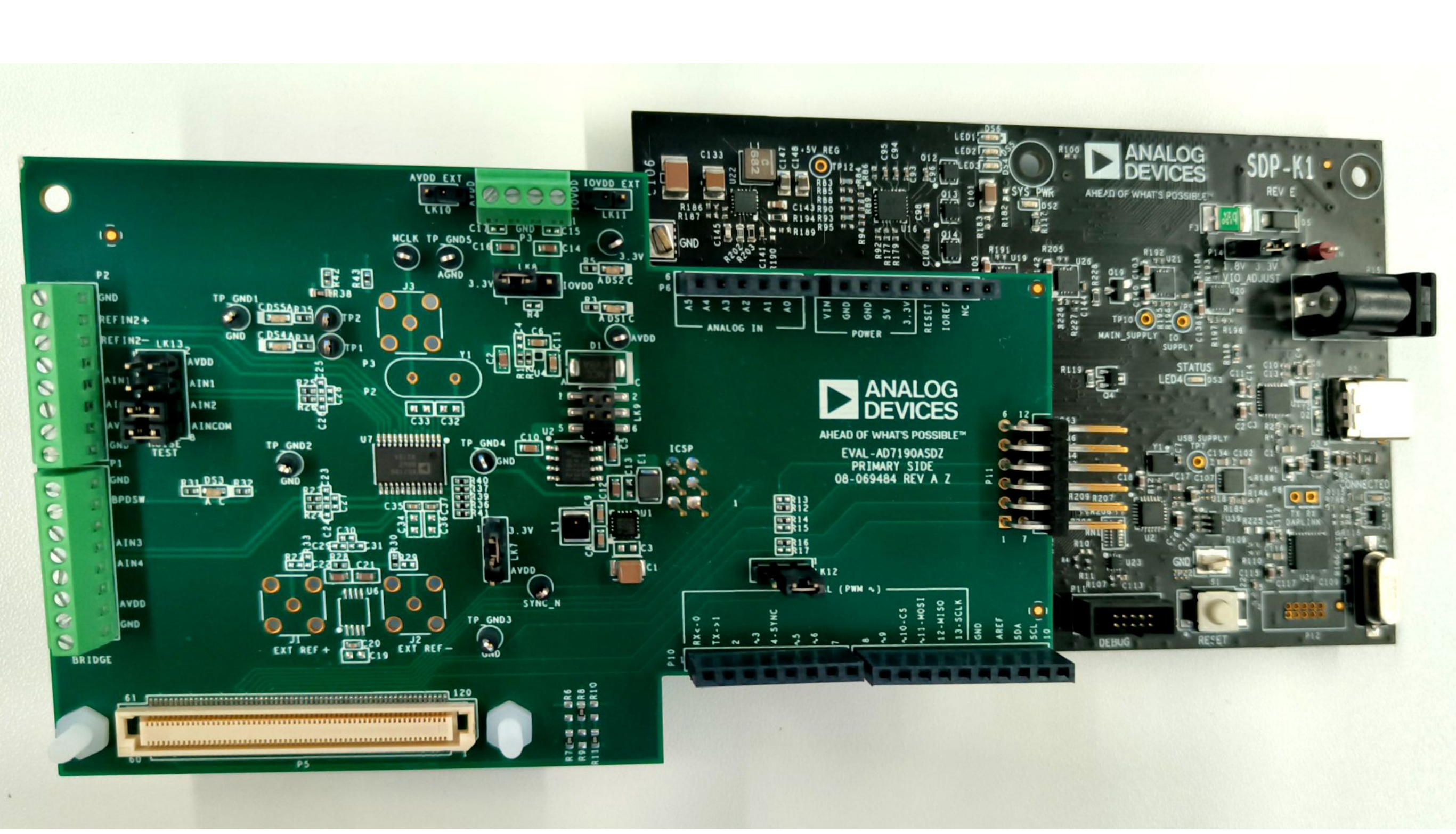
Connect the EVAL-AD7194-ASDZ to the controller board
Option A: Connect the EVAL-AD7194-ASDZ to the EVAL-SDP-CK1Z
Using the 120 pin connector
Screw the two boards together using the plastic screw-washer set included in the evaluation board kit to ensure that the boards are connected firmly together.
Using the Arduino Connectors
Option B: Connect the EVAL-AD7194-ASDZ to the EVAL-SDP-CB1Z
Using the 120 pin connector
Screw the two boards together using the plastic screw-washer set included in the evaluation board kit to ensure that the boards are connected firmly together.
If using Windows® XP, it may be needed to search for the controller board drivers. Choose to automatically search for the drivers for the controller board if prompted by the operating system.
Launch the ACE plugin from the Analog Devices subfolder in the Programs Menu.
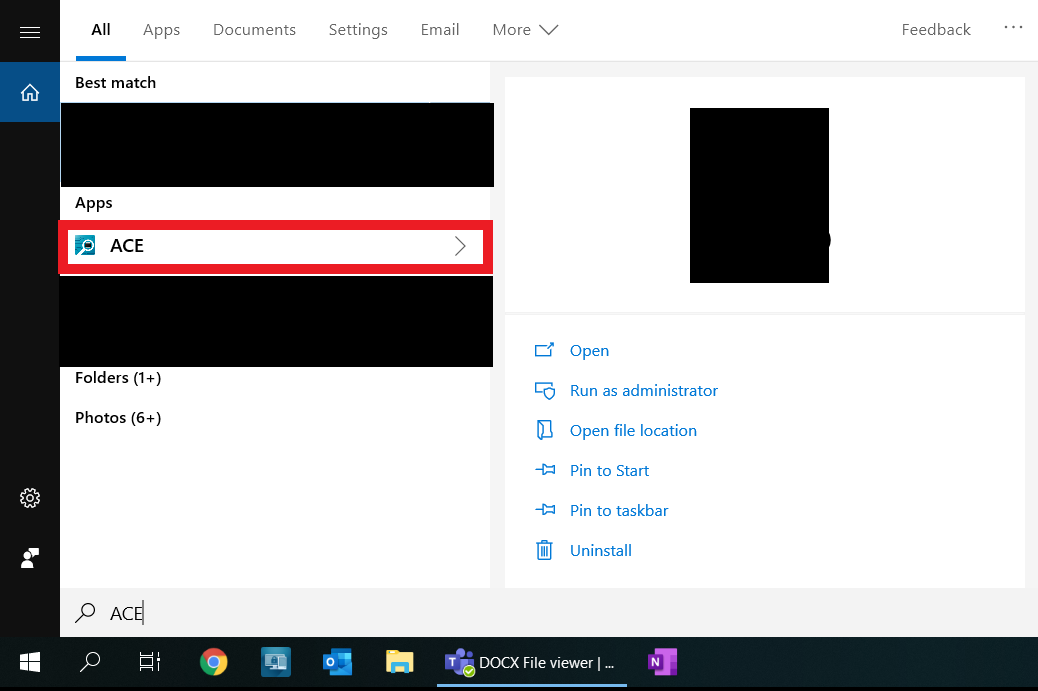
The ACE Plugin software is a useful tool to ensure that the Evaluation board is communicating correctly.