Quickstart
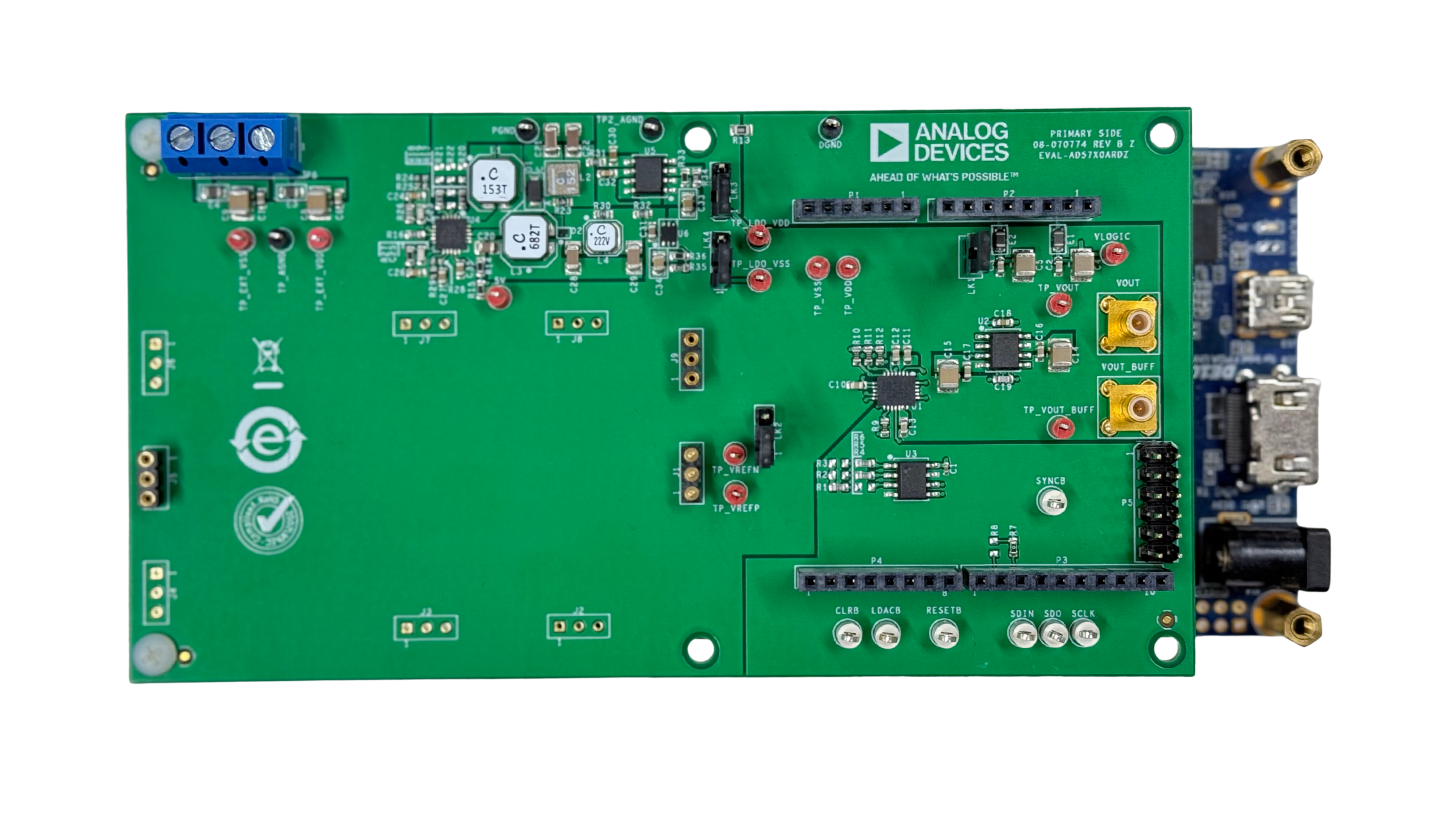
The Quick start guides provide simple step by step instructions on how to do an initial system setup for the AD57xx evaluation boards (EVAL-AD5780ARDZ, EVAL-AD5781ARDZ, EVAL-AD5791ARDZ) on various FPGA development boards. In these guides, we will discuss how to program the bitstream, run a no-OS program or boot a Linux distribution.
Supported carriers
The AD57xx evaluation boards support precision, single-channel voltage output DACs with various resolution and range options. These compact evaluation boards are designed to work with multiple FPGA development platforms via Arduino shield connectors.
The carriers we support are:
Supported Environments
The supported OS are:
Hardware Setup
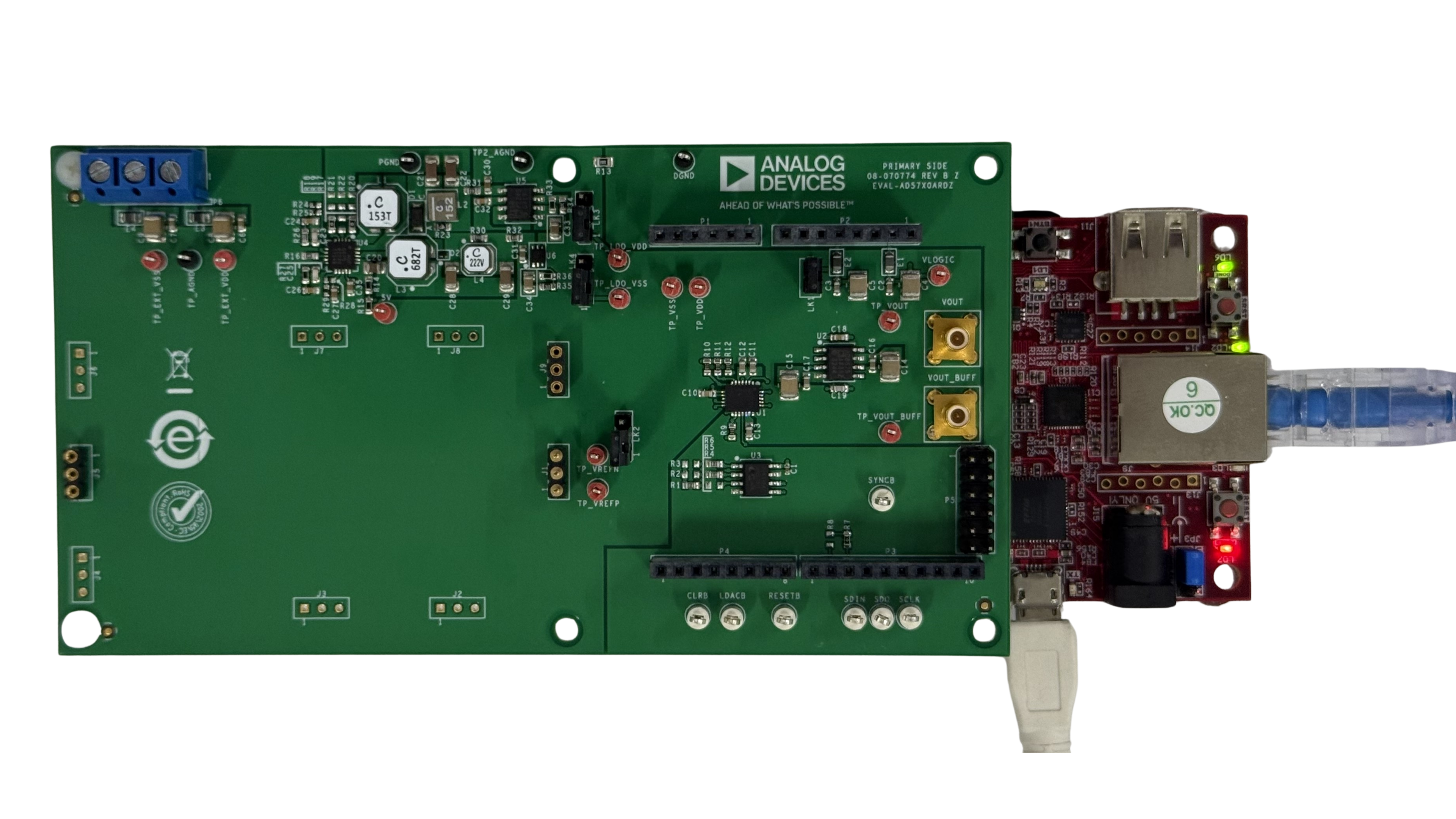
The AD57xx evaluation boards connect to the Arduino Shield connector (unless otherwise noted). The carrier setup requires power, UART (115200), ethernet (Linux), and/or JTAG (no-OS) connections.
A few typical setups are shown below.
CoraZ7-07s + AD57xx
DE10-Nano + AD57xx